Template catalog
Start from something great.
Every template ships with its player, its Claude skill, and its documentation — create a project from one in the app and ask for what you want.
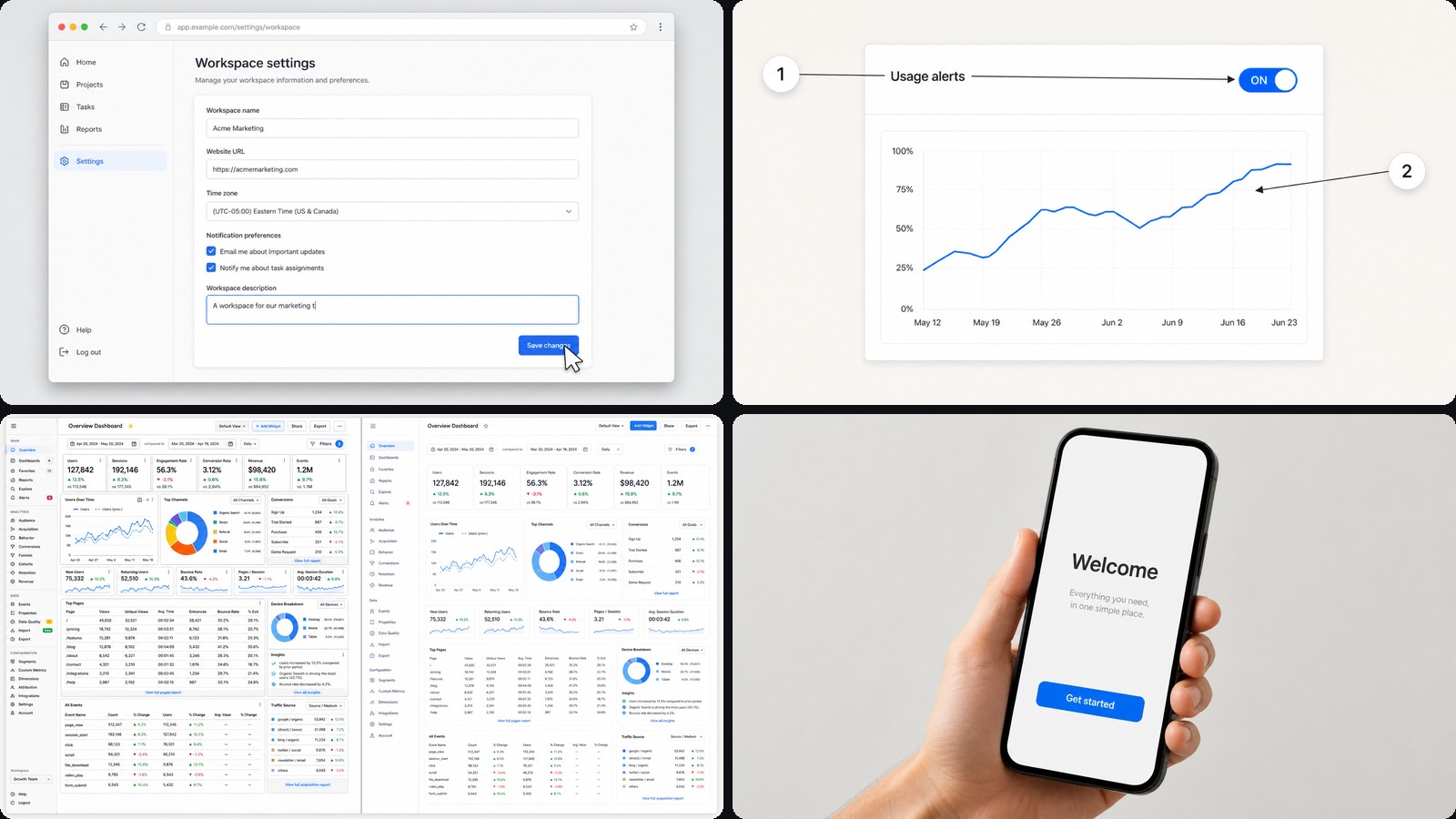 DemosProduct Demo VideoA clean, punchy product reel: bold type, smooth entrances and a bright studio look. Built to…
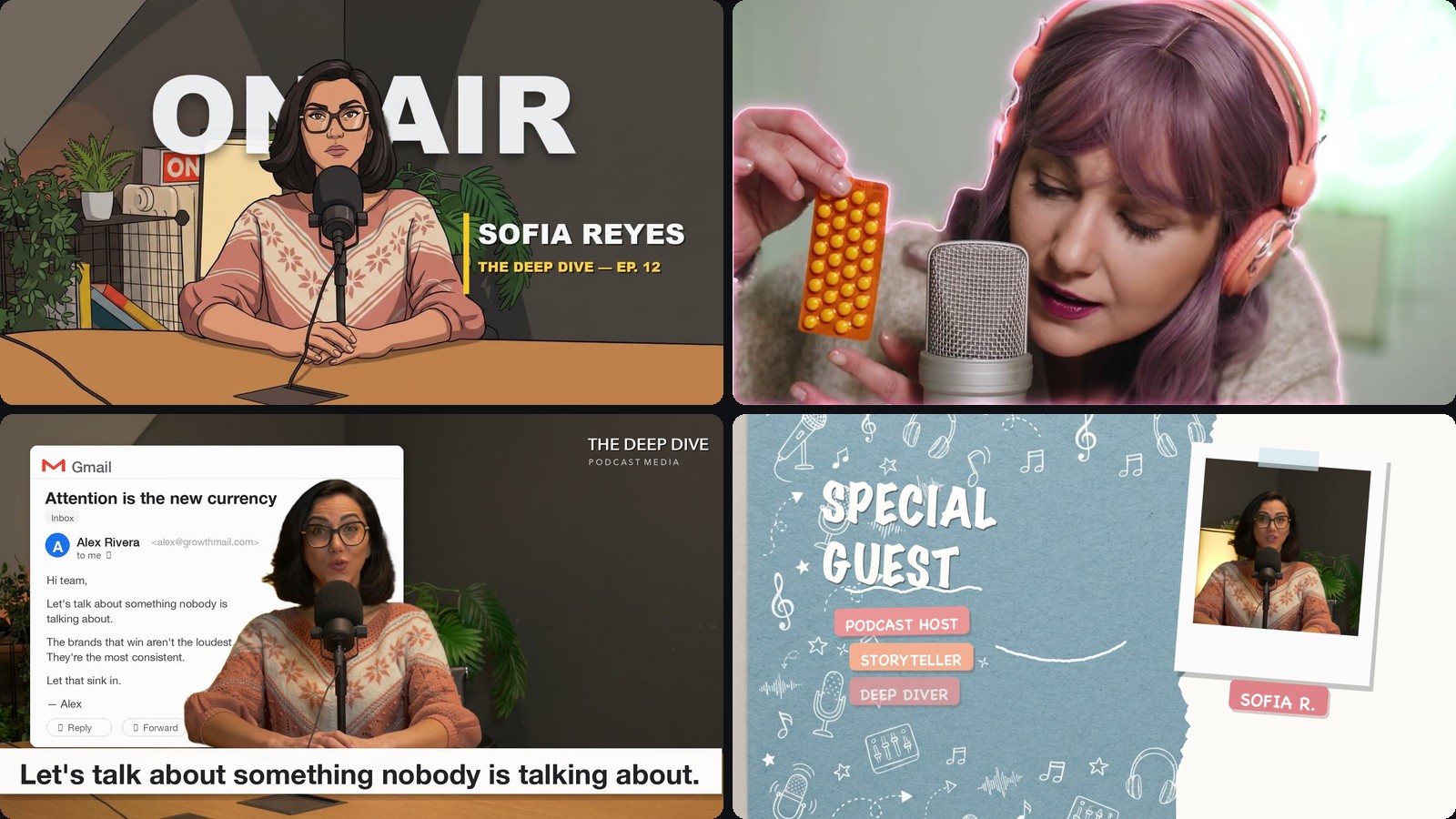 EffectsPodcast Video EffectsEye-catching effects for real footage: text behind you, doodle outlines, podcast captions…
 EffectsMap AnimationAnimate a journey across a hand-painted watercolor map. The camera flies between real…
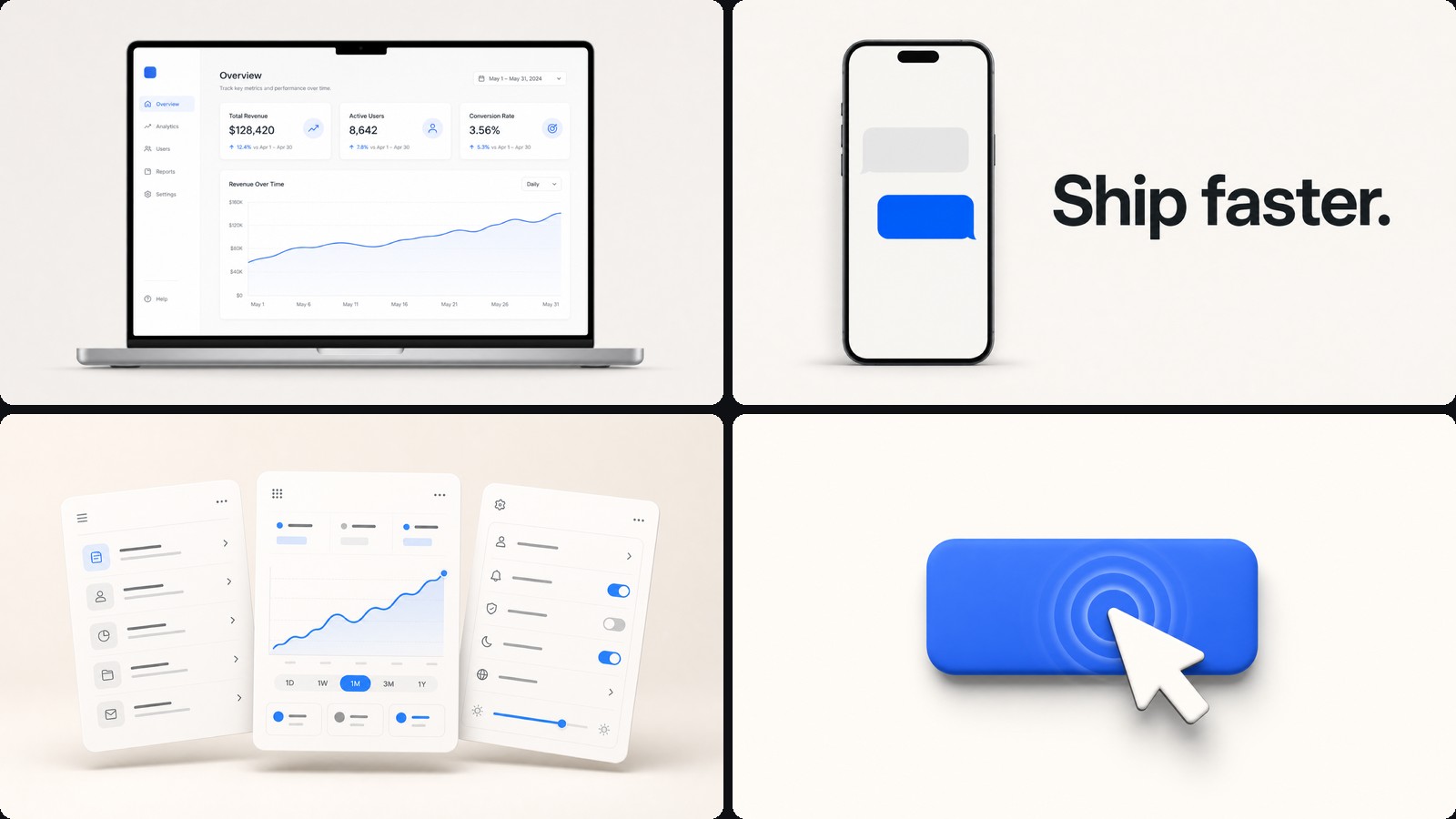 ExplainersMotion Graphics VideoKinetic titles, shapes and transitions for intros, promos and explainer beats. The classic…
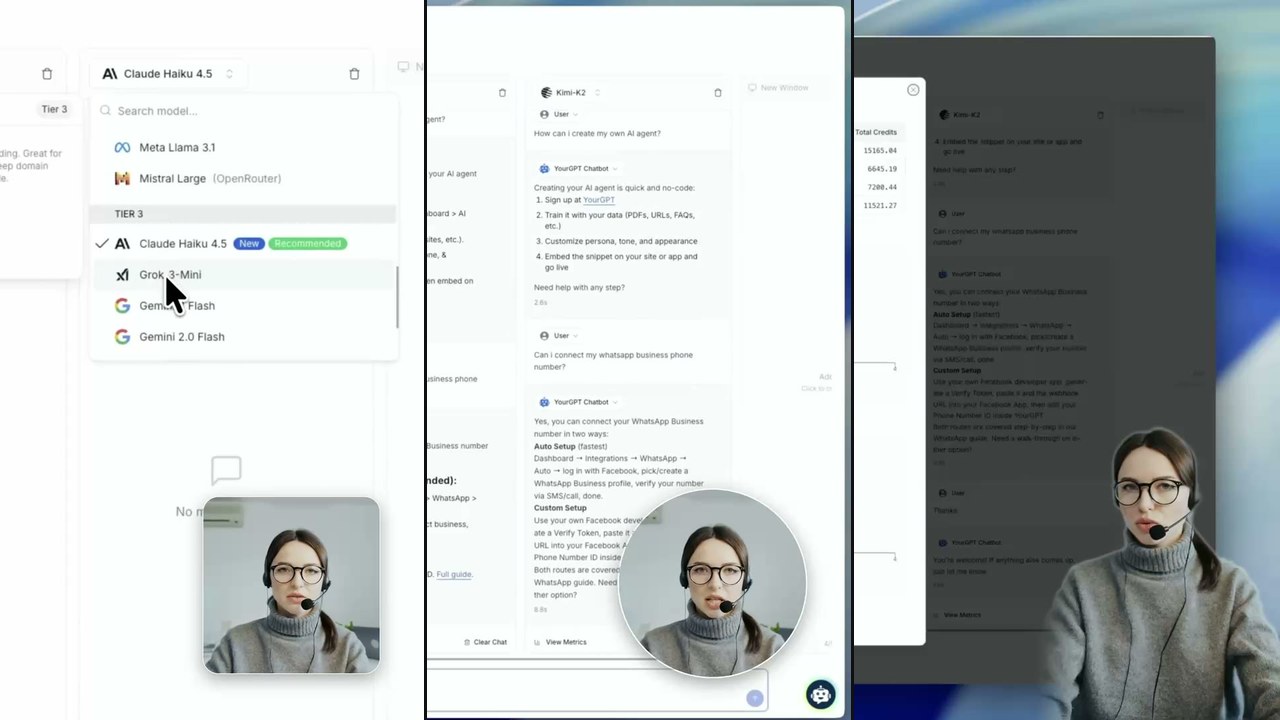 ExplainersTalking Head TutorialThe course and walkthrough layout: your screen recording plays full-bleed while the Guide talks…
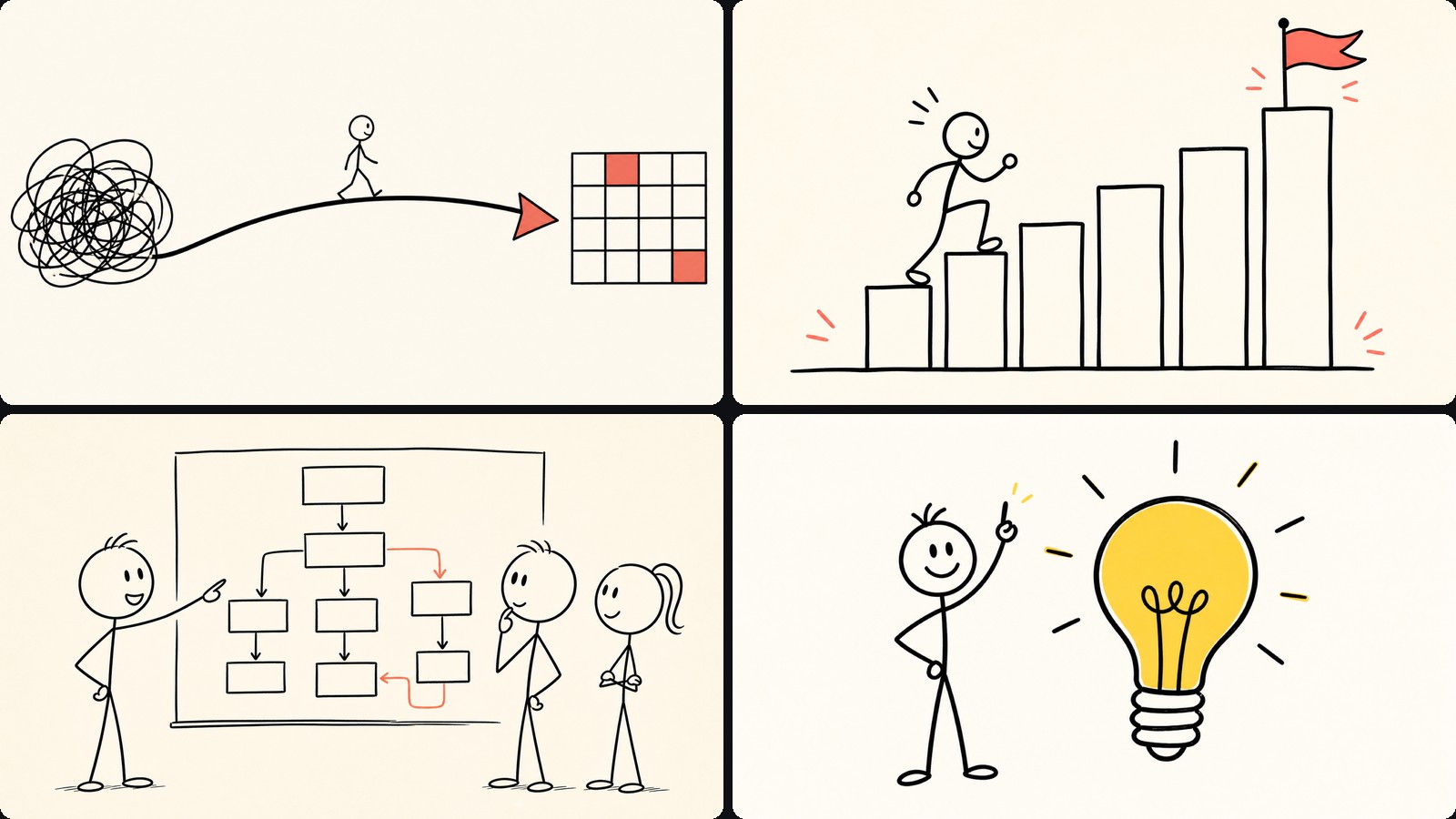 ExplainersWhiteboard AnimationSketches that draw themselves: pencil lines, watercolor washes and handwritten captions, in…
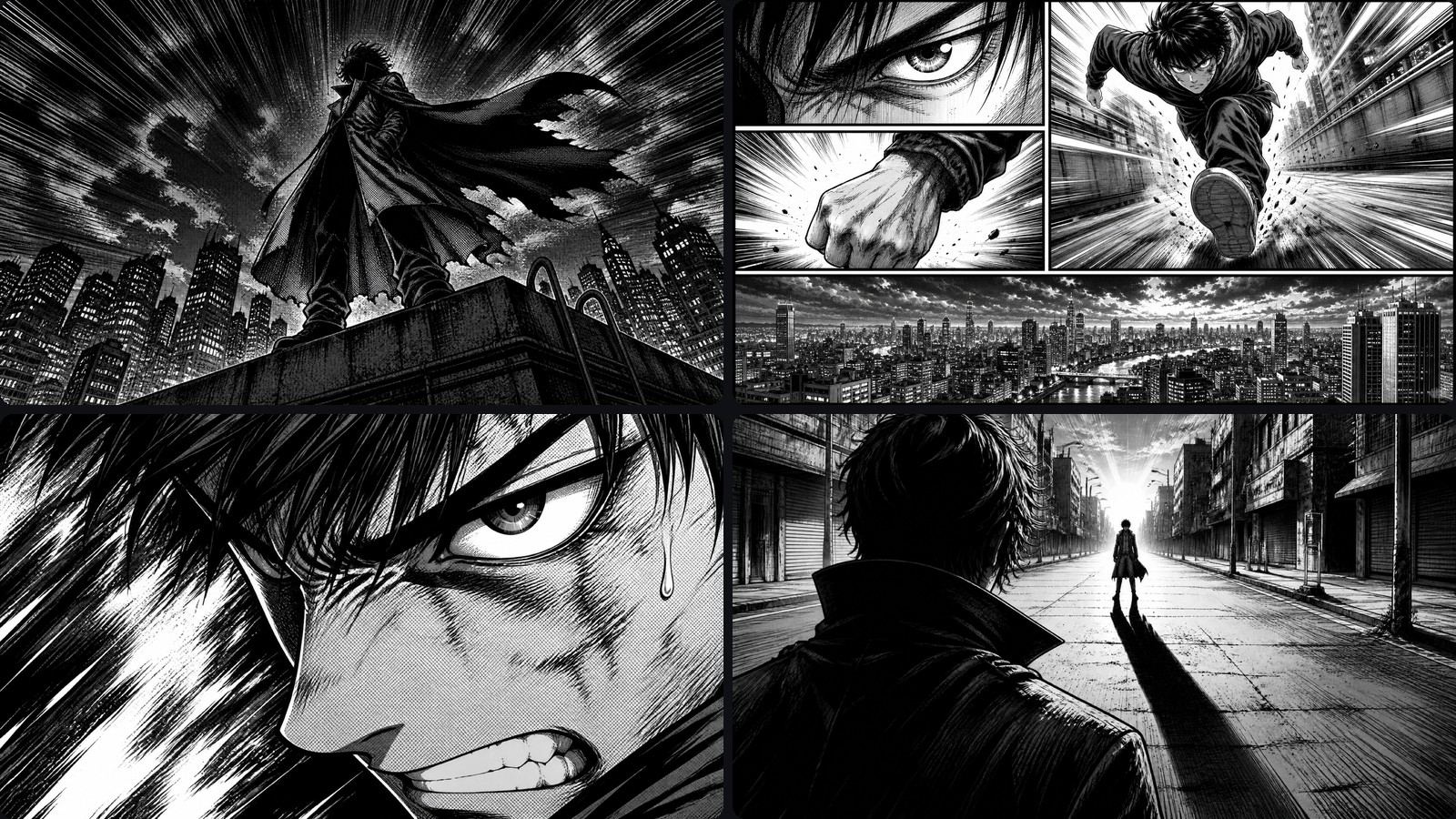 ExplainersRecap ExplainerTurn manga pages, comics or any PDF into a narrated video: panels are detected automatically…
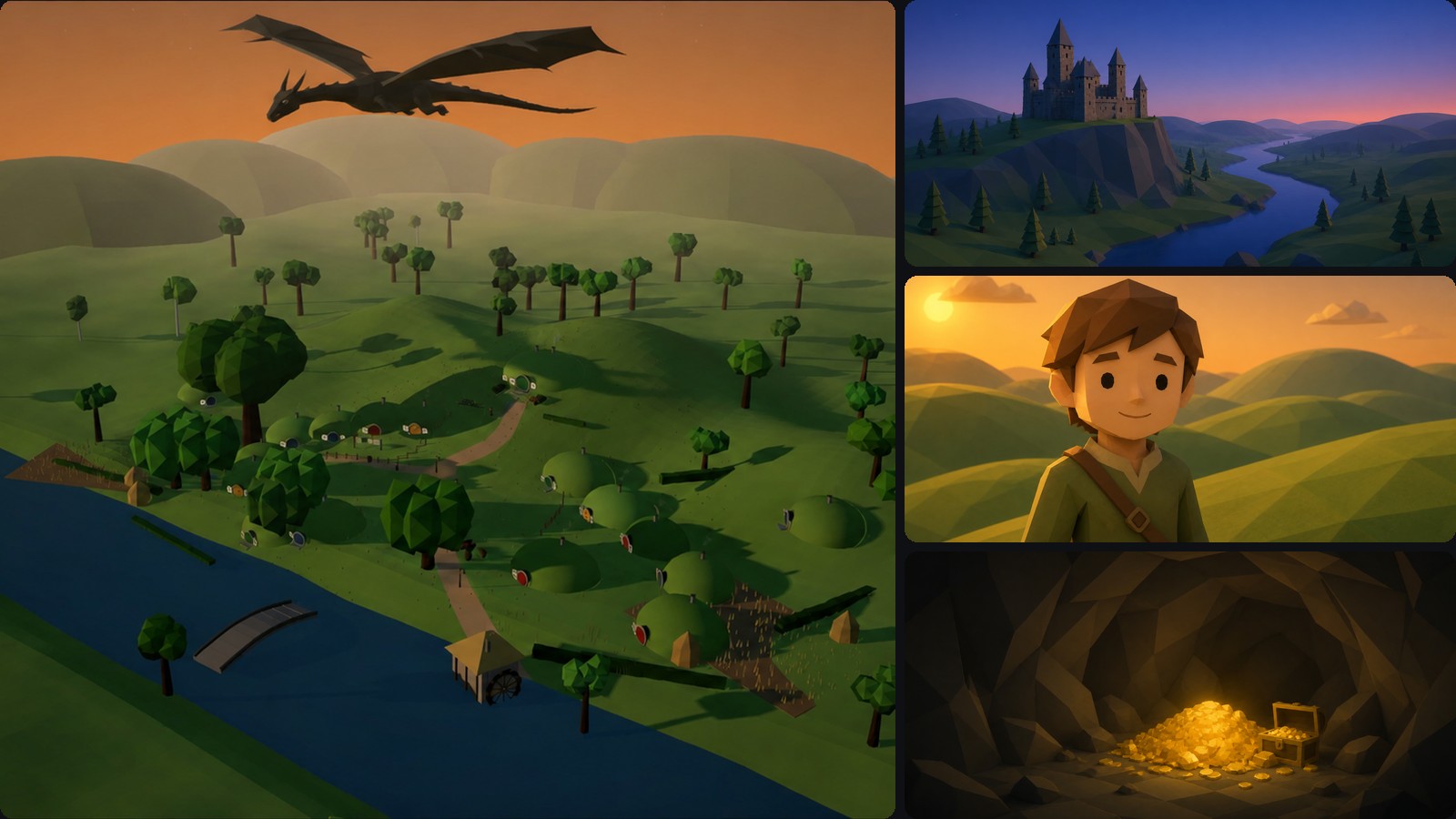 Explainers3D Explainer VideoCinematic low-poly 3D worlds with sweeping cameras and built-in subtitles. Explain an idea as a…
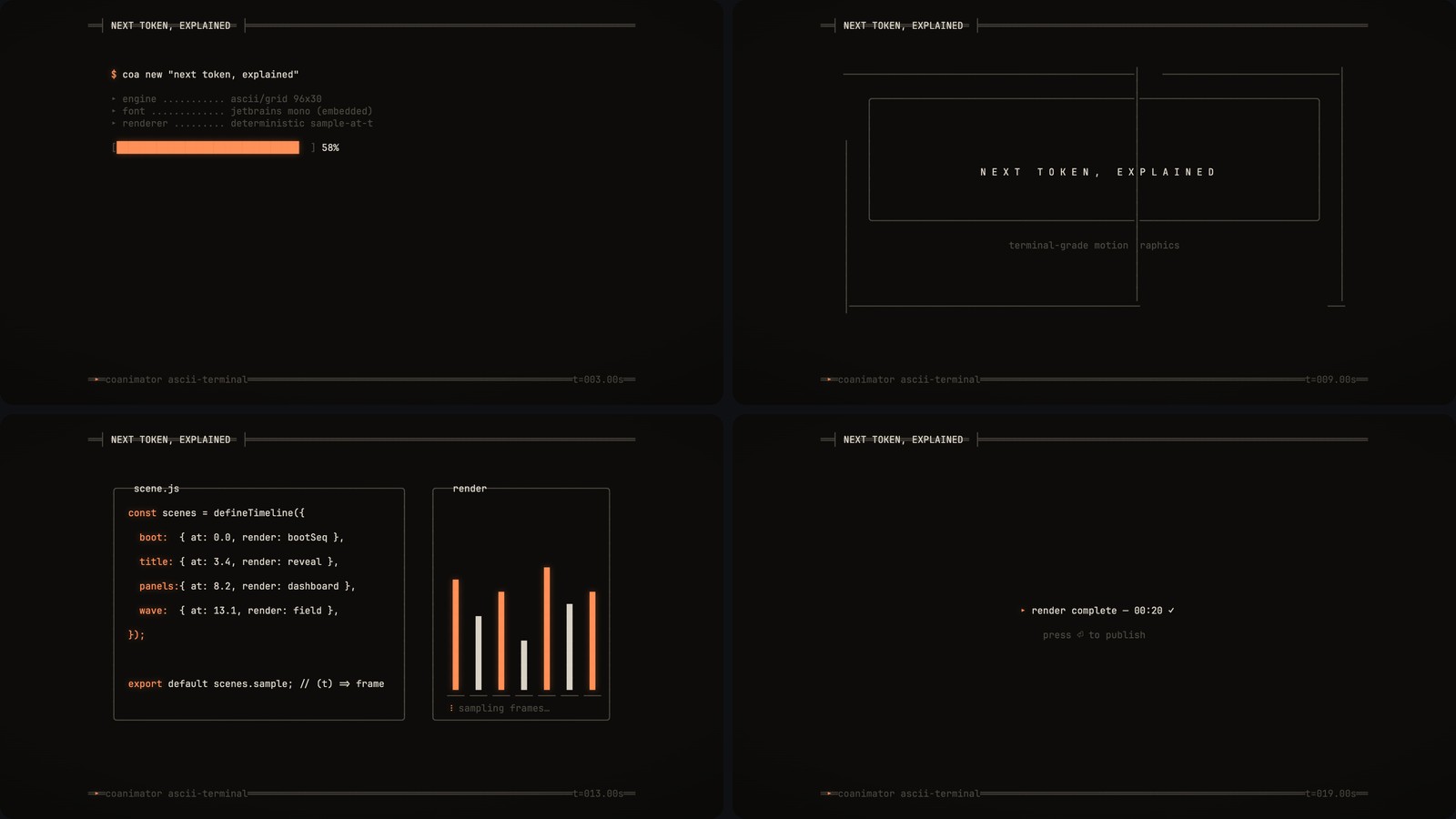 ExplainersASCII Art VideoRetro terminal style: typing sequences, glitchy text reveals and character-art scenes. Perfect…
what you get
What ships inside a template
A template is not a preset you fill in. It is a working project plus the instructions an AI agent needs to extend it correctly, which is why an agent can produce something usable on the first pass instead of guessing at file structure and timing conventions.
A finished sample project
Every template ships with at least one complete video built in it — not a screenshot, a real project you can open, scrub, and re-render. It is the fastest way to judge whether a style suits your product before you brief an agent on anything.
An agent skill
The instruction set that teaches Claude Code, Codex, Antigravity or OpenClaw the template’s format: how scenes are structured, how timing works, which conventions the style depends on. This is the difference between an agent that produces the style and one that approximates it.
Documented effects
Each look is written up with what it does and how to ask for it, so you can request an effect by name rather than describing it and hoping. The Podcast Video Effects template documents 35 looks across six packs this way.
Its own player
The template carries the runtime that draws it — WebGL for 3D scenes, canvas compositing for footage effects. That is what lets a browser preview show the real thing rather than a video of it.
Style variants
Most templates ship several looks over the same structure, so you can switch the whole film from ink to watercolor, or from one effect pack to another, without rebuilding the scenes underneath.
A version number
Templates are versioned like any dependency. The version sits on the card and on the template page, so a project records which one it was built from and an update never silently changes a video you already shipped.
choosing
Which template fits which video
Templates are organised by visual style rather than by use case, because one style covers many jobs. The practical question is what your source material is. If you have footage — a screen recording, a talking head, a podcast take — start from the real-footage effects template, which composites titles, mattes and camera moves around video you already shot. If you have no footage and the video has to be built from nothing, start from motion graphics for UI, kinetic type and charts, or from3D for product scenes with real depth and camera movement.
If your source is a document — a deck, a set of pages, a comic, a manual — the scene explainer template turns pages and panels into narrated films with Ken Burns moves. For teaching content where the drawing itself carries the explanation, the hand-drawn styles work the way a whiteboard does, revealing a line at a time instead of cutting between finished frames.
None of these choices lock you in. A template sets a starting style and gives your agent a working example to reason from; colours, pacing, layout and motion all stay editable by asking. Starting from the closest template is a way to spend fewer turns getting to the video you wanted, not a constraint on what it can become.
Template FAQ
What are CoAnimator templates?
Templates are starting points with a built-in art style and a matching agent skill: real-footage effects, low-poly 3D explainers, ASCII terminal motion graphics, manga-style recaps, hand-drawn films, and more. Each ships with finished sample projects, so your agent starts from a working example instead of a blank canvas.
What is an “agent skill” in a template?
A skill is the instruction set that teaches your agent a template’s format — its file structure, timing rules, and style conventions. It’s what lets Claude Code, Codex, Antigravity, or OpenClaw produce videos in that style correctly on the first pass instead of guessing at the format.
Can I customize a template beyond its default style?
Yes. A template project stays fully editable: anything in it — colors, motion, layout, pacing — can be changed by asking your agent. Templates set a starting style; they don’t fence you in.
Which template should I start with for a product demo?
Start from the real-footage effects or motion-graphics template: the first layers callouts and effects over your actual screen recording, the second builds the demo as pure animated UI and kinetic type. Both ship with sample projects you can open to judge the style against your product before you brief your agent.
Every template is free. So is the studio.
Install CoAnimator, create a project from any template above, and ask your agent for the video you want. Every project stays editable and renders on your own machine.

