About this template
Hand-drawn explainers — ink on paper, stick figures, arrows that draw themselves. The look that makes a complicated idea feel like someone sketching it for you across a table.
Good for teaching, onboarding, pitching a process, or any story where the drawing appearing is part of the point.
What it looks like
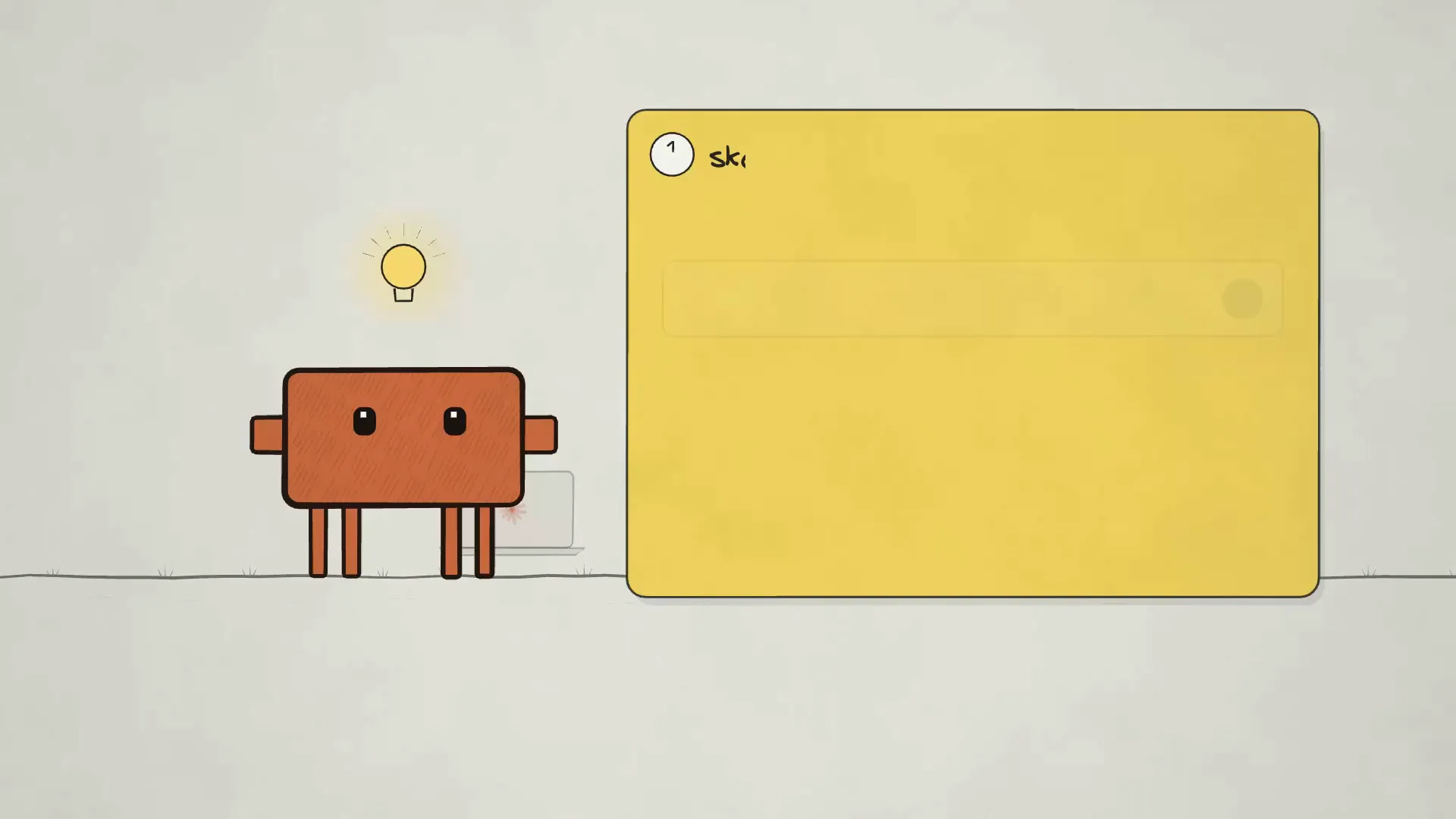
Confident black linework on warm off-white, with one accent colour used sparingly — a red flag at the top of the chart, a yellow bulb, an orange arrow. Figures are simple enough to redraw from memory, which is what keeps the style consistent as a film grows.
Lines draw on rather than fade in. That single choice is most of the charm: the viewer watches the idea being made, so a slow beat still feels like progress.
Five looks, one film
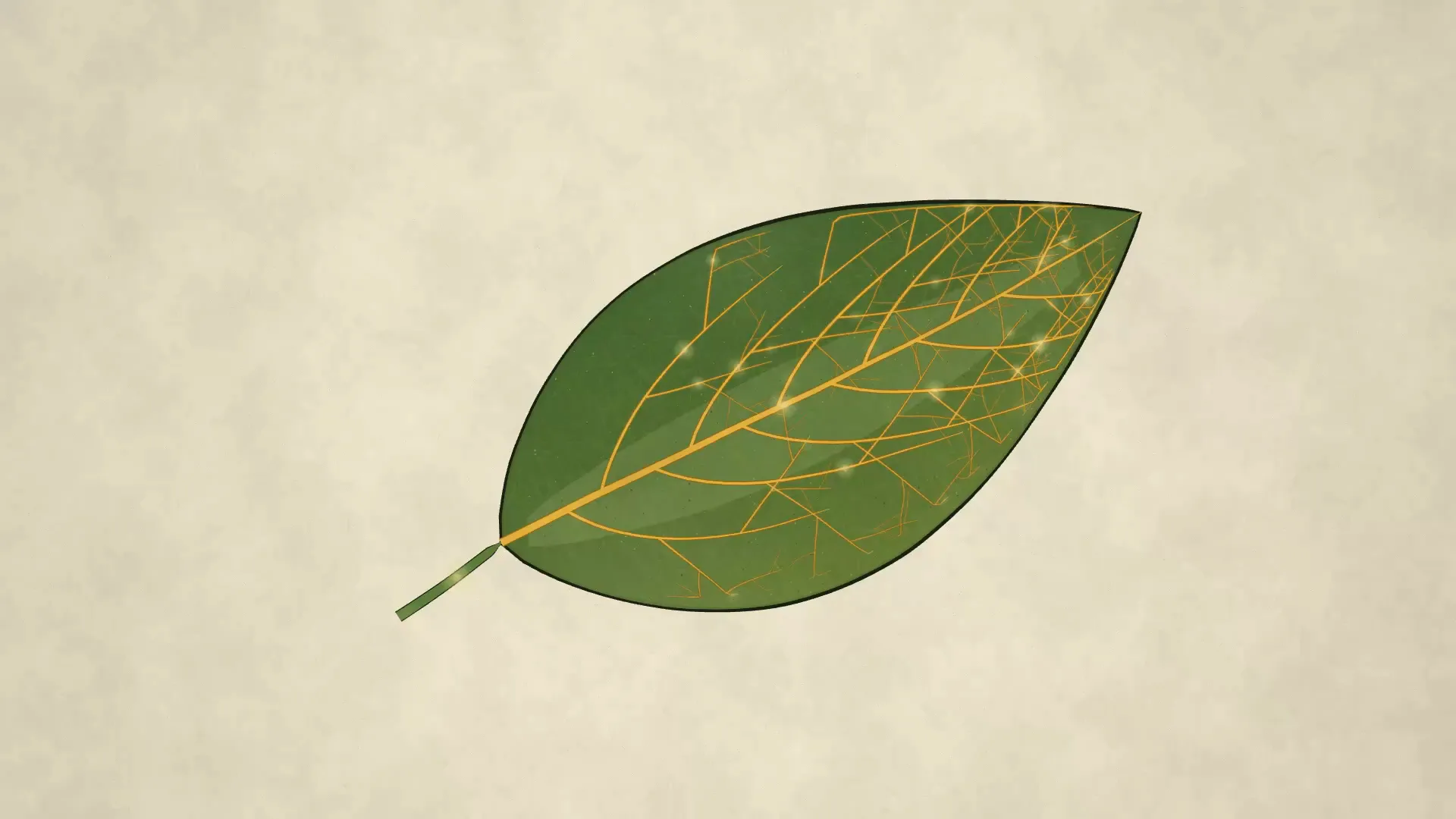
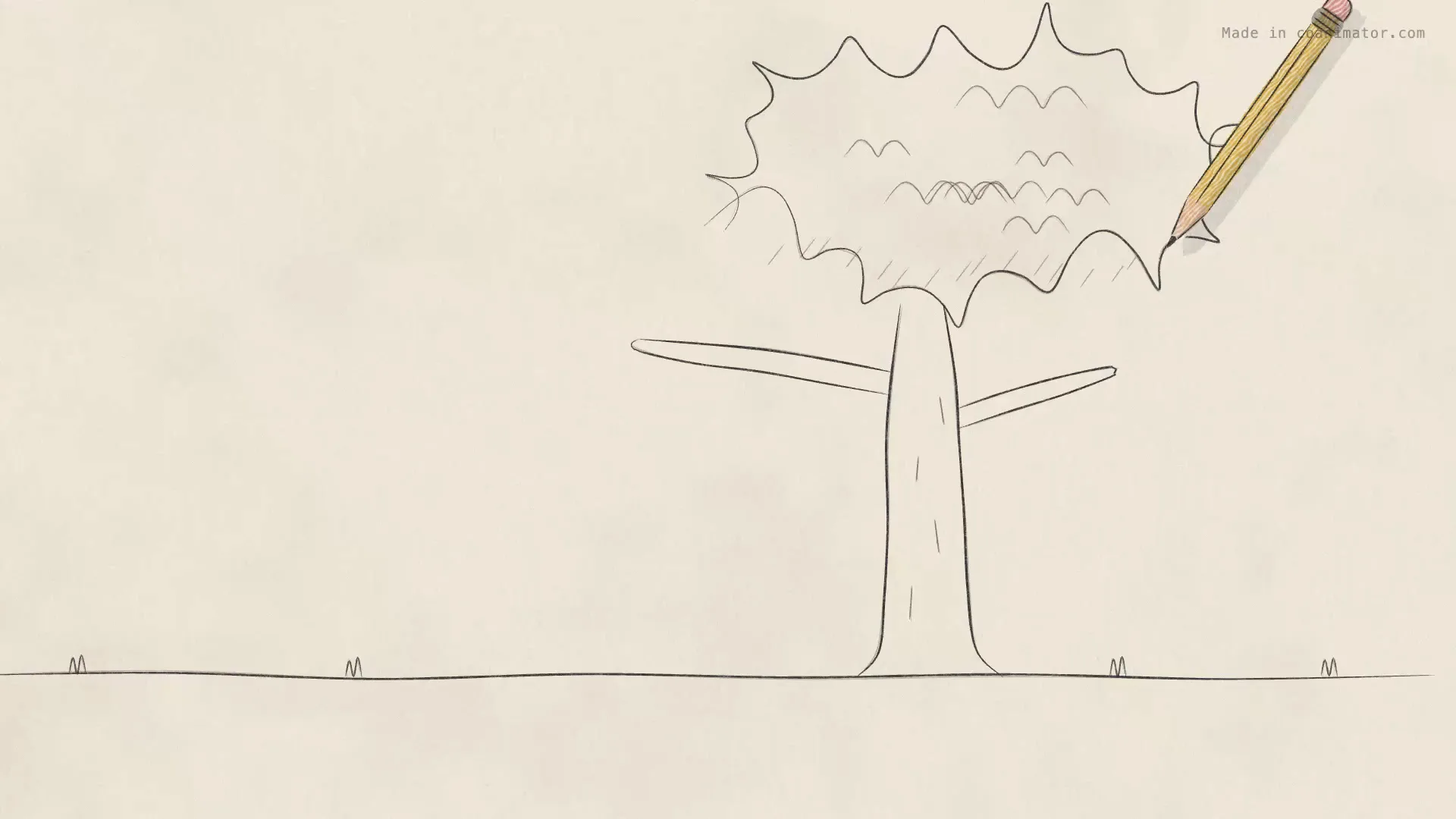
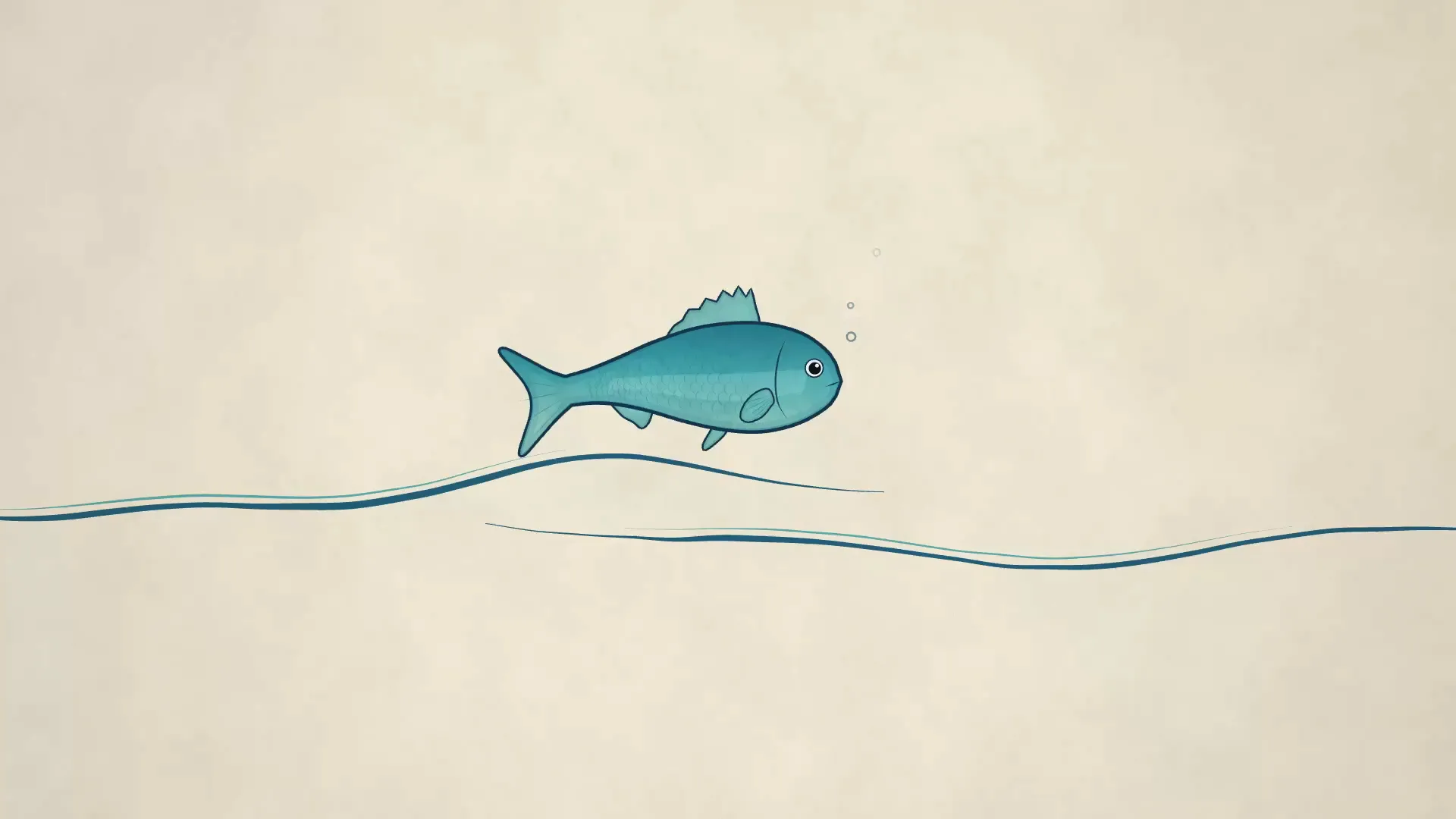
The same film renders in five different hands — clean ink, pencil, illustrated, and two watercolours. The look is a skin: switch it and the timing, camera and narration stay exactly as they were. Try a version in each and keep the one that suits the subject.
What you get
- Stick-figure castPeople who point, climb, carry and react
- Draw-on shapesBoxes, arrows, charts and underlines that build stroke by stroke
- A moving cameraPans and pushes across a canvas wider than the frame, so a long story does not need cuts
- Chapter beatsA title, a build, a payoff
Making one
Describe the story and its steps. Your agent lays out the canvas, places the drawings and times the camera; you scrub and adjust — "hold on the chart", "move the figure left", "draw the arrow slower". Narration goes on the timeline underneath and the beats shift to match.
Bundled sample
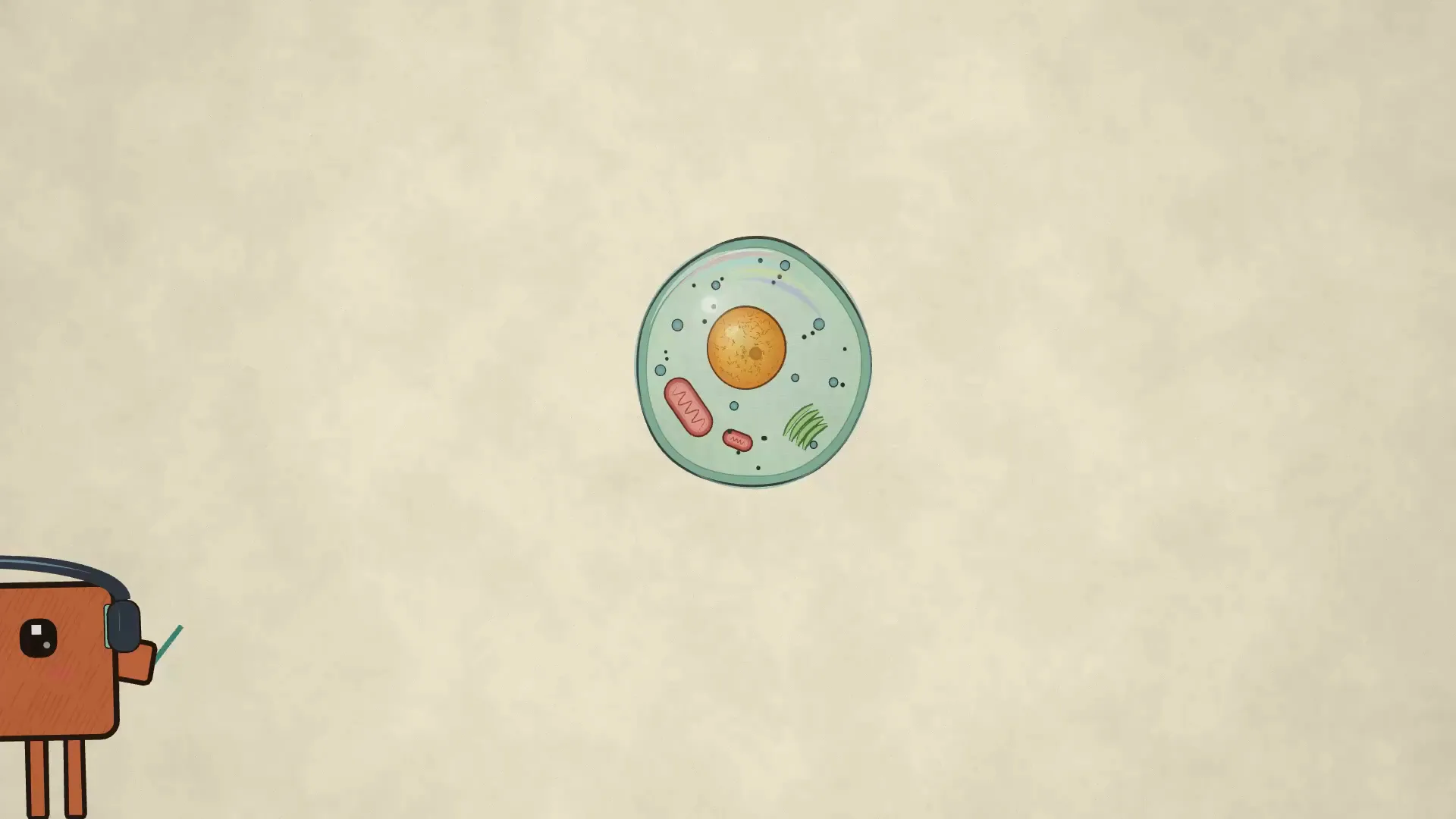
Pencil Osmosis is a finished science explainer in the pencil look — a complete film to open, read and reshape into your own.
How to use this template
Get CoAnimator. It is a desktop app: Download CoAnimator.
Start from Whiteboard Animation. Choose New and pick it in the template picker. It installs the first time you use it.
Ask your agent. Describe the video in the agent chat; the template’s agent skill teaches it the style.
Export. Pick the size and frame rate, then export your MP4.