Tutorials that survive your next release
Turn a screen recording into a polished tutorial: titles, zooms, captions, narration. When the UI changes, re-render the scene instead of re-recording the video.
macOS · Windows · Linux · no credits, no render limits
 Antigravity
made with coanimator
Software tutorial video examples
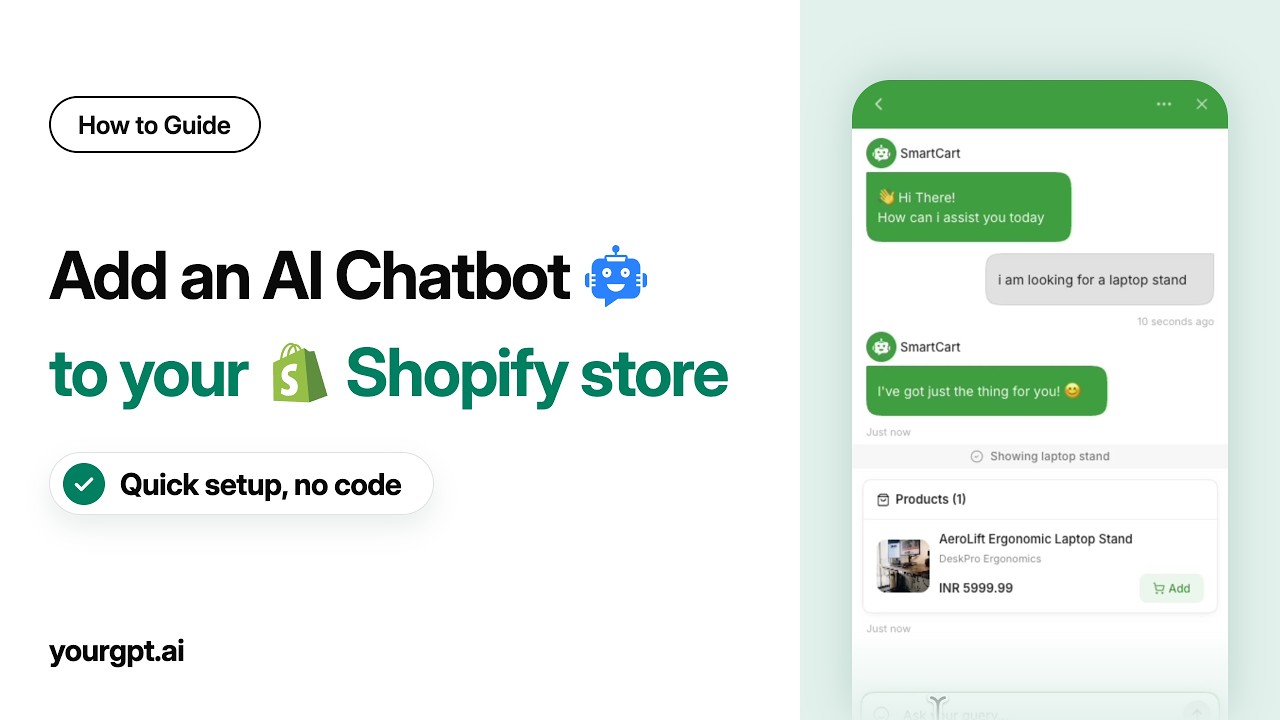
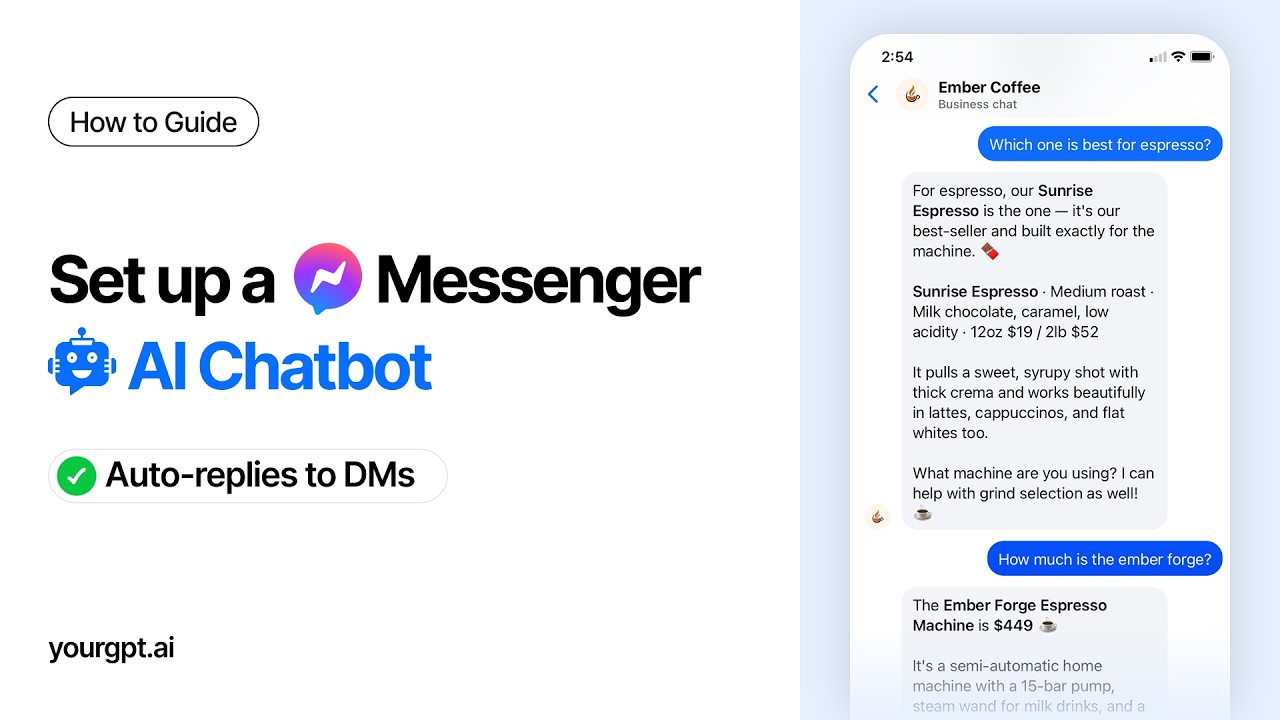
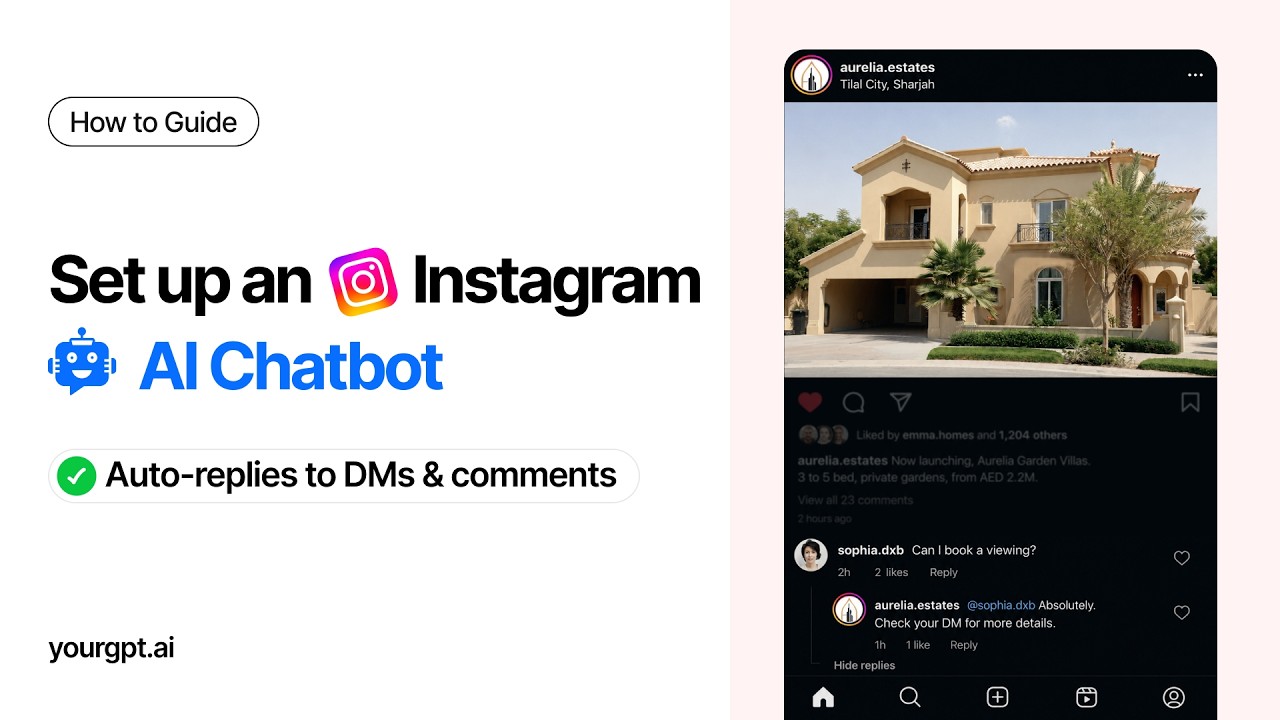
The YourGPT guide library. Every one scripted, animated, narrated and rendered in CoAnimator, and still editable.
one agent, not a toolchain
You don’t need five tools.
You need one agent.
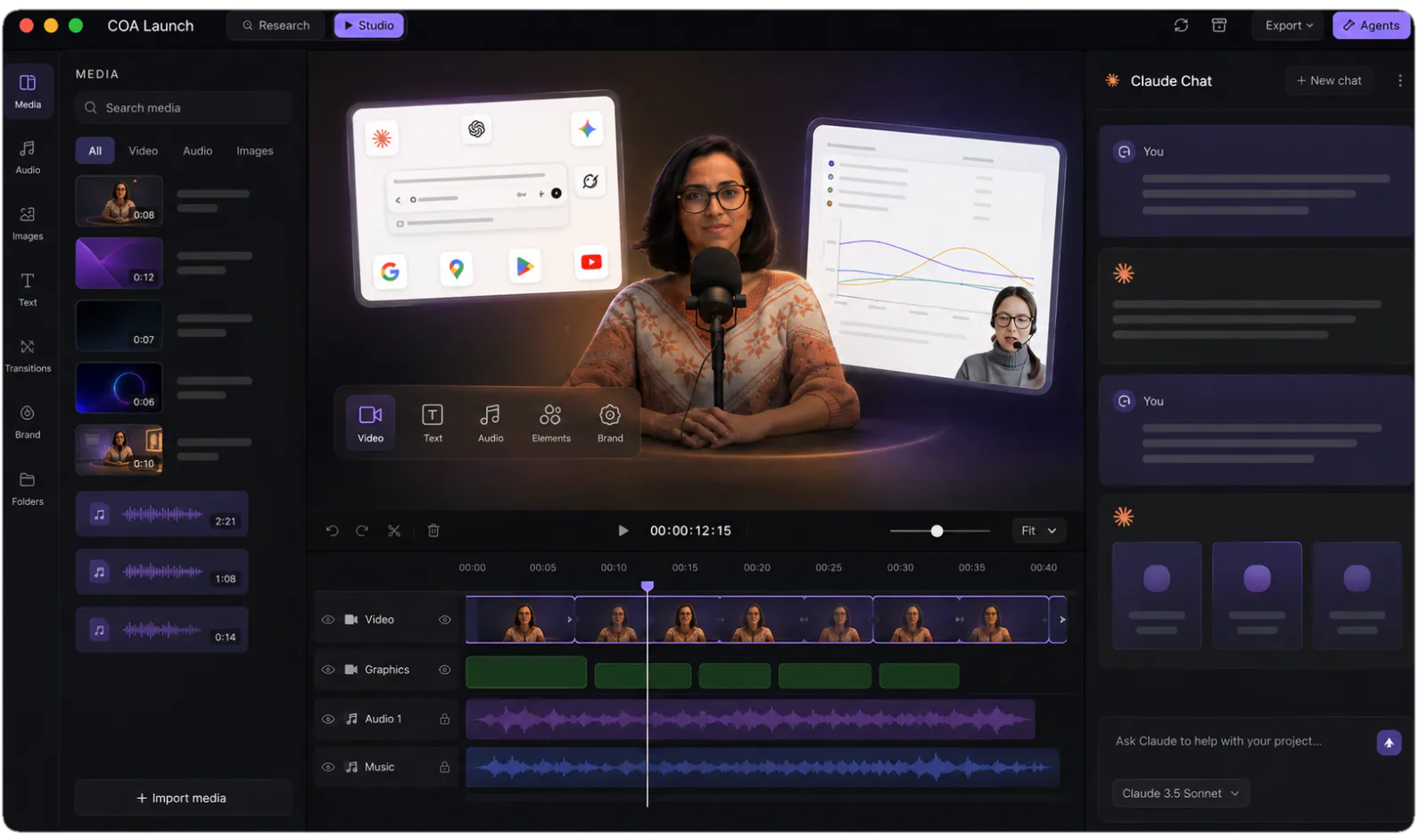
One message in the chat starts the whole job: the cut, the zooms and callouts, the voiceover, the captions, the render. Normally that is five apps and five handoffs. Here it is one window.
not everything is a screen
Explain the idea
with motion graphics.
Some steps have nothing worth filming: how the pieces fit together, what happens on the server, why a setting matters. Ask for a motion-graphic scene and the agent animates it and drops it into the same timeline, between your recorded steps.
one project
One recording.
Every length.
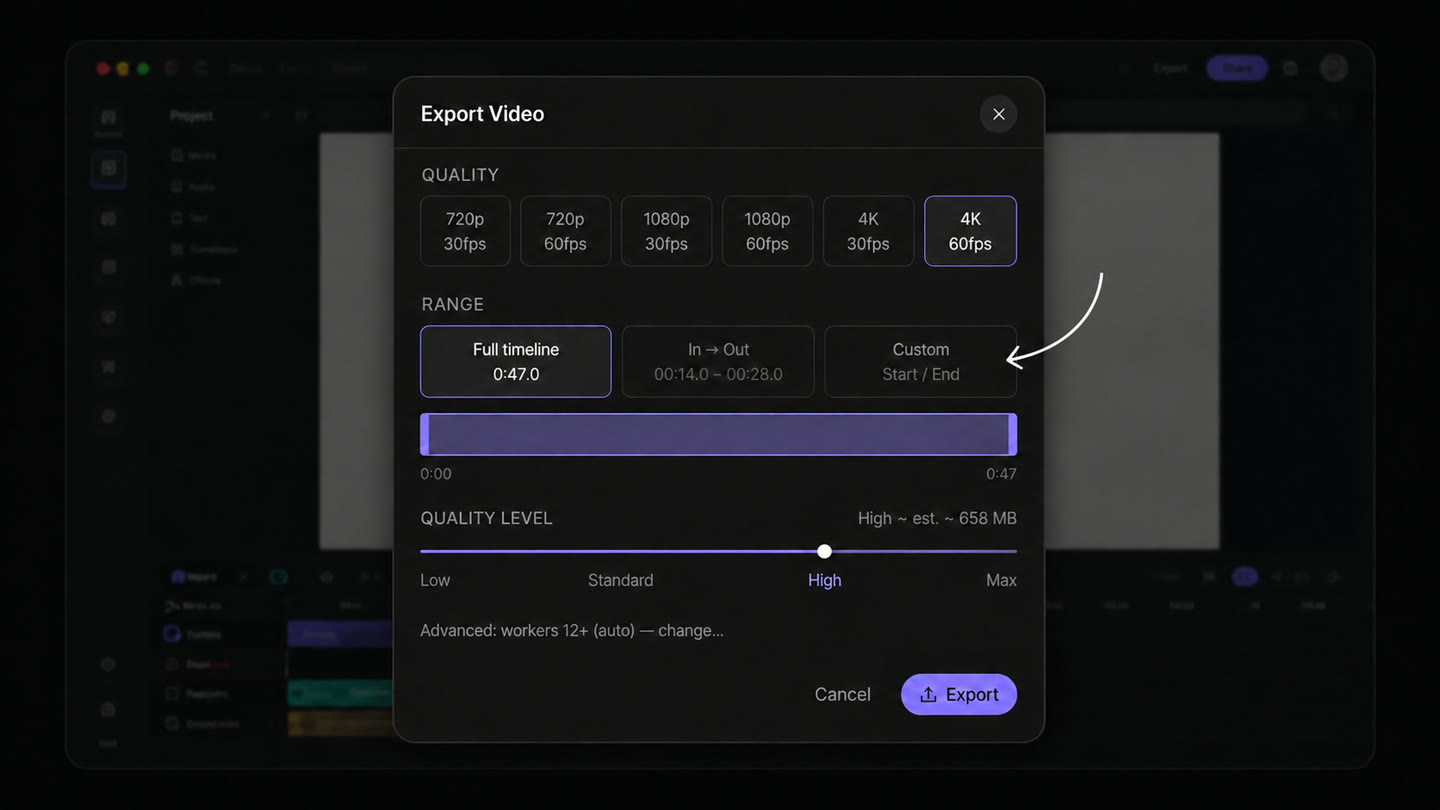
A tutorial is never one length. Export the full timeline, mark in and out around the part someone actually asked about, or set a custom range for the clip a docs page has room for.
Rendering runs on your machine and is never metered, however many cuts you export.
how it's built
How to make a tutorial video in CoAnimator
- 01
Record the screen, describe the rest
Your capture drops in as one asset. Say what each step is teaching and the agent takes it from there.
- 02
The agent builds the tutorial
Intro, chapter titles, punch-in zooms and callouts, authored as editable code around your footage.
- 03
Narration and captions land timed
The voiceover renders one clip per chapter, and captions come from the script rather than a transcript, so they match the words exactly.
- 04
Review in the editor
Timeline, media panel, live stage. Ask to slow a step or re-cut a chapter and watch it hot-reload.
- 05
Re-render after the release
Swap the clip a UI change broke and export locally, in-app or headless via the coa CLI. Never metered, however big the library.
the math
Three ways to keep a tutorial library alive
| Screen recorder | Course platform | CoAnimator | |
|---|---|---|---|
| First version | Same day | Same week | Same day |
| Chapters, zooms, callouts | Manual, per video | Templated | Built by the agent |
| Narration | Your mic, one take | Your mic, one take | Rendered from the script, re-timed on edit |
| When one step changes | Re-record the video | Re-record the lesson | Swap that clip, re-render |
| A 30-video library after a release | 30 re-records | 30 re-records | One scripted re-render |
| Output | One MP4 | Locked in the platform | An editable project + every cut |
FAQ
What’s the best way to make software tutorial videos without a video editor?
For software tutorials, the fastest workflow is letting an AI agent build the video around your screen recording: in CoAnimator, the agent adds the intro, chapter titles, punch-in zooms, captions, and narration from a plain-language brief. You review on a live stage and export MP4 locally on macOS, Windows or Linux. The YourGPT guide library on YouTube is produced this way, so the format is proven on real support content.
How does an AI agent turn a screen recording into a tutorial video?
Your recording drops in as an asset, and the agent builds the rest around it: titles, zooms, callouts, captions and the voice track, all sequenced on the timeline and all still editable. Nothing about the source clip is baked in, so when a step changes you swap one clip and keep the structure. The stage hot-reloads as the agent works, and the finished tutorial renders on your machine.
Do I have to re-record my tutorials every time the UI changes?
No. That’s the problem CoAnimator’s file-based projects exist to solve. Replace only the recording that shows the changed screen, tell the agent what moved, and re-render; the narration, chapters, and styling stay put. With the coa CLI you can re-render a whole tutorial library headlessly after a release instead of re-shooting it.
Can CoAnimator generate the narration for a tutorial?
Yes. The built-in TTS voiceover plugin renders the narration, one clip per chapter, placed straight onto the timeline. The agent scripts the voiceover with you, then times each chapter’s animation to the finished audio, so zooms land when the narrator says “click here” rather than roughly nearby. Regenerating a single line after a script fix is a normal edit, not a studio session.
Can it add captions and chapters automatically?
Yes. Captions are generated from the narration script rather than transcribed back off the audio, so they match the words exactly and re-time themselves when a line is re-recorded. Chapter titles are scenes on the timeline, which means the chapter list and the video can never drift apart. There is also a free browser-local caption generator on this site if you only need an SRT.
How long should a software tutorial video be?
Long enough to finish the task and no longer. The YourGPT guides in the library above run 1:32 for a single step and 6:07 for a full setup, both cut from the same kind of project. Because every cut is a render of one project rather than a separate production, publish both: the full walkthrough for people setting up, and the short version for people who already know where they are.
CoAnimator vs screen-recorder editors: which is better for tutorial videos?
Screen-recorder editors are the better pick when the recording is the whole deliverable. You capture, trim, and publish in one sitting. CoAnimator treats the capture as one ingredient in a produced video with structure, narration, and motion design, and keeps the whole thing editable across releases. If your tutorials die every time the product updates, an editable project is what stops that.
Make the whole video before you decide
Every template, every look and unlimited local renders. Nothing is metered and nothing uploads, so the free studio is the studio.
