Claude Code
AgentBuild a 2-second cold open and place it on the timeline.
Added to timelineDescribe the launch, iterate with your agent, and render the final cut on your machine in time for the post. The agency route takes weeks; credit tools meter every export.
macOS · Windows · Linux · no credits, no render limits
made with coanimator
Real release-day videos from the YourGPT feed, described to an agent, rendered locally, posted the same week. The kinetic type and animated UI are motion graphics, built scene by scene.
launch week
Ten seconds pulled from the film you already made. One more render, not a second edit.
Someone rewrites the headline. Ask for it and every format comes back with the new words.
Film on the page, 30-second cut in the post, silent loop in the listing. Three renders, one project.
A button got renamed overnight. Tell the agent and re-render only the cuts that show it.
Reel and square teaser for everyone who missed it. No new brief, no per-export fee.
Build a 2-second cold open and place it on the timeline.
Added to timelineTighten the cuts and clean up the pacing for the next pass.
Draft readyAdd a subtle camera move and polish the motion.
Motion pass preparedyour agent, not ours
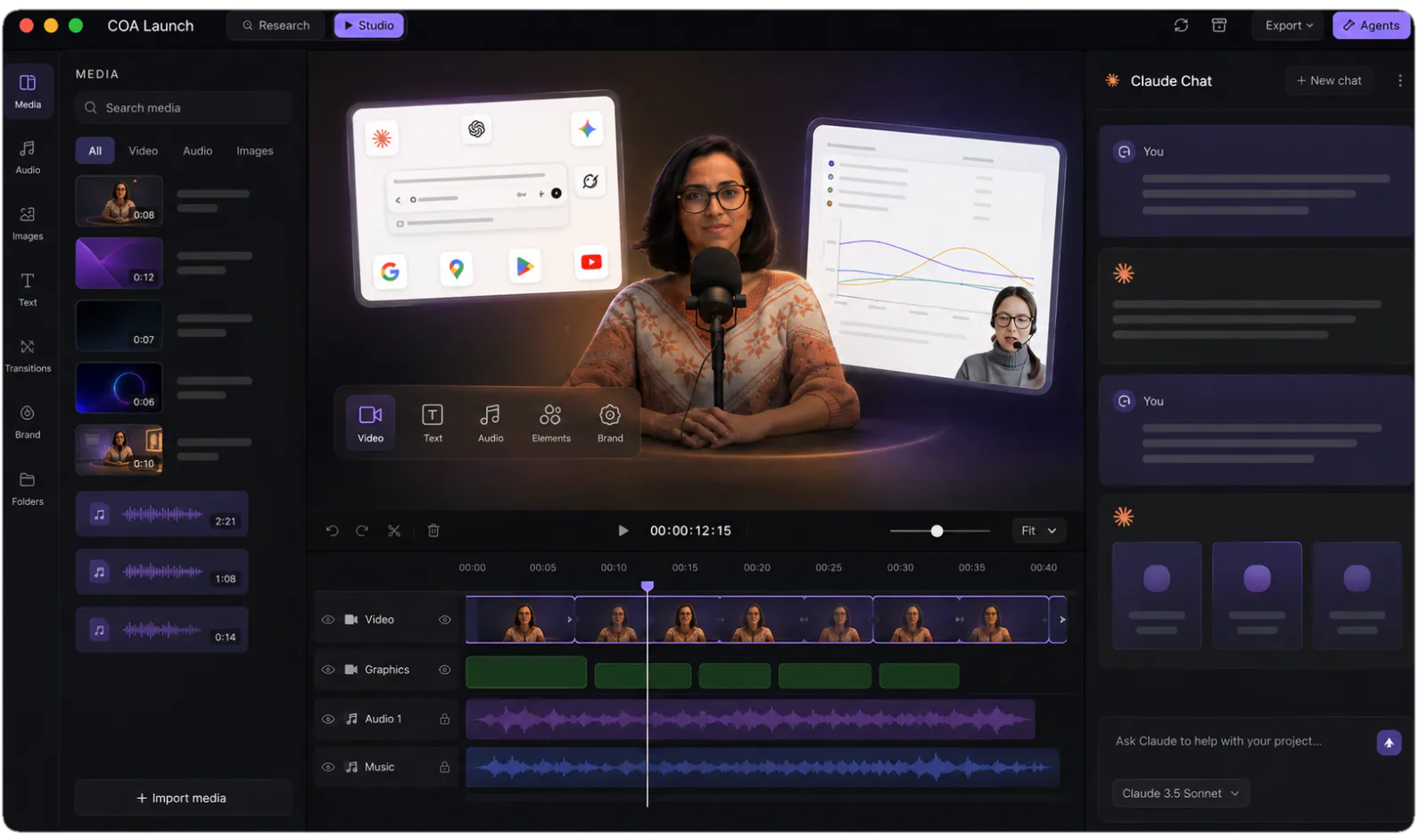
Claude Code, Codex, Antigravity or OpenClaw drives the studio from inside the app. Ask for the cold open, watch it land on the timeline, and keep going until the cut is right.
one message
Tell the agent what you want, once. Each worker takes one job, and they all start together.
You watch the video come together on the timeline.
start here
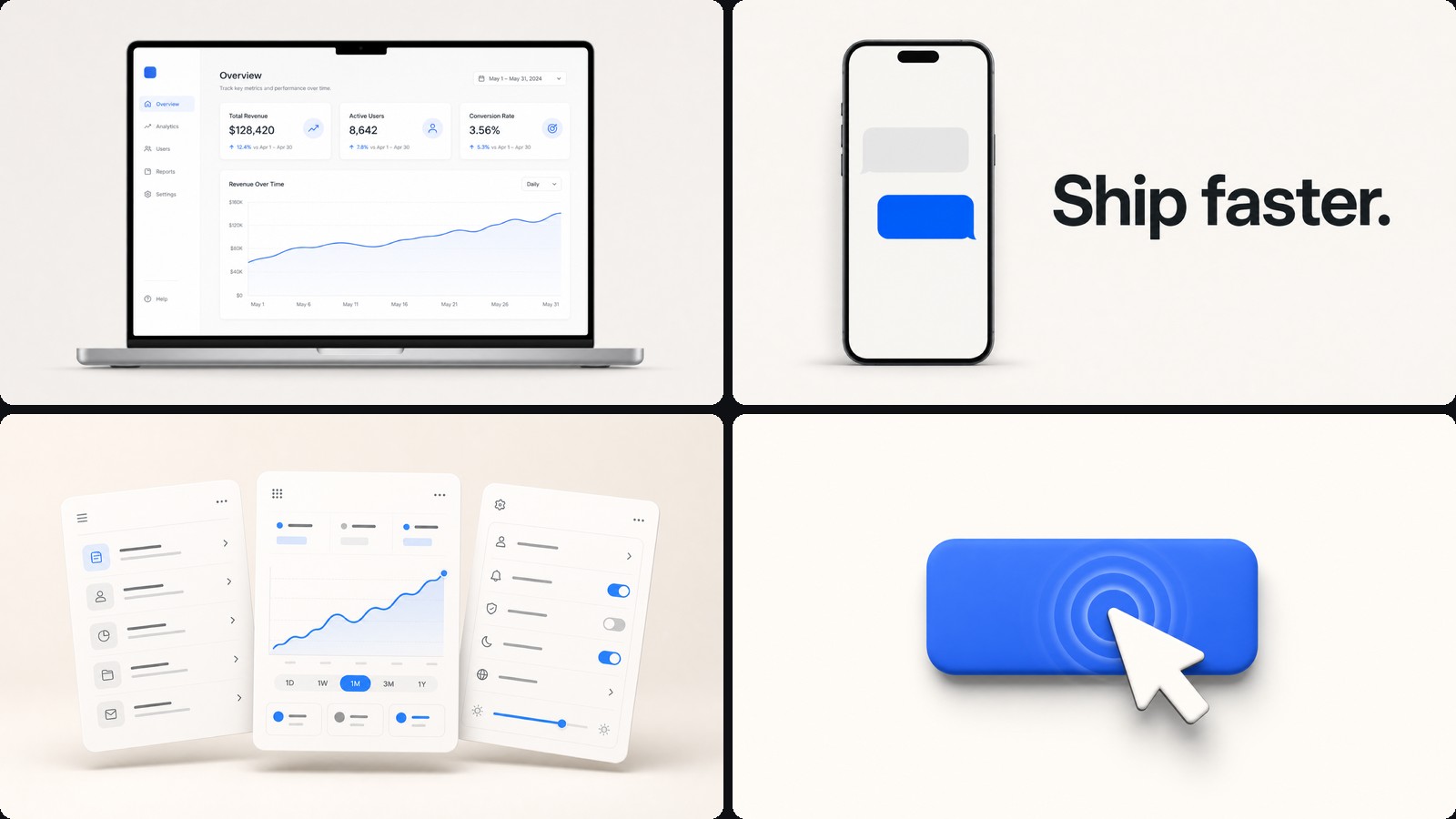
Launch videos lean on kinetic type and animated UI. The Motion Graphics template ships that style with finished sample projects, including the Copilot SDK reel above.
how it's built
What shipped, who it is for, and the line you want people repeating back. No timeline surgery to get a first cut.
Claude Code, Codex, Antigravity or OpenClaw authors each scene as editable code: kinetic type, animated UI, and the product shots between them.
The built-in voiceover plugin renders the script part by part and places every line on the timeline where it belongs.
Copy moves, a name changes, a price shifts. Say what changed and re-render, instead of rebuilding the cut from the top.
The teaser, the launch-day film and the recap are cuts of one project. MP4 exports run on your machine and are never metered.
the math
| Agency | Freelancer | CoAnimator | |
|---|---|---|---|
| Turnaround | 2–4 weeks | 1–2 weeks | An afternoon |
| Typical spend | $5k–25k | $800–3k | Free to try, $99 once |
| Revision after delivery | A new invoice | Hourly, if they are free | Ask the agent, re-render |
| Launch-week cuts | Quoted per format | Quoted per format | Re-renders of one project |
| If the date slips | Re-book the slot | Re-book the slot | Change the date card |
| What you own | An MP4 | An MP4 | The project files |
Agency and freelancer figures are the going market bands, not quotes we collected. Check them against your own. The CoAnimator column is exact: the studio is free to try, and the licence is a one-off.
An agentic studio is the fastest route: in CoAnimator you describe the launch to an AI agent such as Claude Code, Codex, Antigravity, or OpenClaw, and it builds the video as an editable project while the stage updates live. You direct revisions in plain language and render the final MP4 on your own machine, on macOS, Windows or Linux. The Copilot SDK v2.5 launch video, which passed 417K views on X, shipped exactly this way.
For software, 60 to 90 seconds is the band that holds up on a launch page: long enough for a cold open, the two or three things that actually changed, and a demo beat. The feed wants shorter: about 30 seconds for the launch post, 15 for a square teaser, 10 for a silent Product Hunt loop. In CoAnimator those are all renders of the same project, so you are choosing a length, not commissioning another video.
An agency typically runs $5,000–25,000 for a 60–90 second software launch video, and a freelance motion designer $800–3,000, with revisions billed after delivery. Those are market bands rather than quotes. CoAnimator is free to try: the complete studio, unmetered, exporting 720p with a watermark, and a one-off $99 licence unlocks 4K and watermark-free export. Rendering is never metered on either plan.
Yes. A CoAnimator launch video stays a project, not a baked export: reopen it and tell the agent what changed (the rename, the new screenshot, the reworded claim, the new date) and re-render locally. The 30-second cut, the square teaser, and the Product Hunt loop all come from the same files, so one edit propagates to every format.
Yes. Kinetic type is one of CoAnimator’s core motion-graphics styles, and launch videos lean on it hard: words that land on the beat, logos that assemble from strokes, title cards timed to the narration. Because the animation is code, the agent can sync every beat to the voice track instead of you nudging keyframes. The Motion Graphics template ships with finished sample projects showing the style.
Yes, and it is worth treating as its own cut rather than reusing the film. The gallery tile plays silent and loops, so the version that works is roughly ten seconds, has no narration and no closing card, and shows the single interaction that explains the product, with captions because nobody unmutes. It renders from the same project as the launch film.
It helps but it is not required, since you can describe the launch in a paragraph and let the agent draft the beats, then rewrite the lines you do not like. If you would rather start from words, the free launch video script generator on this site gives you a structured draft to paste in.
For a launch with a fixed date and a normal budget, CoAnimator usually wins on turnaround: an afternoon of describe-and-refine instead of a multi-week booking, and unlimited local re-renders when copy changes at the last minute. A senior motion designer still wins on bespoke craft, since a signature title sequence or an award-reel aesthetic is worth the fee. Many teams do both: the designer for the brand film, CoAnimator for every release after it.
Yes. Colours, type and motion style live in the project files, and the agent applies them across every scene. Point it at your brand page or hand it the hex codes and the typeface, and ask.
Every template, every look and unlimited local renders. Nothing is metered and nothing uploads, so the free studio is the studio.

