for creators
One creator.
A whole studio.
Demos, guides, podcast clips, social cuts — describe the video and your agent builds it on your footage, rendered on your machine.
Product Demos
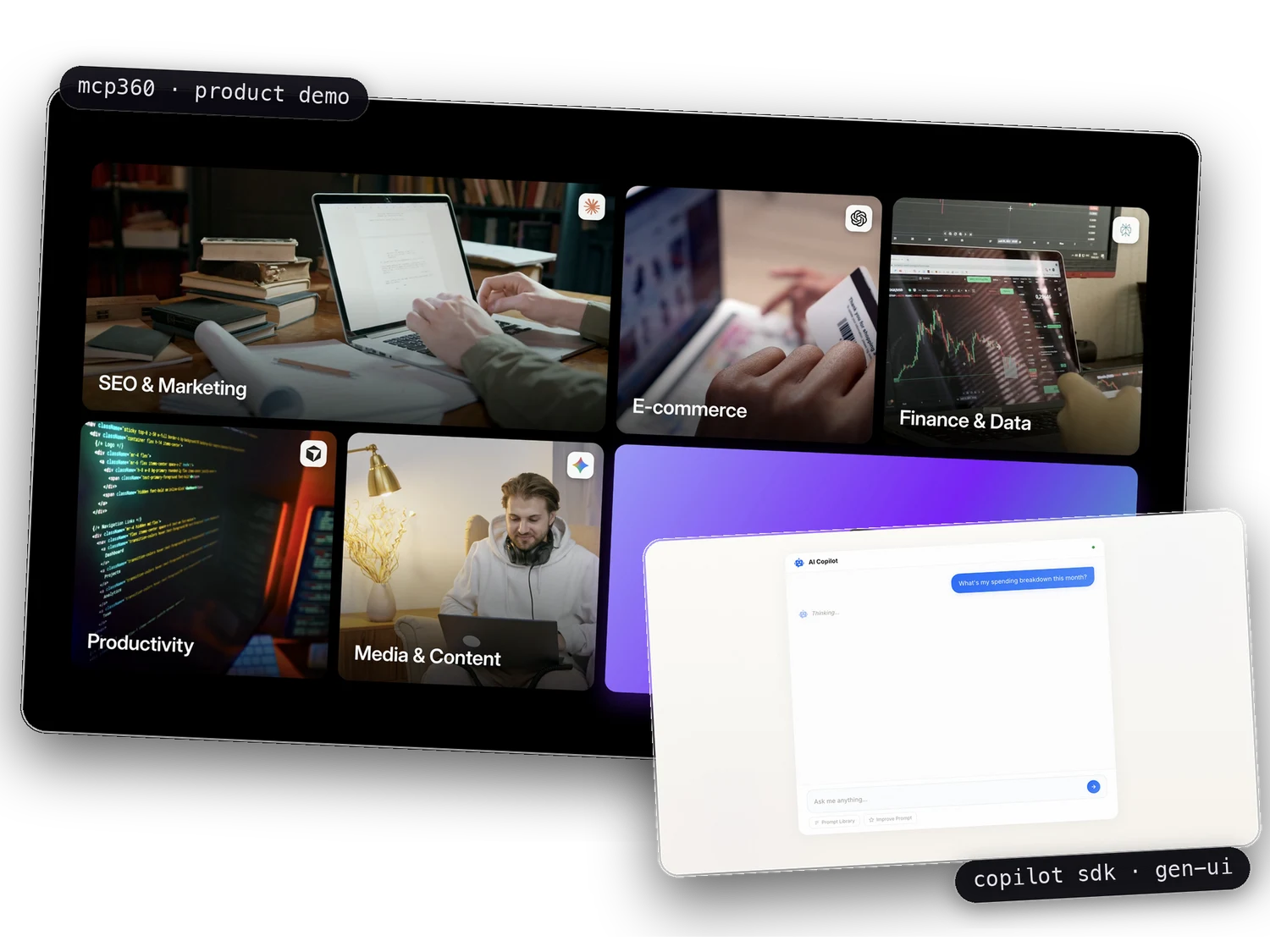
A product demo walks someone through what your product does — the screens, the flow, the result. You describe that walkthrough to your agent and it builds the video: your recordings placed on a timeline, titles and zooms added, narration generated and timed. When the product changes, you change the description and render again.
Explore product demo videos →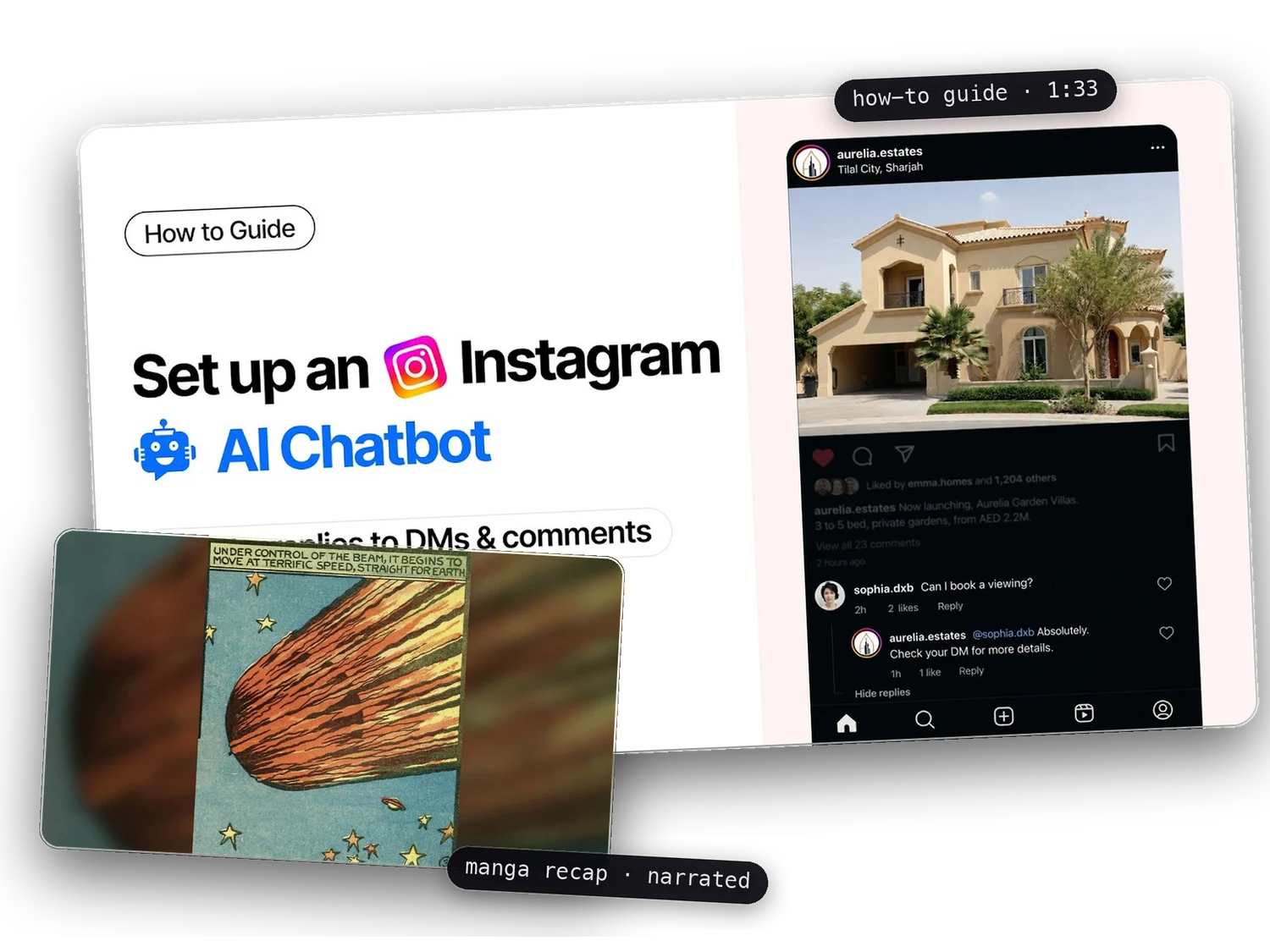
Guides & Explainers
Guides and explainers teach something step by step — how to set a feature up, how an idea works. The script drives everything: the agent turns it into scenes, adds the voiceover, and keeps the visuals in time with the voice. Because the video stays a project, updating a step later is an edit, not a redo.
Explore tutorial videos →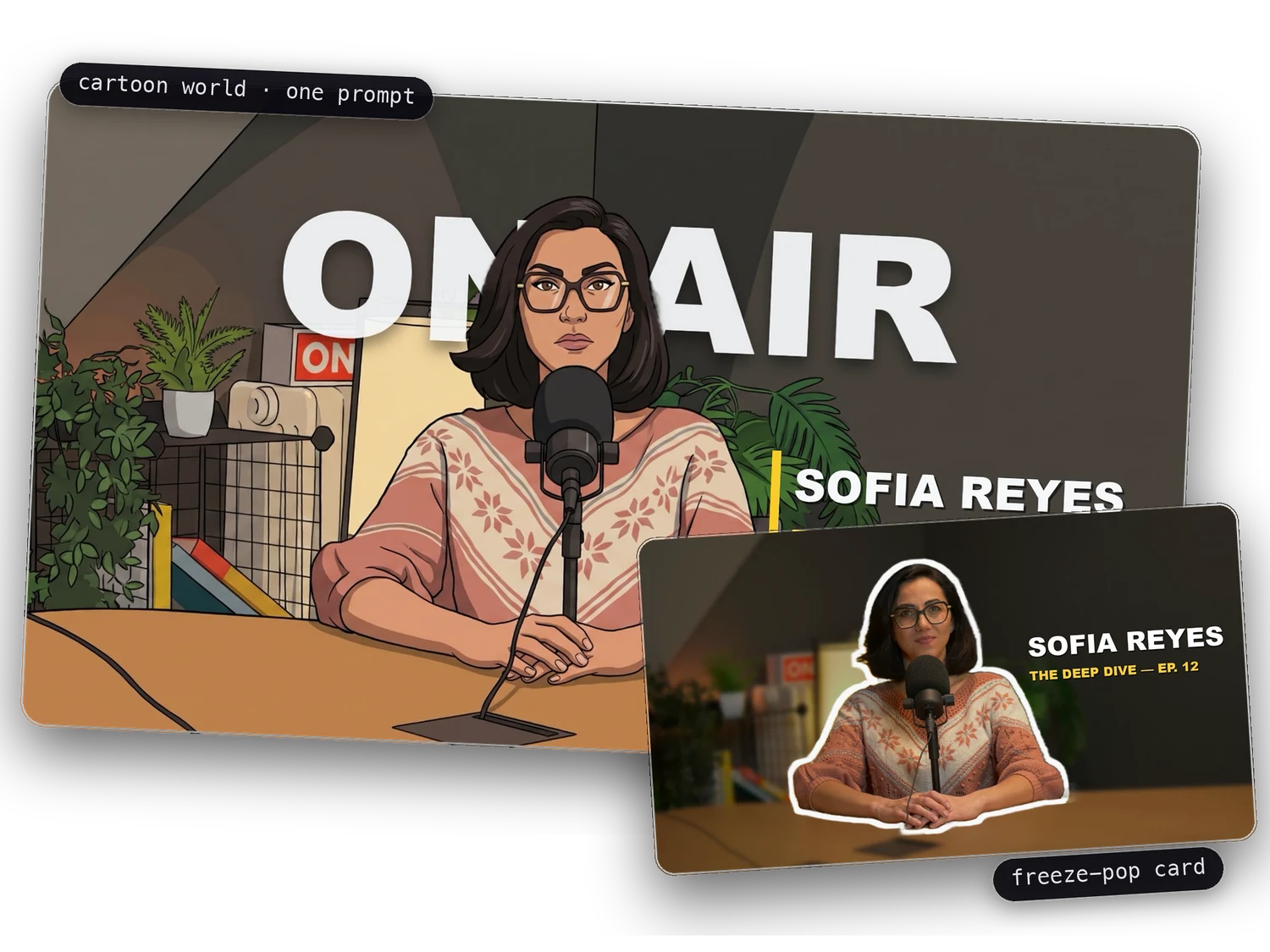
Podcast & Studio
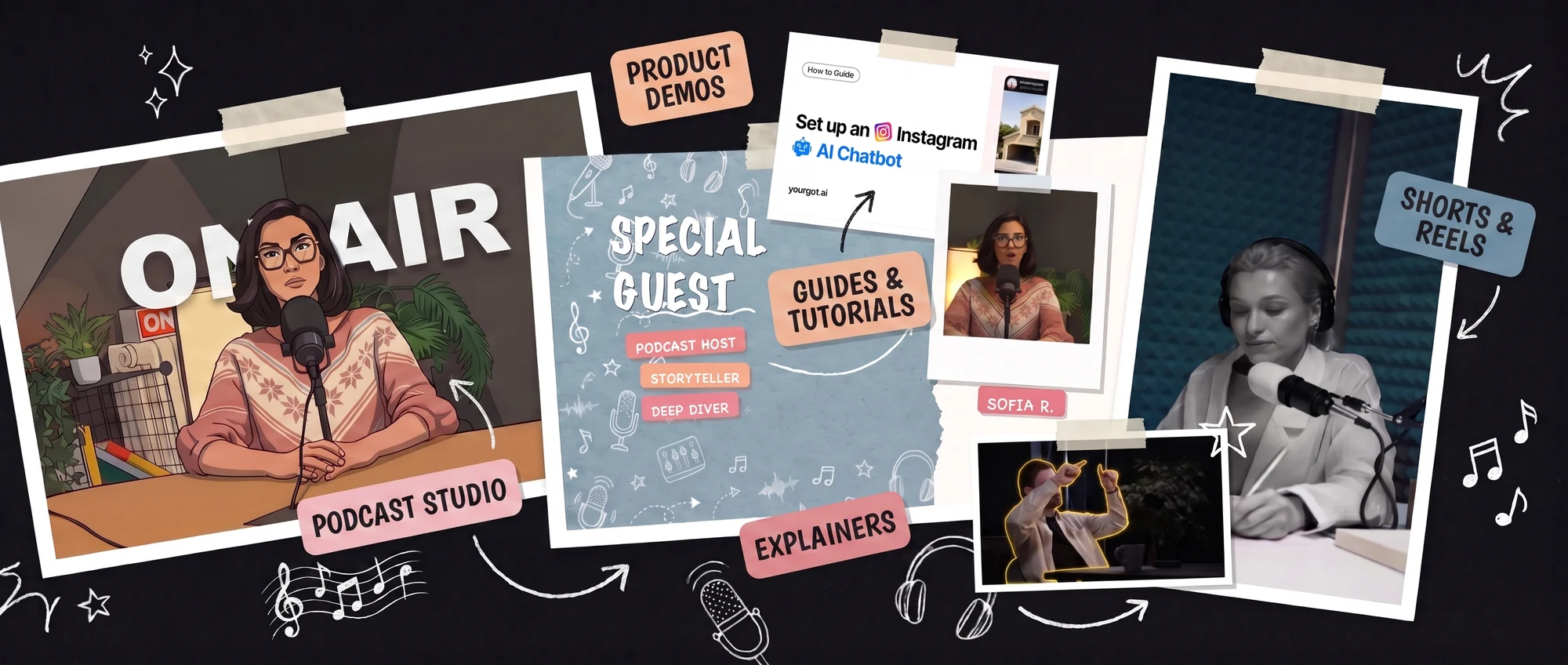
Podcast and studio videos start from footage you already recorded — an episode, an interview, a talking-head take. You tell the agent the look you want: a title behind the speaker, a spotlight, a freeze-frame card, captions. It applies the look to your footage and renders the finished clip on your machine.
Watch real podcast edits →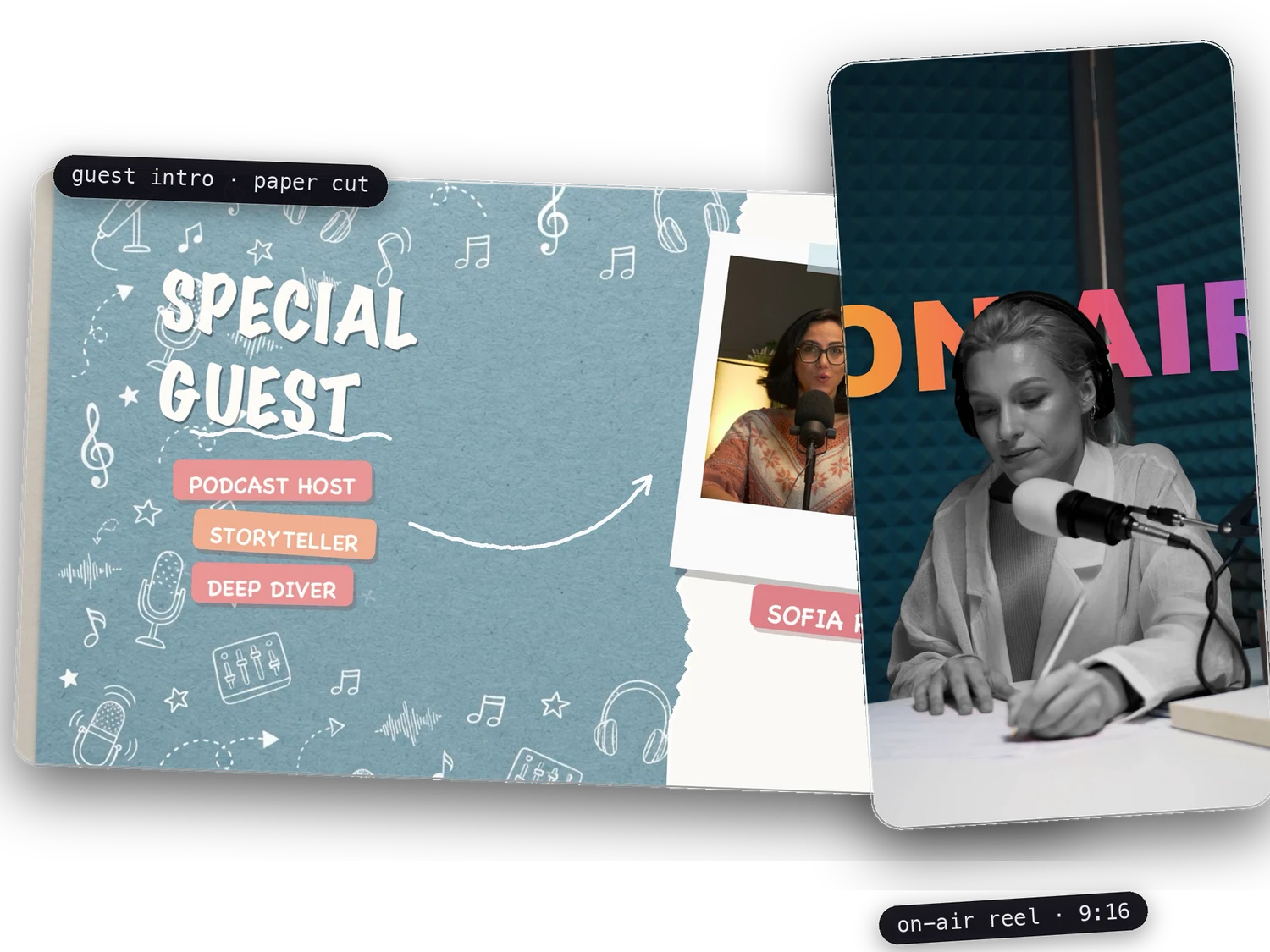
Social Media & Marketing
Social videos are short, vertical and frequent — cuts for Reels, Shorts and feeds. From one project the agent makes the versions you need: different sizes, captions burned in, a title that lands in the first second. There is no per-export fee, so one more variation costs nothing.
Browse the templates →FAQ
Can I make animated videos without editing software skills?
Yes — in CoAnimator you direct instead of edit. An AI agent builds the animation and timeline from your description, and you refine it by talking: “make the hook punchier”, “hold that frame longer”. There’s no keyframe editor to learn because the agent handles the mechanics while you make the creative calls.
Can CoAnimator edit my podcast into video?
Podcast edits are one of CoAnimator’s core use cases: agents assemble clips, captions, and motion graphics around your recording on a timeline you can inspect and change. Everything stays editable files, so re-cutting an episode is a conversation, not a re-export.
Will my videos have a watermark?
On the free tier, yes — a “Made with CoAnimator” stamp, with export capped at 720p. Every install is the complete studio otherwise: never metered, no card, no expiry, and yours to use commercially. A one-off licence removes the watermark and unlocks 4K. What is not an upsell is rendering itself — there is no credit pool and no per-export fee on either plan.
Do I own the project files?
The whole project lives as plain files on your disk, media included. Nothing is locked in a proprietary cloud workspace; you can version them in git, move them between machines, and re-render anytime with the app or the coa CLI.
How is this different from AI video generators?
AI video generators produce footage from a prompt and charge credits per generation; CoAnimator is a studio where an agent builds your video as editable animation and timeline files, rendered locally with no credits. You get precise, revisable motion design — not a one-shot clip you can’t change — and iteration costs nothing.
One app. Your agent runs it.
Install CoAnimator, point it at the agent you already pay for, and describe the video. Every project stays editable and renders on your own machine.

