Screenshot mockups, in your browser
Drop a screenshot into a real device frame: 31 devices and 169 colourways, from iPhone and Pixel to MacBook, iMac and Apple Watch. Backgrounds, tilt and shadow included. Nothing uploads, and nothing comes back watermarked.
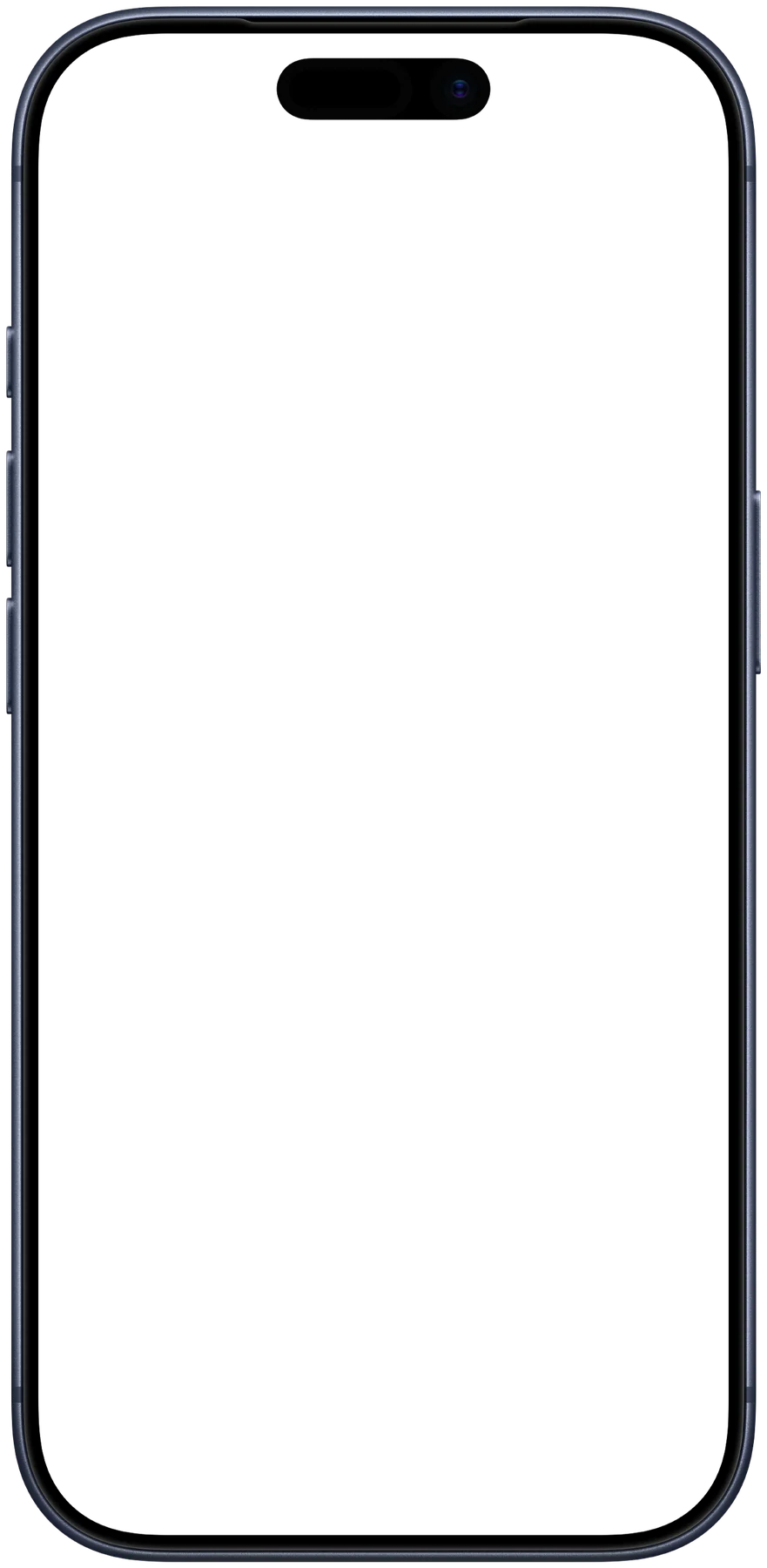
 iPhone 17 Pro · Deep Blue
Want the shot to move? The device mockup video maker does the same thing for screen recordings.
how it works
How to put a screenshot in a device mockup
Drop a screenshot, pick a device and a background, nudge the angle, and download. Everything composites in your browser with no upload, no account and no watermark.
- Add your screenshot. Drop a screenshot into the tool. It is composited on your own machine and never uploaded.
- Pick a device. Choose a device and colourway. Search by name, or filter by phone, tablet, laptop, desktop or watch.
- Choose a background. Pick a gradient, a solid colour, a wallpaper, or a transparent background if you want to drop the mockup onto your own design.
- Set the angle and shadow. Adjust padding, zoom, tilt and shadow until the shot sits the way you want it.
- Download. Export as PNG, JPEG or WebP at up to 3x. There is no watermark on the output.
why it looks right
Real apertures, not rounded rectangles
Most free mockup tools draw a rounded rectangle and call it a phone. Every frame here carries a traced outline of its own screen, so a screenshot clips to the actual display shape — the squircle corners Apple uses rather than a plain CSS radius, the notch on a 14 Pro, the curved face of an Apple Watch. Each device also reports its real logical resolution, so you can check a screenshot is the right size before you frame it.
The whole thing composites in the browser: your screenshot is never uploaded, there is no queue, no account and no watermark on the export. Transparent PNG is a first-class option, so a framed mockup can drop straight into a slide, a README or a landing page.
FAQ
How do I put a screenshot in a device mockup?
Drop your screenshot into the tool above, pick a device and colourway, choose a background, then download. It composites in your browser — no account, no upload and no watermark on the export.
Is this device mockup generator free?
Yes, and there is no watermark on the output. It is a free tool from the CoAnimator team, and it runs entirely on your machine: your screenshot is never sent to a server, which matters when the screenshot is of something unreleased.
Which devices are included?
Thirty-one, spanning iPhone 14 through iPhone 17 (including Plus, Pro, Pro Max and Air), Pixel 7 Pro, Nothing Phone, iPad mini, Air and Pro, MacBook Air and Pro, iMac 24, iMac Pro, Pro Display XDR, and Apple Watch 10 and Ultra. Most come in several colourways and in both portrait and landscape.
What size should my screenshot be?
Each device shows its logical resolution under the name — an iPhone 17 Pro is 402 × 874 points, for instance. A screenshot taken on the device itself is already right; anything with the same aspect ratio works, and the tool crops to fill rather than stretching.
Can I export a transparent PNG?
Yes. Choose the transparent background and export as PNG or WebP, and you get the framed device on a clear background, ready to drop into a slide, a README or a landing page. JPEG has no alpha channel, so that format fills the background white instead.
Can I do this with a video instead of a screenshot?
Yes — the device mockup video maker takes a screen recording and frames it in the same devices, exporting a video rather than an image. It is the same compositor with a recorder attached.
Why do the corners look right here when other tools look off?
Because each frame ships with a traced outline of its own screen, used as a mask. Most free tools approximate a display with a CSS rounded rectangle, which is subtly wrong on modern Apple hardware — those corners are squircles, not circular arcs — and hopeless on a curved watch face.