| The engine |
|---|
| Video as code | ✓Yes.React components in your repo | ✓Yes.Web-platform scenes the agent authors as editable files |
|---|
| Non-developers | ✕No.A React framework — code required | ✓Yes.No code, no coding setup: start from a template, change everything by chat |
|---|
| Git-friendly projects | ✓Yes.A React codebase in your repo | ✓Yes.Plain editable files, never baked in — change one scene weeks later and re-render |
|---|
| AI agent authoring | ~Partial.Agents can write Remotion code; a seat covers agentic use. You still assemble the studio | ✓Yes.Built for a co-animator: template skills, live stage, you redirect in real time |
|---|
| Live preview | ✓Yes.Remotion Studio in the browser | ✓Yes.The stage, live in the app |
|---|
| The studio around it |
|---|
| Templates | ✓Yes.create-video code starters | ✓Yes.Free templates with sample projects and agent skills — open one and start |
|---|
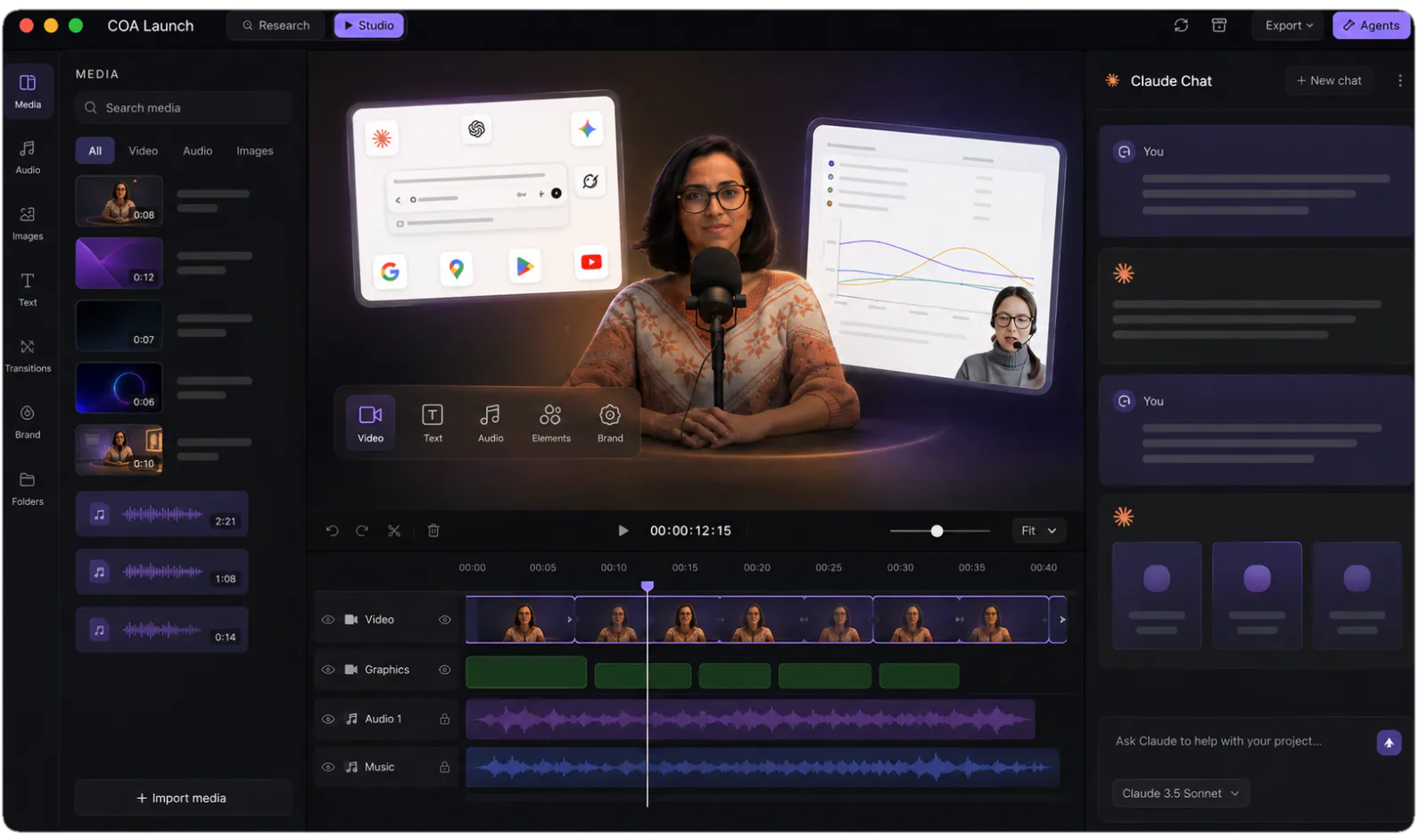
| Timeline UI | ~Partial.Timeline component — $300 in the store | ✓Yes.Multi-track timeline built in |
|---|
| Full editor | ~Partial.Editor Starter scaffold — $600, hosted and extended by you | ✓Yes.The app is the editor |
|---|
| Voiceover (TTS) | ✕No.Bring a TTS service and wire it | ✓Yes.ElevenLabs plugin, timed to the timeline |
|---|
| Captions | ✓Yes.Free @remotion/captions package + Whisper, wired by you | ✓Yes.Animated captions, styled per template |
|---|
| Music | ✕No.Bring your own audio | ✓Yes.Soundtrack plugin composes a bed |
|---|
| Screen capture | ~Partial.Recorder template; wiring is yours | ✓Yes.Capture plugin records straight into the project |
|---|
| Rendering & shipping |
|---|
| Local render | ✓Yes.CLI render on your machine | ✓Yes.Unlimited chunk-parallel local renders — works offline |
|---|
| Cloud render at scale | ✓Yes.Lambda on your AWS | ~Partial.Local + CI today; cloud workers on the roadmap |
|---|
| Headless CI renders | ✓Yes.CLI in your pipeline | ✓Yes.coa CLI; clean exit codes |
|---|
| Publishing | ✕No.Your pipeline | ✓Yes.Publishing plugin posts to YouTube and social |
|---|
| Who pays what |
|---|
| Individuals & teams of 3 | ✓Yes.Free, commercial use included | ✓Yes.Free studio at 720p; one-off licence for 4K |
|---|
| Companies of 4+ | ~Partial.$25 per seat per month — developers and agentic use alike | ✓Yes.The same one-off licence. No seats |
|---|
| Automated rendering | ✓Yes.Automators tier — a per-render royalty: $0.01 per video, $100/mo minimum | ✓Yes.coa CLI in scripts, cron or CI — no royalty, nothing charged per video |
|---|