One pipeline. Every format.
Describe the video, an agent builds it scene by scene, the built-in voiceover plugin narrates it, and it renders on your machine. These are the jobs teams point it at, each with real videos to watch.
macOS · Windows · Linux · no credits, no render limits
 Antigravity
made with coanimator
Three that shipped
One from each of the three busiest formats, built end to end in CoAnimator for real products.
pick the job
Every format, one pipeline underneath
Product demo videos
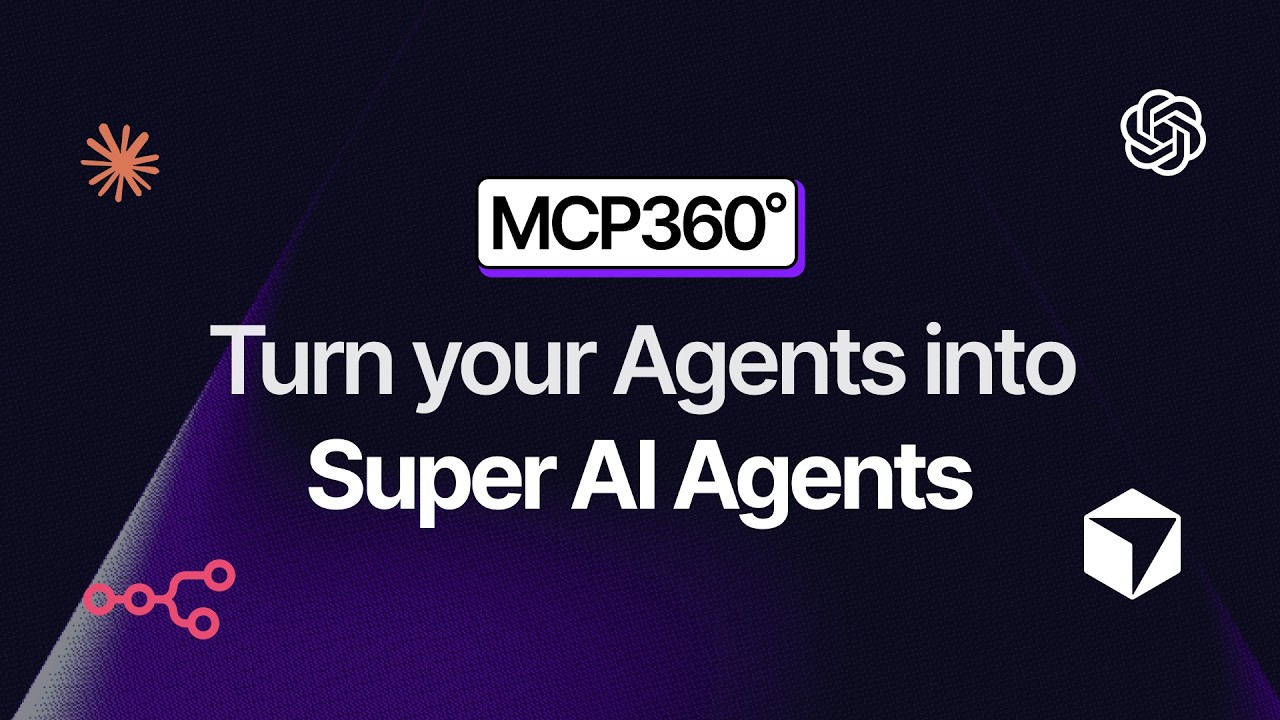
The flagship job: screen capture, effects, narration and captions assembled scene by scene. MCP360 and YourGPT ship demos made this way.
Launch videos
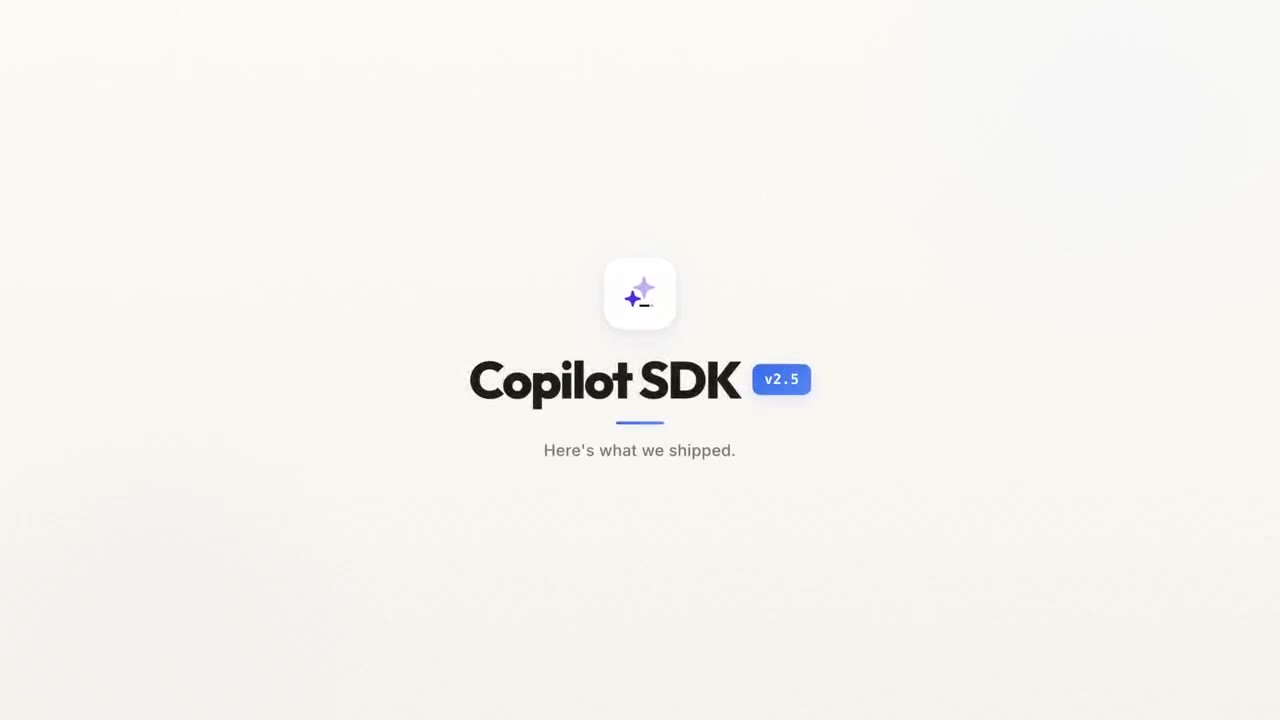
Release-day videos for the feed. The Copilot SDK v2.5 launch on X was built here, 417K views and counting.
Tutorial videos
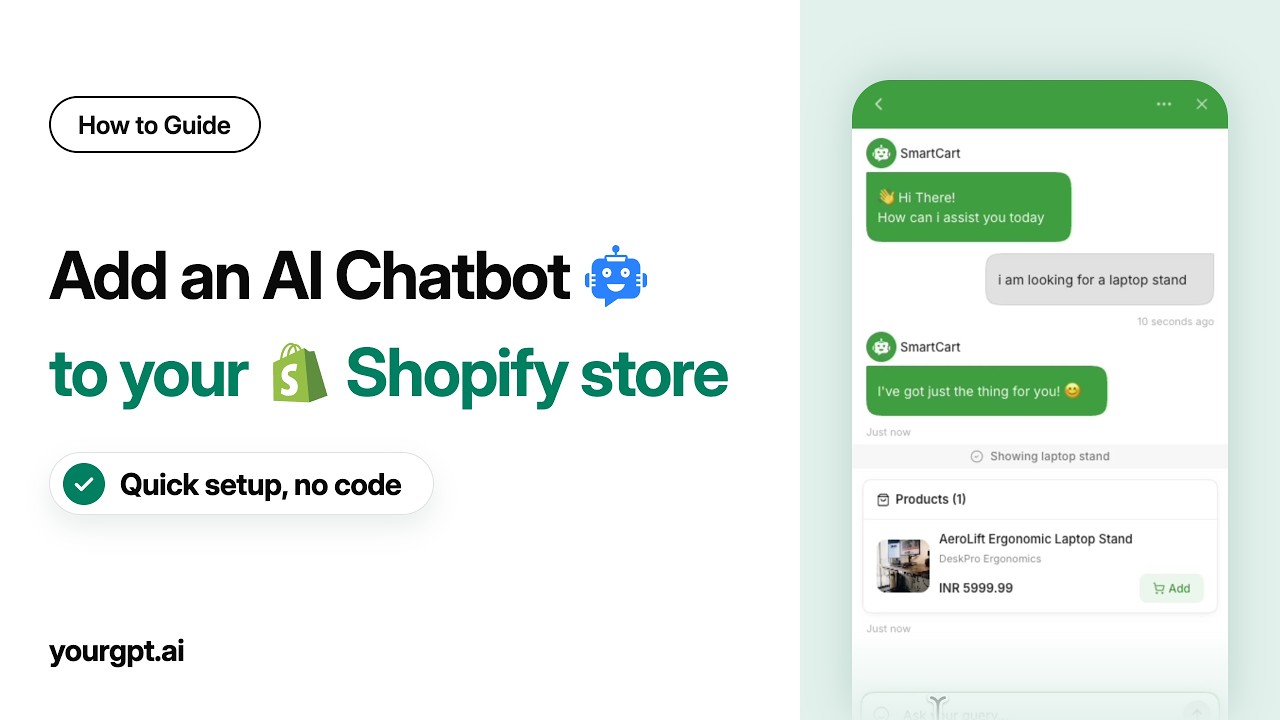
Step-by-step guide videos with voiceover that stays in sync when the steps change. The YourGPT guide library runs on this.
Motion graphics
Kinetic type, charts and UI-in-motion authored as code. The explainers on the YourGPT feed are pure motion graphics.
3D product videos
Low-poly worlds, keyframed cameras and rigged characters on the real GPU: WebGL scenes the agent scripts like any other.
Whiteboard animation
Hand-drawn and doodle looks: draw-on strokes, neon outlines, sketch frames, without a stylus or a frame-by-frame week.
PPT to video
The agent reads the deck and rebuilds it as animated, narrated scenes, rather than a screen recording of slides.
Changelog videos
Ship-notes as video: every release gets a short, narrated recap the agent rebuilds from the changelog in minutes.
App promo videos
One screen recording becomes the store preview, the feed cut and the site hero, each rendered from the same project.
Multilingual videos
Build it once, then re-voice and re-export per language, with the scenes re-timed to each script rather than stretched to fit.
Intros and logo stings
The short one you use hundreds of times: kinetic titles and an animated mark, kept as a project so a rebrand is an edit.
Agentic video editing
The category itself: an agent that holds the project and works the loop, rather than a prompt box that returns a finished file.
how it's built
The pipeline every format shares
- 01
Describe it
A brief in plain language: what the video shows, the moments that matter, the tone. No timeline surgery.
- 02
The agent builds the scenes
Claude Code, Codex, Antigravity or OpenClaw. The agent authors each scene as editable code on the templates and skills the studio ships.
- 03
Narration lands timed
The built-in voiceover plugin renders the narration part by part and places every line on the timeline where it belongs.
- 04
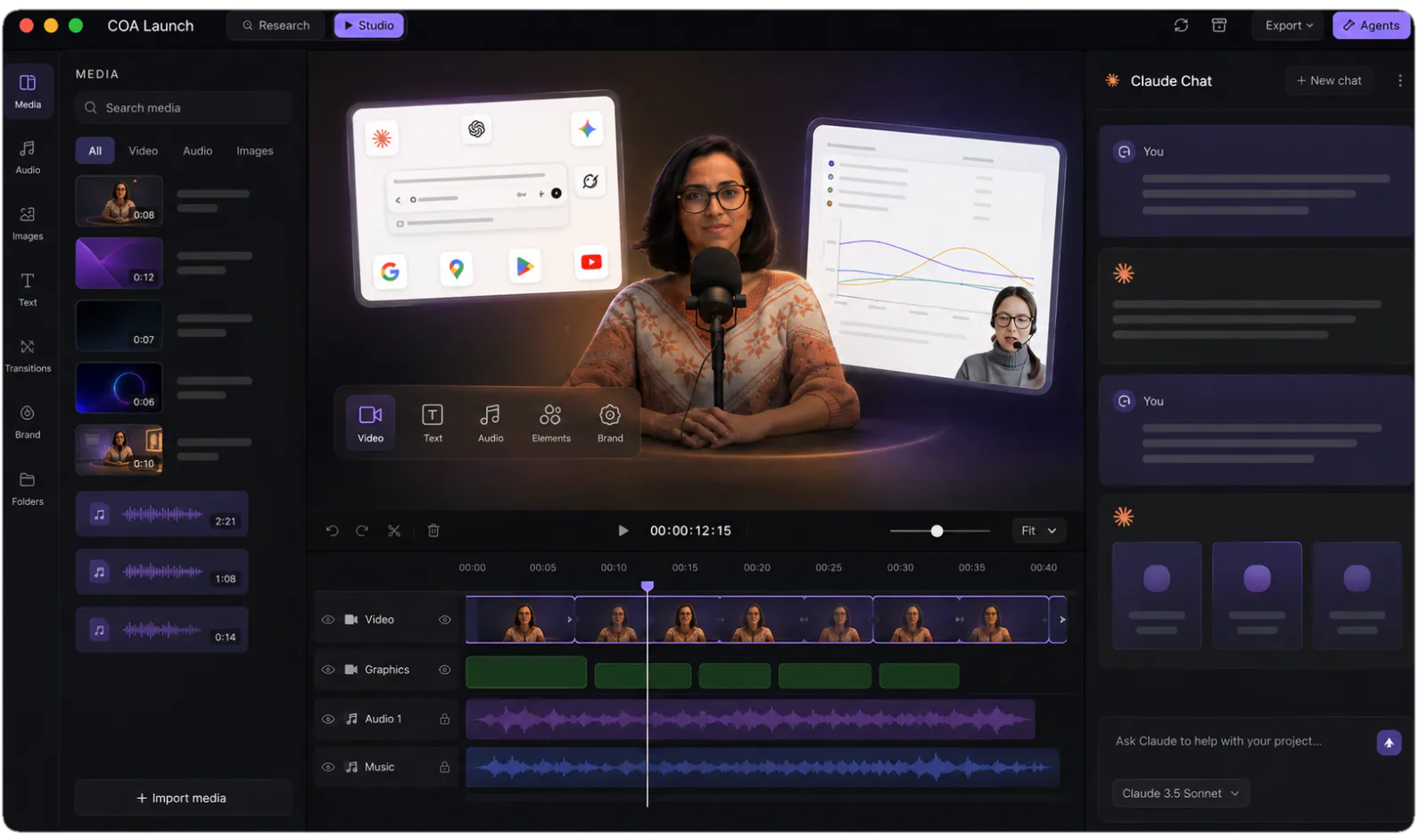
Review in the editor
Timeline, media panel, live stage. Steer with feedback like "slow the intro" or "swap that screenshot", and watch it hot-reload.
- 05
Render locally
MP4 exports run on your machine, in-app or headless via the coa CLI. Never metered, however many you render, and nothing uploads anywhere.
FAQ
What kinds of videos can an AI agent make in CoAnimator?
12 formats have dedicated pages here: Product demo videos, Launch videos, Tutorial videos, Motion graphics, 3D product videos, Whiteboard animation, PPT to video, Changelog videos, App promo videos, Multilingual videos, Intros and logo stings, Agentic video editing. Under them all sits one pipeline: you describe the video, an AI agent builds it as editable files, a TTS plugin narrates it with the built-in voiceover plugin, and your machine renders the MP4. The formats differ in templates and skills, not tooling.
Which use case should I start with?
Start from the deliverable you owe someone: a demo on the pricing page means product demo videos, a release next week means launch videos, a support backlog means tutorials. If you’re just exploring, the product demo page is the flagship walkthrough, and every page plays real shipped videos, so you can judge each format’s output before committing to anything.
Does the agent work differently for each video format?
The loop is identical (describe, build, review, render) but each template ships an agent skill that teaches the format’s specific rules: pose tracks for drawn films, camera keyframes for 3D worlds, beat pacing for motion graphics, clip layout for footage effects. Skills are why an agent produces a correct film on the first pass instead of guessing what the format expects.
Have real production videos shipped from CoAnimator?
Yes, the examples on these pages shipped for real products. The MCP360 product demo on YouTube and the Copilot SDK v2.5 launch video, which drew 417K views on X, were both made end to end in CoAnimator, and the YourGPT tutorial library runs on it. Template samples shown are unedited renders straight from the app.
How do I get access to CoAnimator?
Download it from the download page; it runs on macOS, Windows and Linux. Every install is the full studio: every template and skill, the TTS plugin, and unlimited local rendering, with no credits. Free exports are 720p with a watermark; a one-off licence unlocks 4K and watermark-free export.
What if my format isn’t listed?
The engine is the open web platform: if a browser can draw it, an agent can animate it. The listed pages are the common jobs, not the boundary.
One app. Your agent runs it.
Install CoAnimator, point it at the agent you already pay for, and describe the video. Every project stays editable and renders on your own machine.
