Generators need a human
A prompt box is a person typing. Great for the video you are making now, useless for the one that has to exist at 5pm on a Friday you forgot about.
Nobody makes a changelog video every week because nobody has time every week. A scheduled agent does: read the merged PRs, build a 45-second video, post it. Runs without anyone opening anything.
macOS · Windows · Linux · no credits, no render limits
the friday run
This is the whole pipeline. The column that matters is the last one: four of these five steps have nobody watching them.
A cron entry, a CI job or a release workflow. Nothing is opened and nobody is notified yet.
unattendedMerged pull requests and the git log since the last tag become a scene list: features, fixes, one highlight.
unattendedThe agent writes this week’s scenes into the same template project that shipped every previous episode.
unattendedThe CLI renders to MP4 headlessly and exits 0, or exits 1 and fails the build like any other step.
unattendedThe pipeline stops at render-and-notify. Publishing stays the one human click, which is the honest default.
youone project, fifty-two episodes
Branding lives in the template project: type, colour, motion, intro and outro. A weekly episode only changes the content scenes, so drift has nowhere to come from. When the brand does change, you update the one project and every future episode inherits it on the next render.
a category with no incumbents
Not an oversight. Unattended recurring video breaks an assumption each of these categories is built on.
A prompt box is a person typing. Great for the video you are making now, useless for the one that has to exist at 5pm on a Friday you forgot about.
The unit of work is a project with a kickoff. Fifty-two of those a year is a retainer, not a changelog.
The file is the work. Nothing renders unless someone opens it, which is exactly what a weekly habit cannot depend on.
The video is a build artifact: an input the agent updates and a command that renders it. That runs on a schedule because every other build step does.
how it's built
Brief the agent, get the pacing and branding right, render it. That becomes the template.
It reads merged PRs and the git log, and turns the week into a scene list.
Cron, a GitHub Action, or the release workflow. The CLI exits 0 or 1 like any build step.
No editor open, no seat, no per-render fee. Your machine or a CI runner.
Stop at render-and-notify so a person decides what ships. Or let it post.
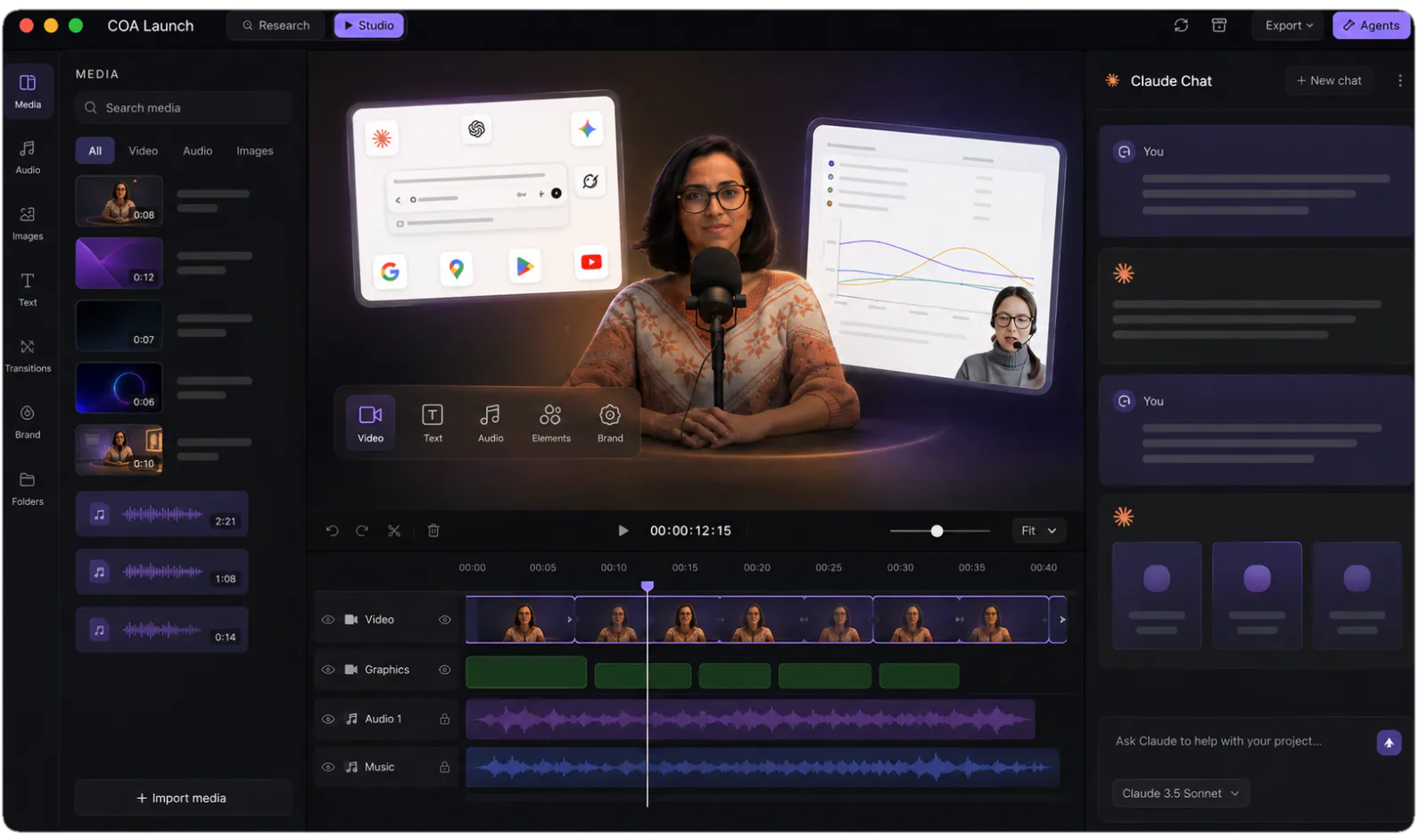
Yes, and that is the entire model. One template project carries your branding, pacing and structure; each release, the agent swaps in the week’s content and the video re-renders locally. Nothing gets rebuilt and nothing drifts off-brand, because every episode is a re-render of the same editable files rather than a new production. It is the difference between publishing a series and commissioning videos.
A changelog video is a short recap, usually 30 to 60 seconds, that turns a release’s ship-notes into something people actually watch: features, fixes, one highlight. Text changelogs get skimmed; a video in the feed gets seen. Almost nobody makes them weekly because production cost defeats the habit, which is exactly the problem a scheduled agent plus a re-renderable CoAnimator project removes.
On a schedule, whether cron, CI or a release workflow, the agent reads the merged pull requests, updates the existing project with the week’s scenes, and the coa CLI renders the MP4 headlessly. The CLI exits 0 on success and 1 on failure, so it slots into pipelines like any other build step. A human can stay in the loop as the final publish click.
They serve different readers, so keep both. The written changelog is the reference; the video is the reach. A 45-second recap posts to X, LinkedIn and your community, where release notes never travel. Since the agent generates the video from the same merged PRs that produce the notes, the video costs a schedule entry rather than a production cycle.
Yes, because branding lives in the template project: type, colours, motion, intro and outro. Weekly episodes only change the content scenes, so episode 40 looks like episode 1 without anyone policing it. If the brand refreshes, you update the one project and every future episode inherits the change on the next render.
The same way you would: the git log and merged PRs. It reads them on schedule and turns the week into scenes, leading with whatever it judges the highlight.
Yes, and it is the honest default. The pipeline can stop at render-and-notify, leaving publish as the one human click.
The agent can skip it. A scene list built from an empty diff is an empty scene list, and a pipeline step that renders nothing is a step that exits without posting. A weekly slot you sometimes skip beats a habit you abandon in month two.