| The canvas |
|---|
| Designer motion craft | ✓Yes.Hand keyframes on an infinite canvas | ~Partial.Direction by brief; fine control stays in the editable files |
|---|
| Figma import | ✓Yes.Synced, pixel-perfect layers | ✕No.Assets import as files, not synced layers |
|---|
| Lottie export | ✓Yes.Video, GIF and Lottie out of the box | ✕No.MP4 today; Lottie is on the public roadmap |
|---|
| Non-designers | ~Partial.AI effects by prompt — metered by plan credits | ✓Yes.No keyframes, no credits: describe the video, the agent builds it |
|---|
| AI agent authoring | ✕No.AI assists the designer; no external agent drives the canvas | ✓Yes.Claude Code, Codex, Antigravity or OpenClaw: template skills teach each format |
|---|
| The product video |
|---|
| Script & research | ✕No.Outside the canvas — bring a finished script | ✓Yes.The agent researches the product and drafts the script |
|---|
| Voiceover (TTS) | ✕No.Record and edit narration elsewhere | ✓Yes.ElevenLabs plugin, timed to the timeline |
|---|
| Music | ✕No.Bring your own audio | ✓Yes.Soundtrack plugin composes a bed |
|---|
| Captions | ✕No.Hand-animate your own | ✓Yes.Animated captions, styled per template |
|---|
| Screen capture | ✕No.Record elsewhere, import the file | ✓Yes.Capture plugin records straight into the project |
|---|
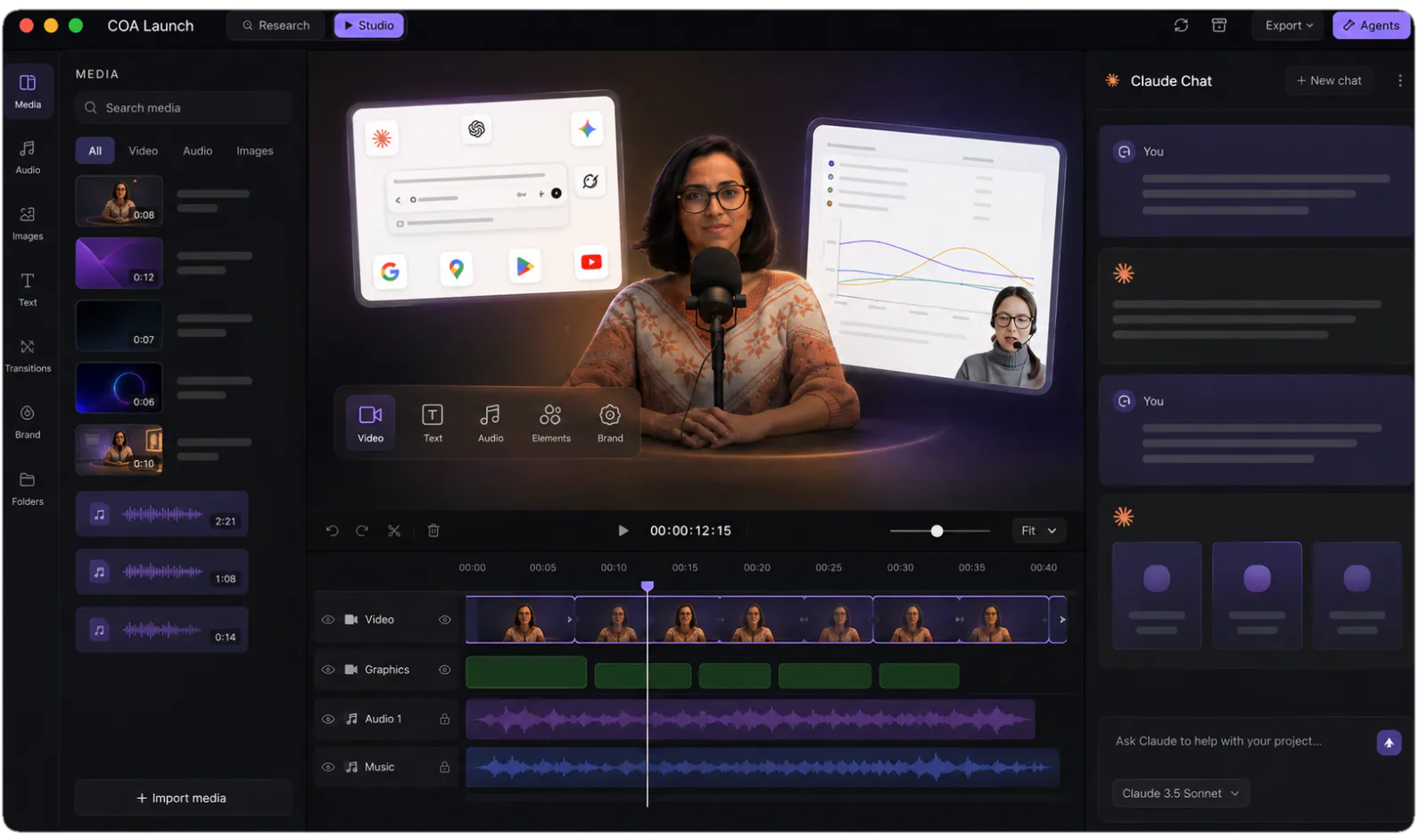
| The full film | ~Partial.Scenes on an infinite canvas; the narrated film is yours to cut | ✓Yes.One timeline: scenes, narration and music on one clock |
|---|
| Output & shipping |
|---|
| Export formats | ✓Yes.Video, GIF, Lottie; ProRes and WebM on paid plans | ✓Yes.MP4 up to 4K60, every aspect ratio; free video-to-GIF web tool |
|---|
| 4K export | ~Partial.Max plan — 4K, 120fps, transparent | ✓Yes.One-off licence unlocks 4K and clean export |
|---|
| Local & offline rendering | ✕No.Web app; export runs in the cloud | ✓Yes.Unlimited local renders — works offline |
|---|
| Headless CI renders | ✕No.Canvas only | ✓Yes.coa CLI; clean exit codes |
|---|
| Publishing | ✕No.Download and post by hand | ✓Yes.Publishing plugin posts to YouTube and social |
|---|
| Who pays what |
|---|
| Free tier | ✓Yes.720p/30 with a watermark, 3 workspace files | ✓Yes.Full studio, unlimited 720p exports with a watermark |
|---|
| Getting clean 4K | ~Partial.Max plan — per editor, per month | ✓Yes.One-off licence — pay once, any team size |
|---|
| AI usage | ~Partial.Metered by plan credits; Ultra exists for 3× Max | ✓Yes.No credits — your own agent and API keys, at provider price |
|---|