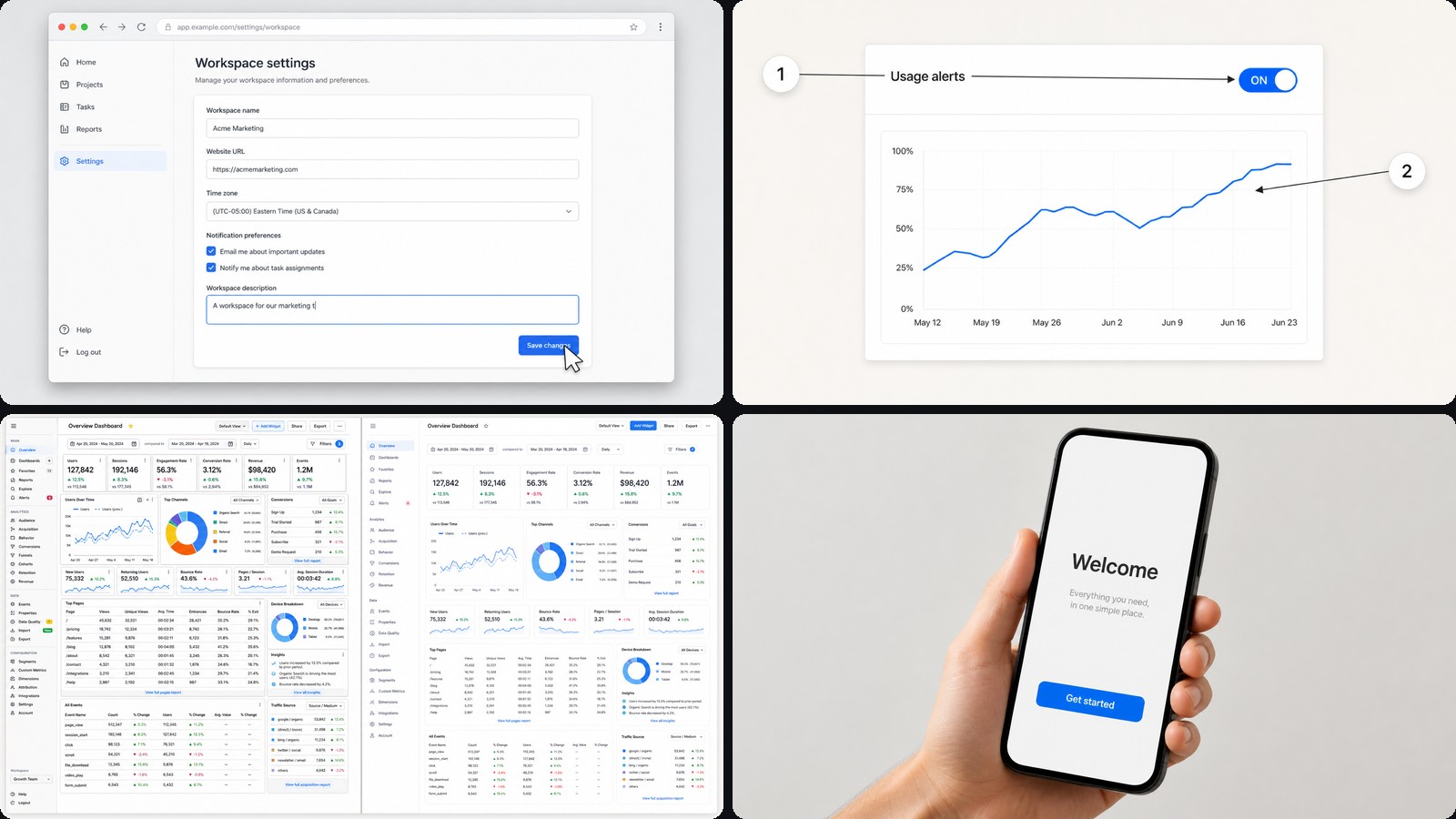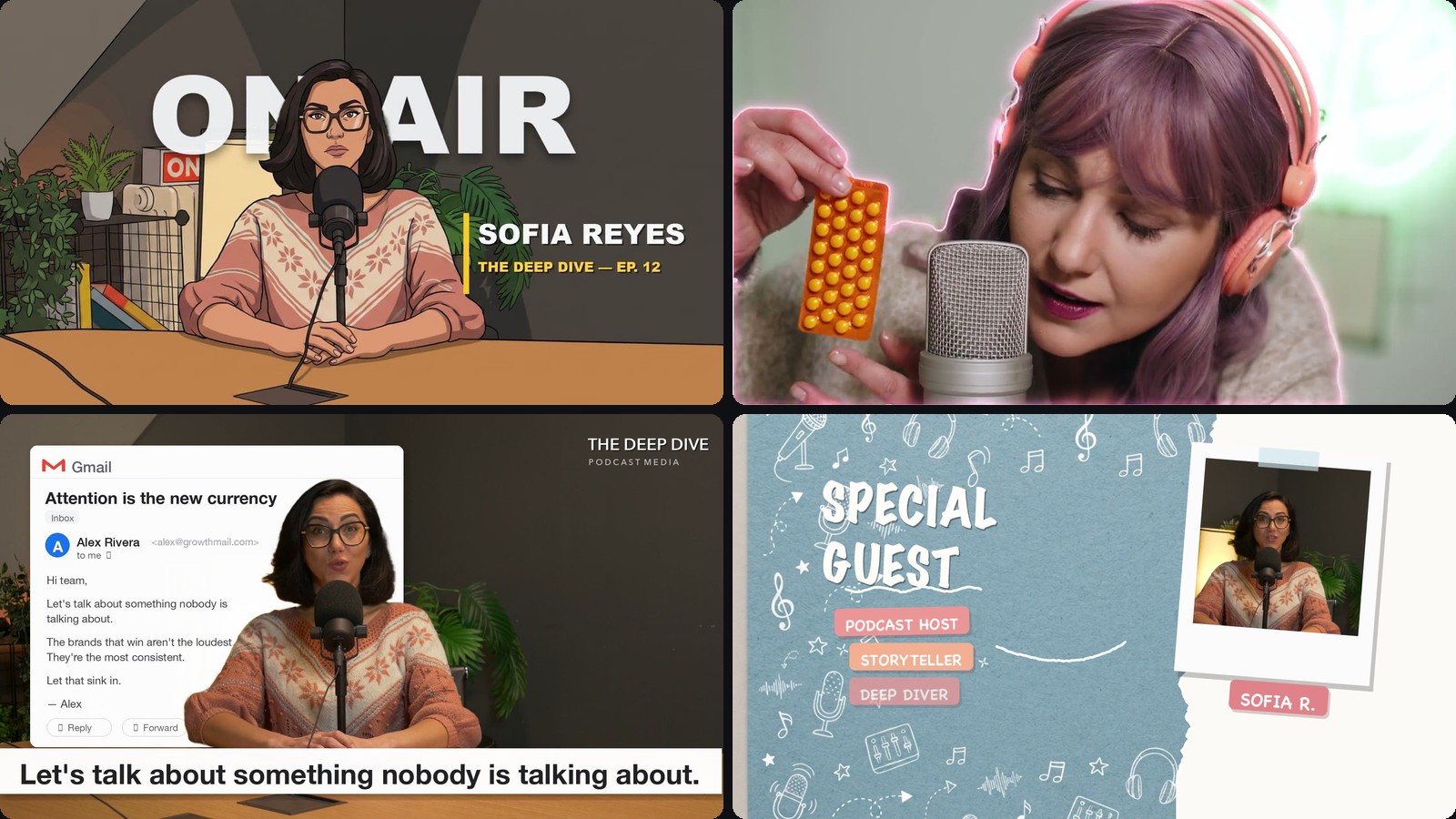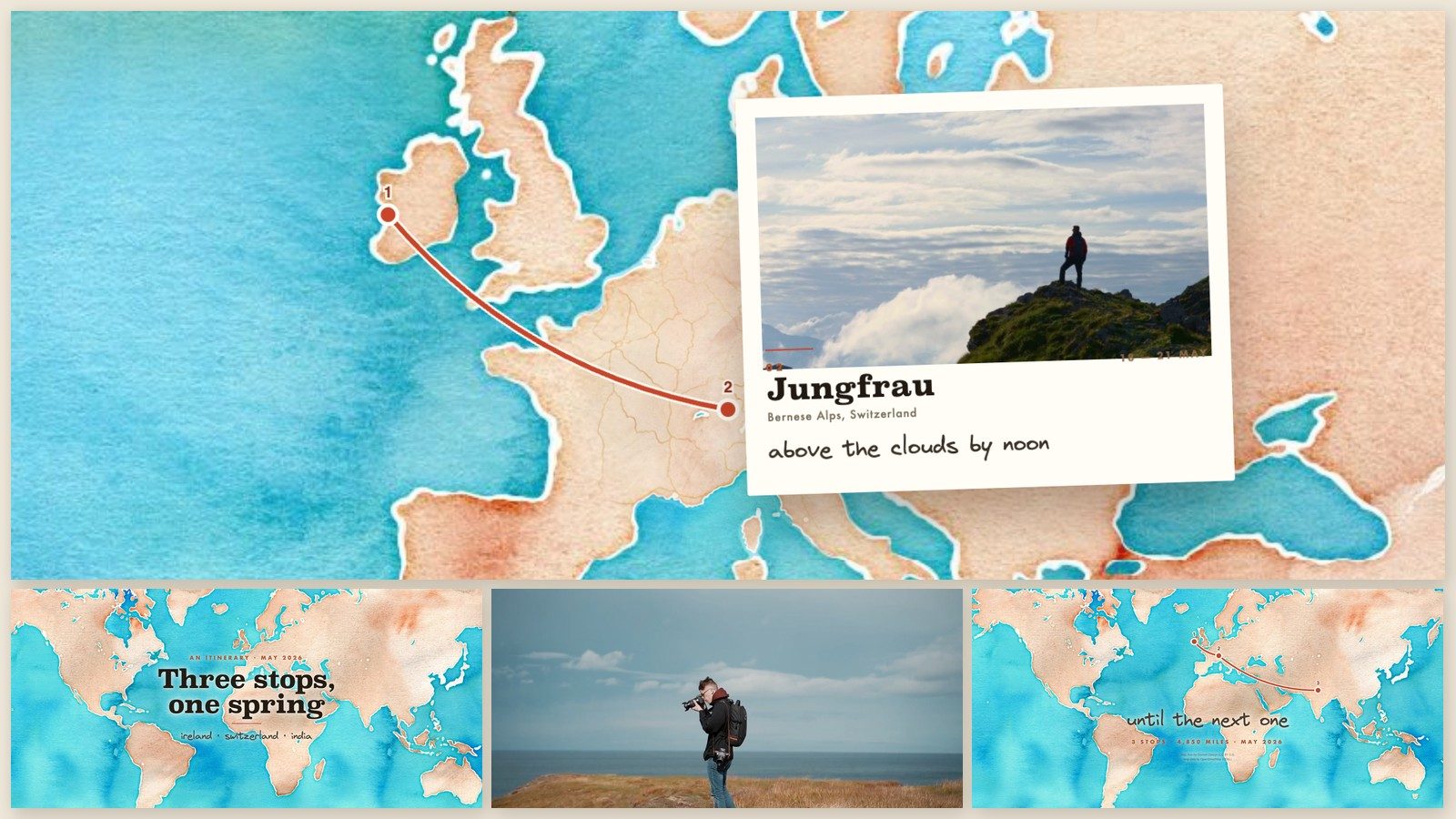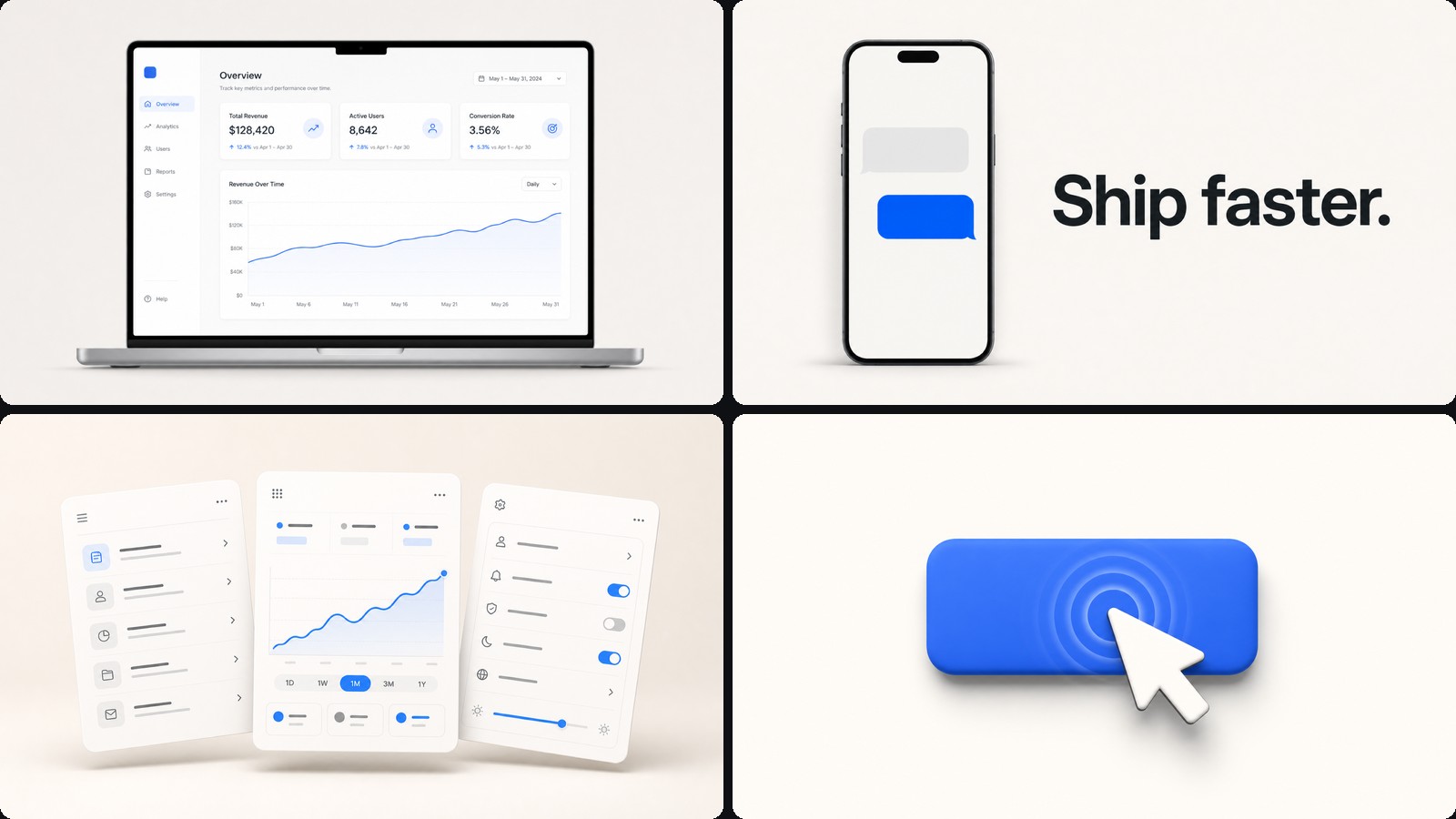
About this template
Kinetic type, shapes and transitions — the general-purpose starting point. Where the other templates commit to a look, this one commits to a rhythm: one idea per beat, stated in large type, handed to the next beat with a move rather than a cut.
Reach for it when the film is mostly words. Launch announcements, feature explainers, opening titles, anything where the message carries and the visuals keep time with it.
What it looks like
Big type on a clean stage, tracked tight, with one word doing the emphasis — usually by colour rather than weight. Beats hand over with a wipe, a flood of brand colour, or a hard cut to a dark panel that lands like a breath.
Reserving dark for one or two beats is what keeps a light film from going flat. A single dark card in an otherwise pale reel reads as punctuation, and costs nothing.
What you get
- Two-tone headlinesThe closing phrase flips to your accent colour and arrives a beat later, so every line has emphasis and a reveal built in
- Numbered listsPoints that arrive in sequence and hold, for the "what you get" beat every launch film needs
- Full-bleed colour beatsOne line of white type on brand colour
- Logo lockupsA mark, the name, a URL, held at the end
Making one
Say what the film is about and roughly how long. Your agent writes the beats and times them; you scrub and steer — "cut the third line", "hold the purple longer", "make the last card say the URL". The stage keeps up as you talk.
Because the whole film is timed against one clock, adding narration later does not mean rebuilding it. Drop the voice on the timeline and nudge the beats to fit.
Bundled samples
CoAnimator Teaser — 23 seconds, five beats cut to narration with typing and impact sounds underneath. A small, complete example.
Copilot SDK v2.5 Reel — the full 79-second product film: intro, four feature sections and an end card, with its original narration, sound effects and music already on the timeline.
How to use this template
Get CoAnimator. It is a desktop app: Download CoAnimator.
Start from Motion Graphics Video. Choose New and pick it in the template picker. It installs the first time you use it.
Ask your agent. Describe the video in the agent chat; the template’s agent skill teaches it the style. Open a sample project to see how one was built.
Export. Pick the size and frame rate, then export your MP4.