About this template
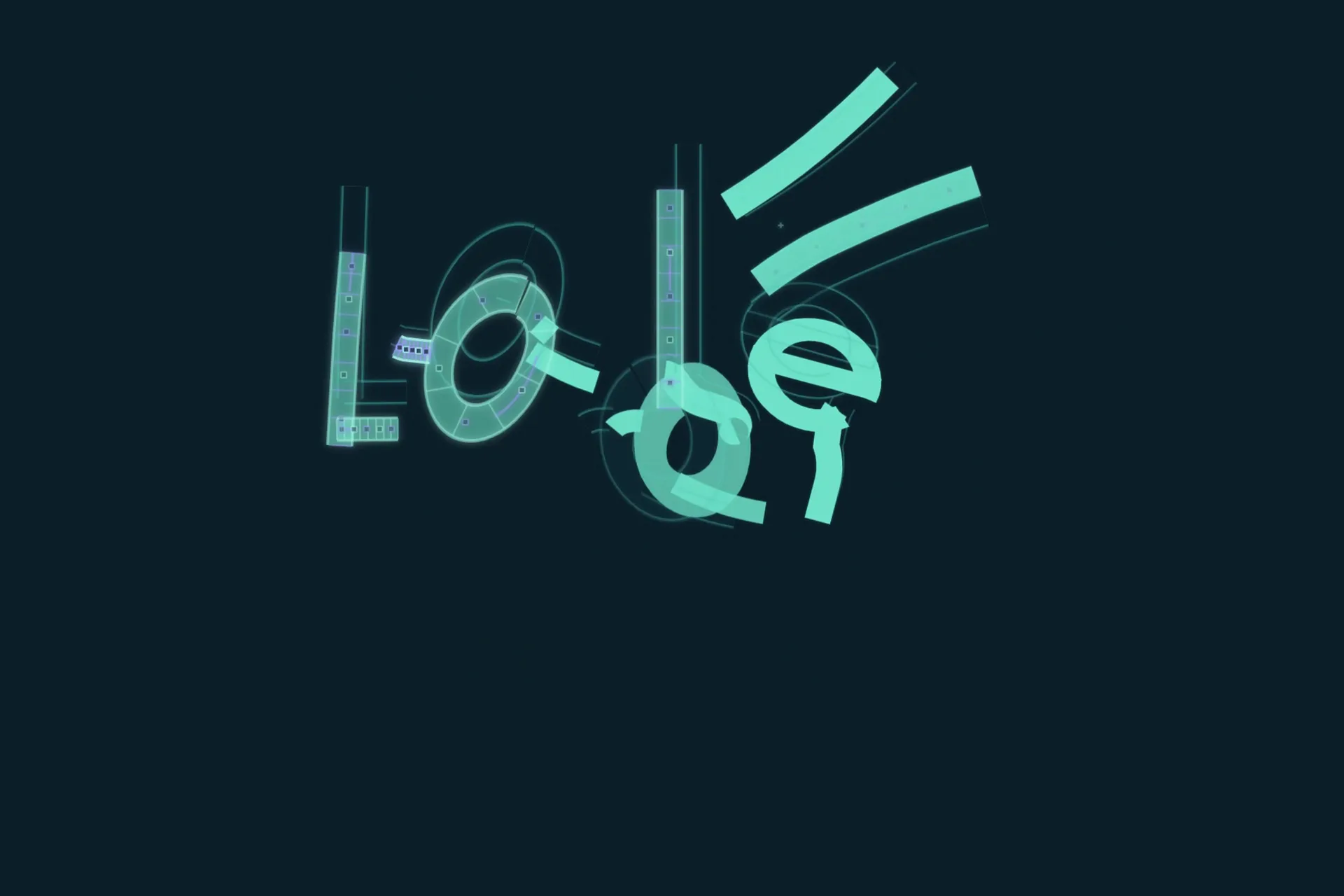
Grain and gradient looks in three cuts: chrome 3D city type, a gradient tool and a Product Hunt launch.
Download a grain gradient animation with chrome 3D type, lit shapes, halftone and gradient-mapped textures, in three timelines. Restyle it in CoAnimator.
How to use this template
Download the project. The .coa file is the whole editable project (9.3 MB).
Open it in CoAnimator. Double-click the file, or choose Open .coa in the launcher. You need the desktop app: Download CoAnimator.
Pick a starting point. It has 3 timelines. Start from the one closest to what you need.
Ask your agent. Open the agent chat in CoAnimator and describe the change, or paste the prompt below.
Export. Pick the size and frame rate, then export your MP4.
A prompt to start with
I'm editing the “Grain Gradient” template in CoAnimator: Grain and gradient looks in three cuts: chrome 3D city type, a gradient tool and a Product Hunt launch. Change the text to your words, use our brand colors hex codes, and keep the motion and timing as they are. Then export it as a 16:9 MP4.
More ideas
- “Use our brand colors throughout”
- “Retime it to our music”
- “Make a 9:16 version for Reels and TikTok”
- “Cut a 6-second version for ads”