Brand Film – Halloween AI Agent Story Template

Free

Ghosts by Choice · Halloween

About this template

A photoreal Halloween short where a costume shop's AI agent hands one special order to a person.

Download a photoreal Halloween story film: a costume shop's AI support agent answers orders and hands a special one to a human. Retell it in CoAnimator.

How to use this template

  1. Download the project. The .coa file is the whole editable project (368.1 MB).

  2. Open it in CoAnimator. Double-click the file, or choose Open .coa in the launcher. You need the desktop app: Download CoAnimator.

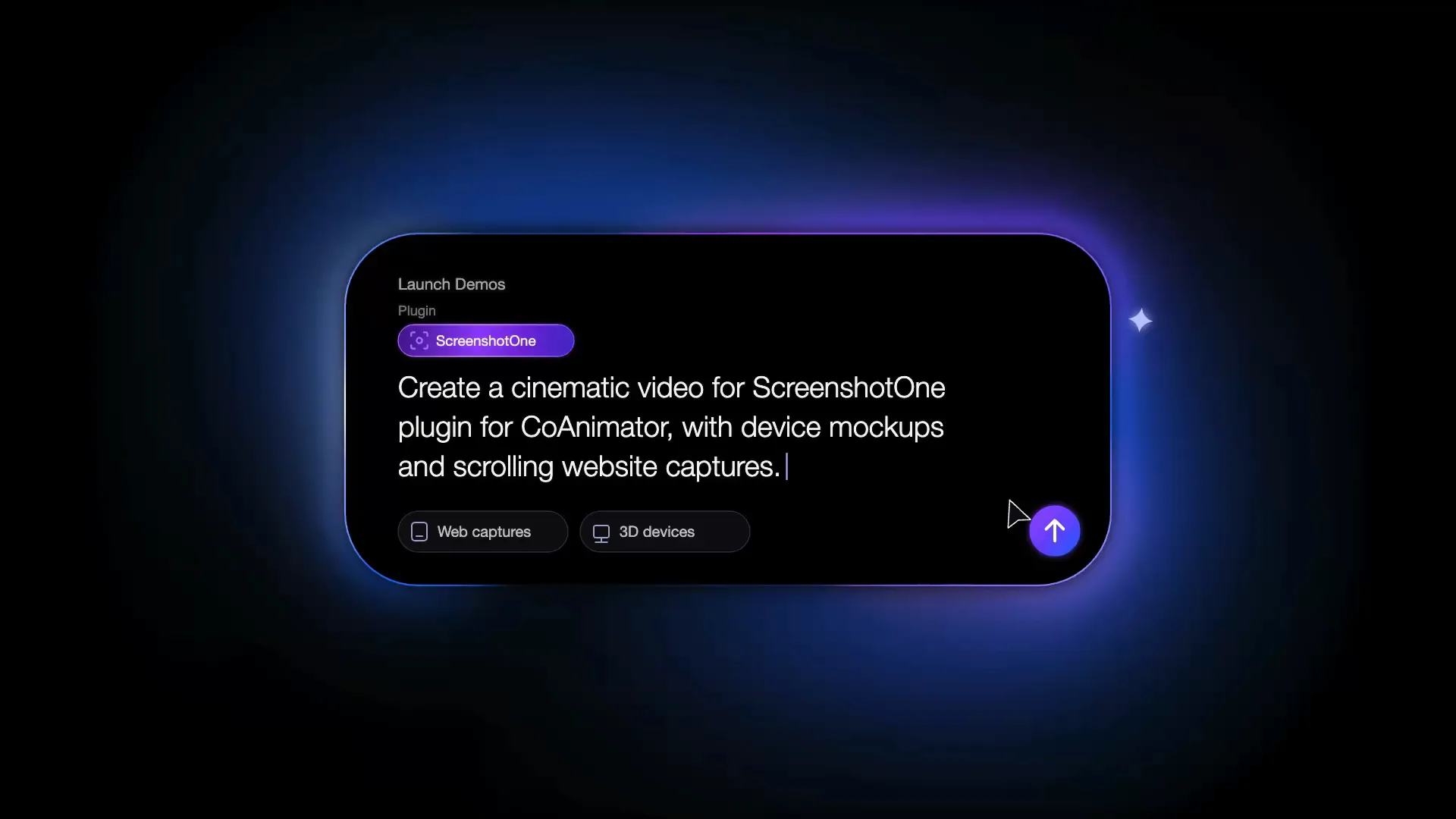
  3. Ask your agent. Open the agent chat in CoAnimator and describe the change, or paste the prompt below.

  4. Export. Pick the size and frame rate, then export your MP4.

A prompt to start with

I'm editing the “Ghosts by Choice · Halloween” template in CoAnimator: A photoreal Halloween short where a costume shop's AI agent hands one special order to a person. Change the text to your words, use our brand colors hex codes, and keep the motion and timing as they are. Then export it as a 16:9 MP4.

More ideas

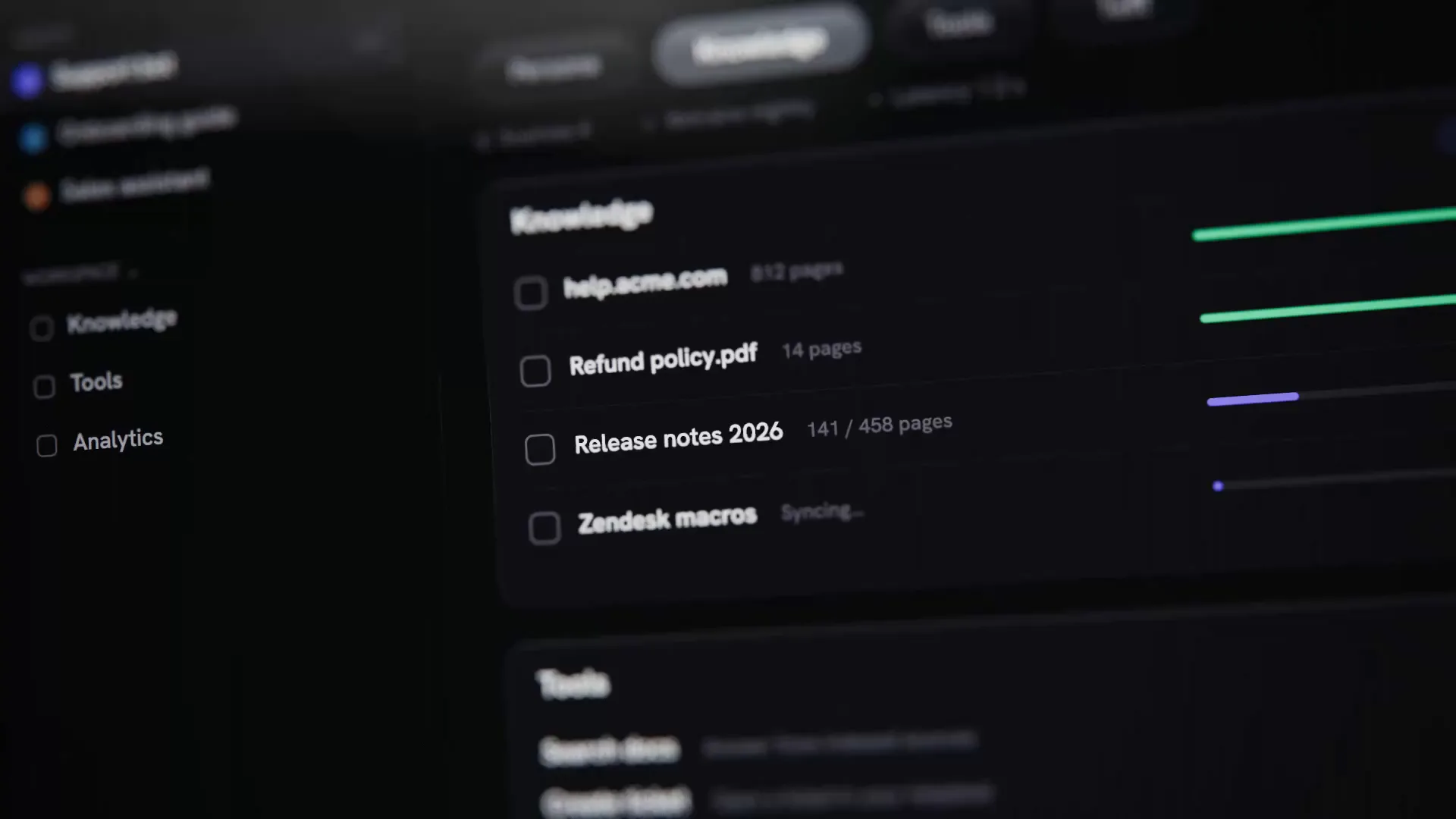
  • “Replace the screens with screenshots of our app”
  • “Change the product name and the closing call to action”
  • “Make a 9:16 version for Reels and TikTok”
  • “Cut a 6-second version for ads”
Need a short piece to drop in?Browse logo animations →

FAQs

What is the Ghosts by Choice · Halloween template?

Ghosts by Choice · Halloween is a free product demo video template from CoAnimator. A photoreal Halloween short where a costume shop's AI agent hands one special order to a person. It runs 59 s at 60 fps in 16:9 (1920×1080), and downloads as an editable .coa project at coanimator.com/templates/ghosts-by-choice.

How do I edit Ghosts by Choice · Halloween with AI?

Download the Ghosts by Choice · Halloween .coa project, open it in CoAnimator and ask your coding agent (Claude Code, Codex or Antigravity) for the change in plain words: new text, your brand colors or a different length. CoAnimator renders the result as an MP4 on your own machine.

What can I change in Ghosts by Choice · Halloween?

Anything in the Ghosts by Choice · Halloween project: the words, colors, fonts, images, timing, length and format. It is built in code, so a coding agent can change any part of it.

Can I put my own app screenshots into a product demo video template?

Yes. Add your screenshots or screen recordings to the CoAnimator project and ask your agent to place them in the device frames and scenes. It keeps the camera moves and the timing.

Does Ghosts by Choice · Halloween have sound?

Yes. The Ghosts by Choice · Halloween project includes its sound; ask your agent to swap it for your own music or voiceover, or to remove it.

What is a .coa file and how do I open it?

A .coa file is a complete CoAnimator project in one package: the code, assets and timeline. Double-click it, or choose Open .coa in the CoAnimator launcher. CoAnimator is a desktop app for macOS, Windows and Linux, free to download.

More product demo & launch video templates