About this template
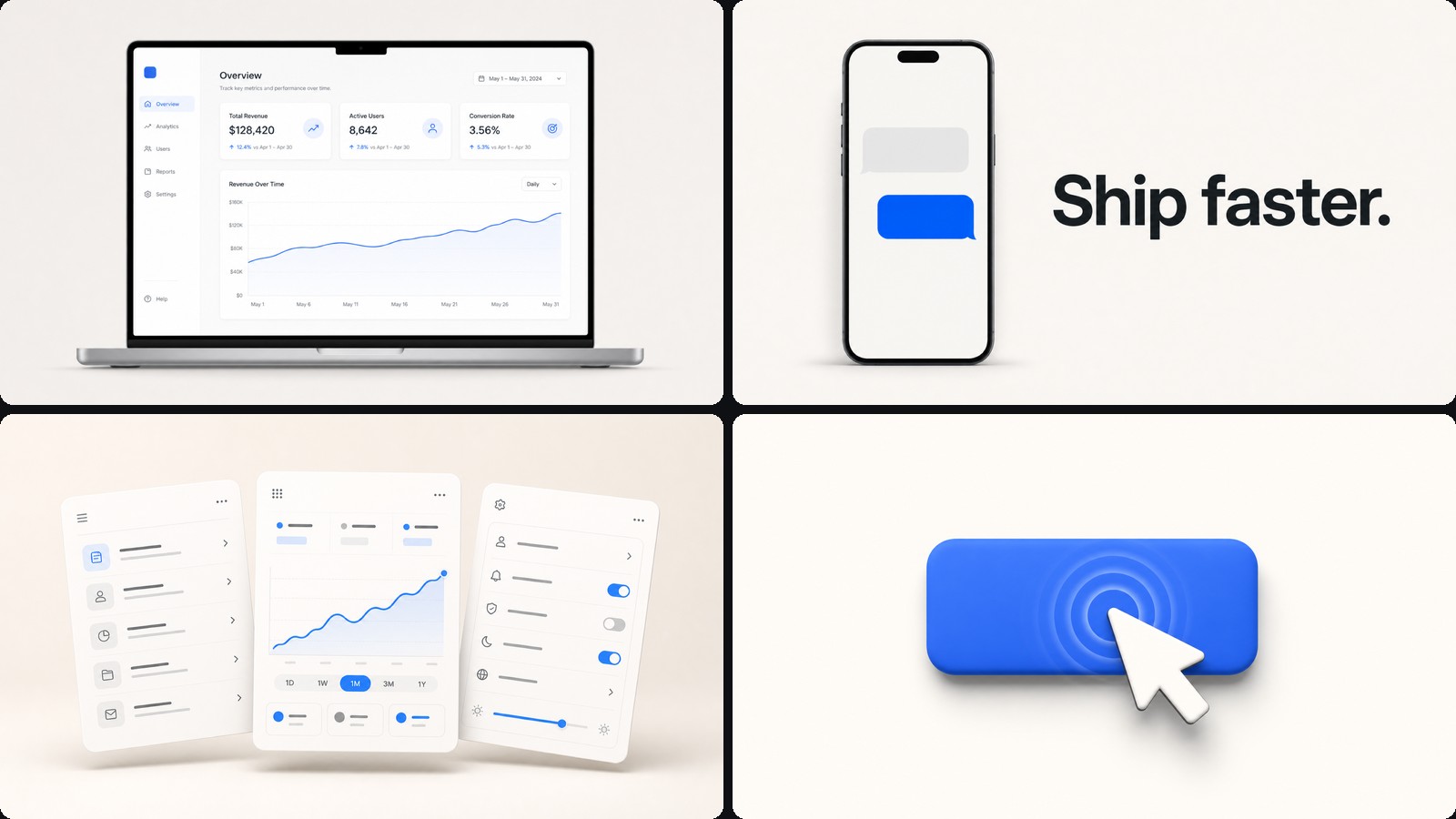
A launch reel for software: bold type on a bright stage, screens that move like screens, and a payoff that lands inside a minute. It is the template to reach for when the thing you are selling is an app, an SDK or a feature, and the point is show me what it does.
What it looks like
Every beat is one idea. A headline states the claim, the interface proves it, the next beat moves on. Type is heavy and close-cropped, backgrounds stay pale and calm so the product is the only busy thing on screen, and one accent colour carries buttons, highlights and the closing call to action.
Screens are never static grabs. A cursor travels and clicks, a toggle flips, a chart counts up — the small motions that make an interface read as live rather than photographed.
What you get
- Title beatsA claim, a short rule, a kicker, held long enough to read
- Device framesLaptop and phone, straight-on or angled, with real screen content rather than placeholder grey
- CalloutsNumbered pointers that draw the eye to one control at a time
- Before and afterA split that earns the improvement instead of stating it
- A closing cardProduct name, one line, one link
Making one
Describe the product and the three things it should prove. Your agent drafts the beats, you scrub the stage and say what to tighten — "hold the chart longer", "lose the second headline", "make the cursor land on Save". Changes show up as you talk.
Narration, sound effects and music sit on the timeline underneath, so voice can be added or replaced at any point without touching the picture.
Bundled sample
MCP360 — Main Reel is a finished 81-second launch film built this way: ten scenes, a ten-part voiceover, sound effects and a ducked music bed already in place. Open it as a project to see how a complete reel is put together, then change the words and colours to make it yours.
How to use this template
Get CoAnimator. It is a desktop app: Download CoAnimator.
Start from Product Demo Video. Choose New and pick it in the template picker. It installs the first time you use it.
Ask your agent. Describe the video in the agent chat.
Export. Pick the size and frame rate, then export your MP4.