About this template
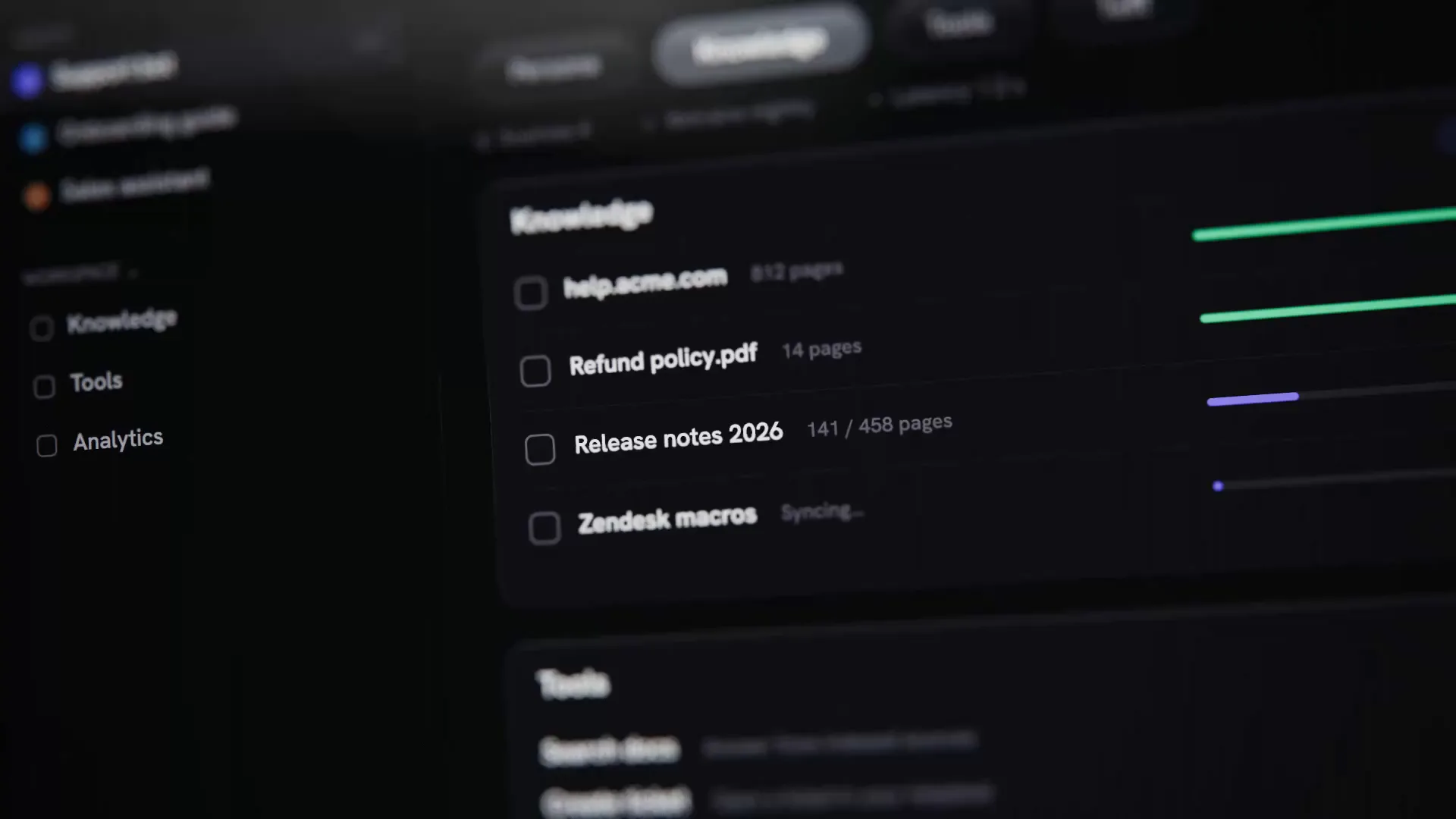
A camera glides down a website laid on a tilted 3D plane while the site's own cards, dialogs and app logos lift off the page, type and tick, then it rests on the footer wordmark. The project includes an agent skill for making one from your own site.
Download a 3D website promo video: the camera glides down a tilted landing page as its own cards and logos lift off. Remake it for your site with AI.
How to use this template
Download the project. The .coa file is the whole editable project (4.5 MB).
Open it in CoAnimator. Double-click the file, or choose Open .coa in the launcher. You need the desktop app: Download CoAnimator.
Ask your agent. Open the agent chat in CoAnimator and describe the change, or paste the prompt below.
Export. Pick the size and frame rate, then export your MP4.
A prompt to start with
I'm editing the “Website Glide” template in CoAnimator: A camera glides down a website laid on a tilted 3D plane while the site's own cards, dialogs and app logos lift off the page, type and tick, then it rests on the footer wordmark. The project includes an agent skill for making one from your own site. Change the text to your words, use our brand colors hex codes, and keep the motion and timing as they are. Then export it as a 16:9 MP4.
More ideas
- “Replace the screens with screenshots of our app”
- “Change the product name and the closing call to action”
- “Make a 9:16 version for Reels and TikTok”
- “Cut a 6-second version for ads”