Comment Animation – Floating Comments Reel Template

Free

Floating Comments

About this template

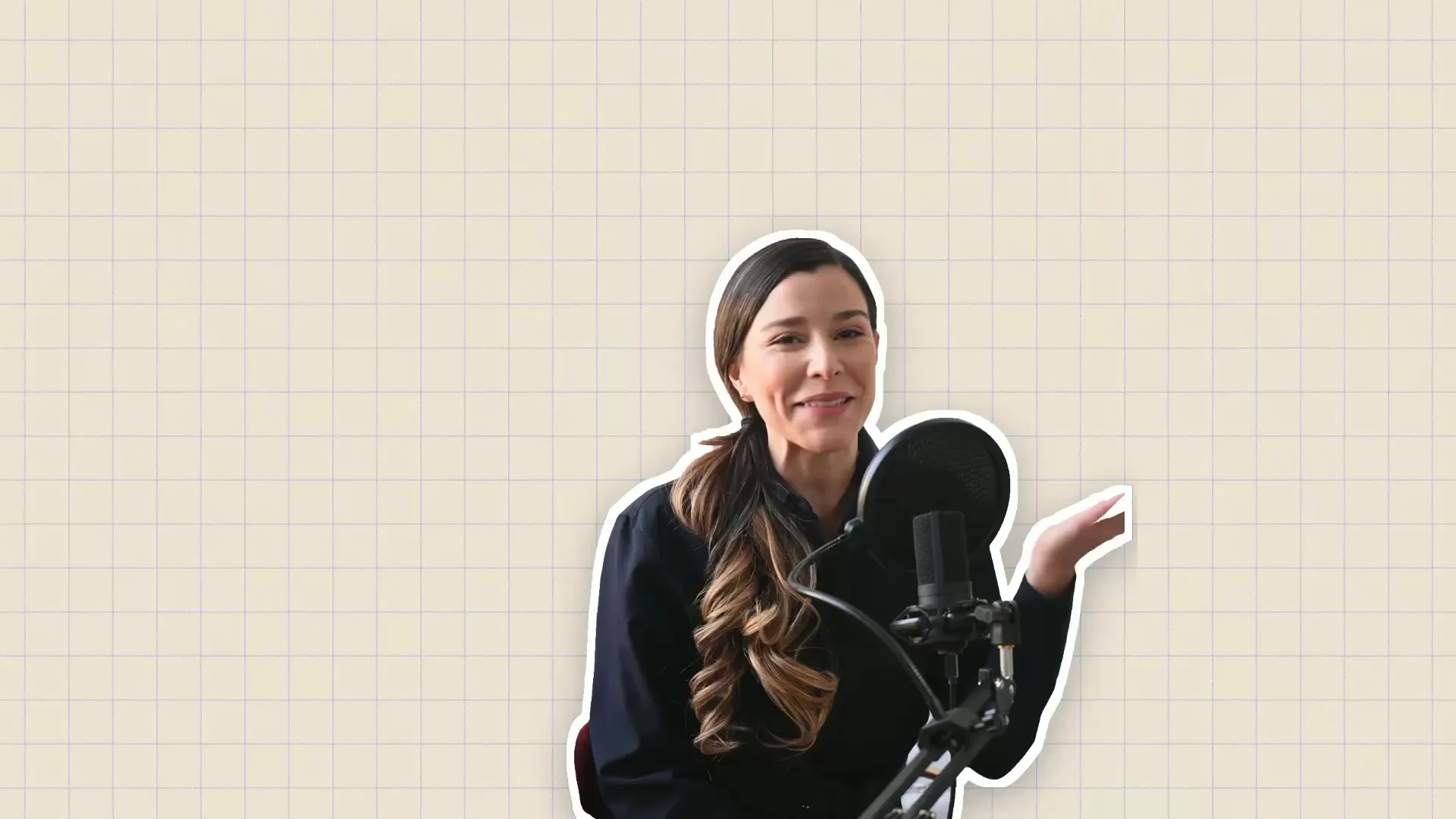
A floating comments effect is picked in the CoAnimator app and added to her clip, then comment bubbles orbit her and slip behind her head under a Good morning title.

Download a floating comments reel: comment bubbles orbit a person and slip behind them, with doodles and a Good morning title. Edit it in CoAnimator.

How to use this template

  1. Download the project. The .coa file is the whole editable project (51.0 MB).

  2. Open it in CoAnimator. Double-click the file, or choose Open .coa in the launcher. You need the desktop app: Download CoAnimator.

  3. Pick a starting point. It has 2 timelines and comes in 9:16 and 1:1. Start from the one closest to what you need.

  4. Ask your agent. Open the agent chat in CoAnimator and describe the change, or paste the prompt below.

  5. Export. Pick the size and frame rate, then export your MP4.

A prompt to start with

I'm editing the “Floating Comments” template in CoAnimator: A floating comments effect is picked in the CoAnimator app and added to her clip, then comment bubbles orbit her and slip behind her head under a Good morning title. Change the text to your words, use our brand colors hex codes, and keep the motion and timing as they are. Then export it in 9:16 and 1:1.

More ideas

  • “Make a 9:16 version for Reels and TikTok”
  • “Add captions timed to the voice”
  • “Make a 16:9 version for YouTube”
  • “Cut a 6-second version for ads”
Need a short piece to drop in?Browse text animations →

FAQs

What is the Floating Comments template?

Floating Comments is a free reel template from CoAnimator. A floating comments effect is picked in the CoAnimator app and added to her clip, then comment bubbles orbit her and slip behind her head under a Good morning title. It runs 16.6 s at 60 fps in 9:16 (2160×3840) and 1:1 (2160×2160), and downloads as an editable .coa project at coanimator.com/templates/floating-comments.

How do I edit Floating Comments with AI?

Download the Floating Comments .coa project, open it in CoAnimator and ask your coding agent (Claude Code, Codex or Antigravity) for the change in plain words: new text, your brand colors or a different length. It has 2 timelines, so start from the one closest to what you need. CoAnimator renders the result as an MP4 on your own machine.

What can I change in Floating Comments?

Anything in the Floating Comments project: the words, colors, fonts, images, timing, length and format. It is built in code, so a coding agent can change any part of it.

Can I post these reel templates on TikTok and YouTube Shorts?

Yes. Export a 9:16 MP4 from CoAnimator and post it to Instagram Reels, TikTok or YouTube Shorts. A reel made wide can be reframed for vertical by asking your agent, which also moves the titles into the safe area.

Does Floating Comments have sound?

Yes. The Floating Comments project includes its sound; ask your agent to swap it for your own music or voiceover, or to remove it.

What is a .coa file and how do I open it?

A .coa file is a complete CoAnimator project in one package: the code, assets and timeline. Double-click it, or choose Open .coa in the CoAnimator launcher. CoAnimator is a desktop app for macOS, Windows and Linux, free to download.

More reel templates