Translate the video
by rebuilding it.
A translator fits a new voice into a locked cut, and CoAnimator will not dub a file you already have. It keeps the project instead: regenerate the script in the next language, re-voice it, and the scenes re-time themselves.
macOS · Windows · Linux · no credits, no render limits
 Antigravity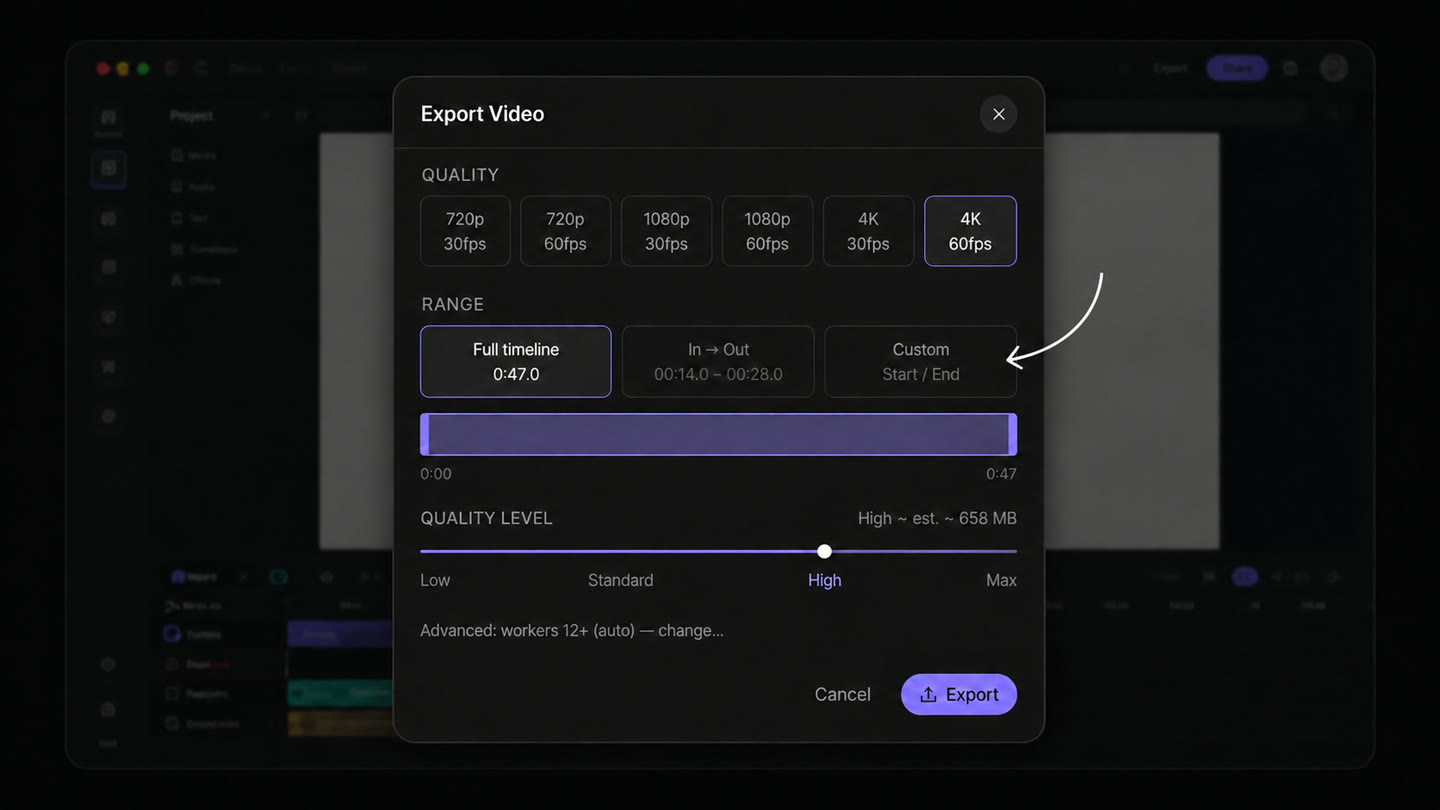
timing
Longer languages get
the extra seconds.
German takes longer to say than English. Dubbing has to speed the voice up or hold the picture, which is why translated videos feel slightly off. Here the narration renders first and the scenes stretch to fit it.
voice
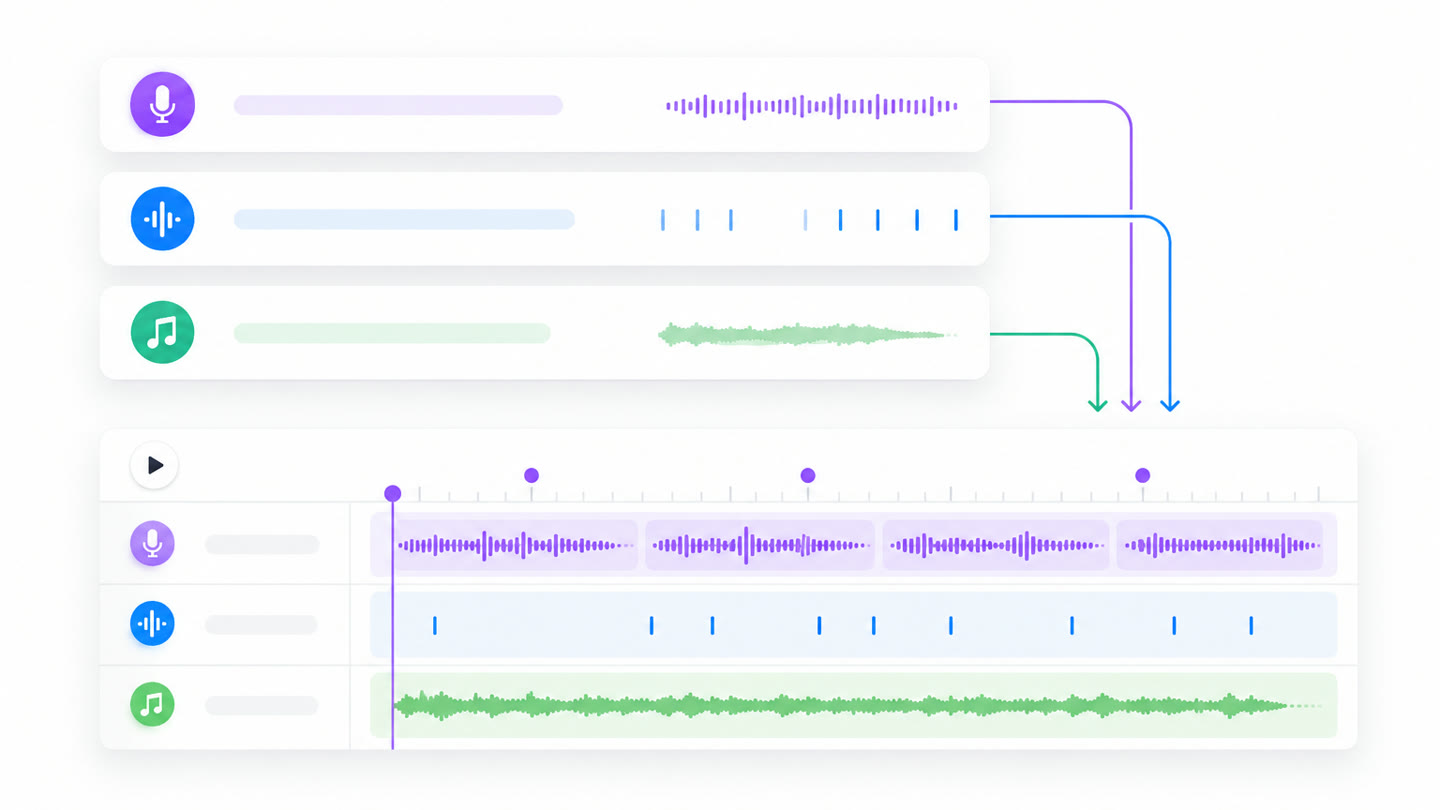
A new language is
another render.
The old way books a voice artist per language, then books them again every time a line changes. Here the narration runs through your own text-to-speech keys, so a reworded sentence in Japanese costs one more render.
every cut
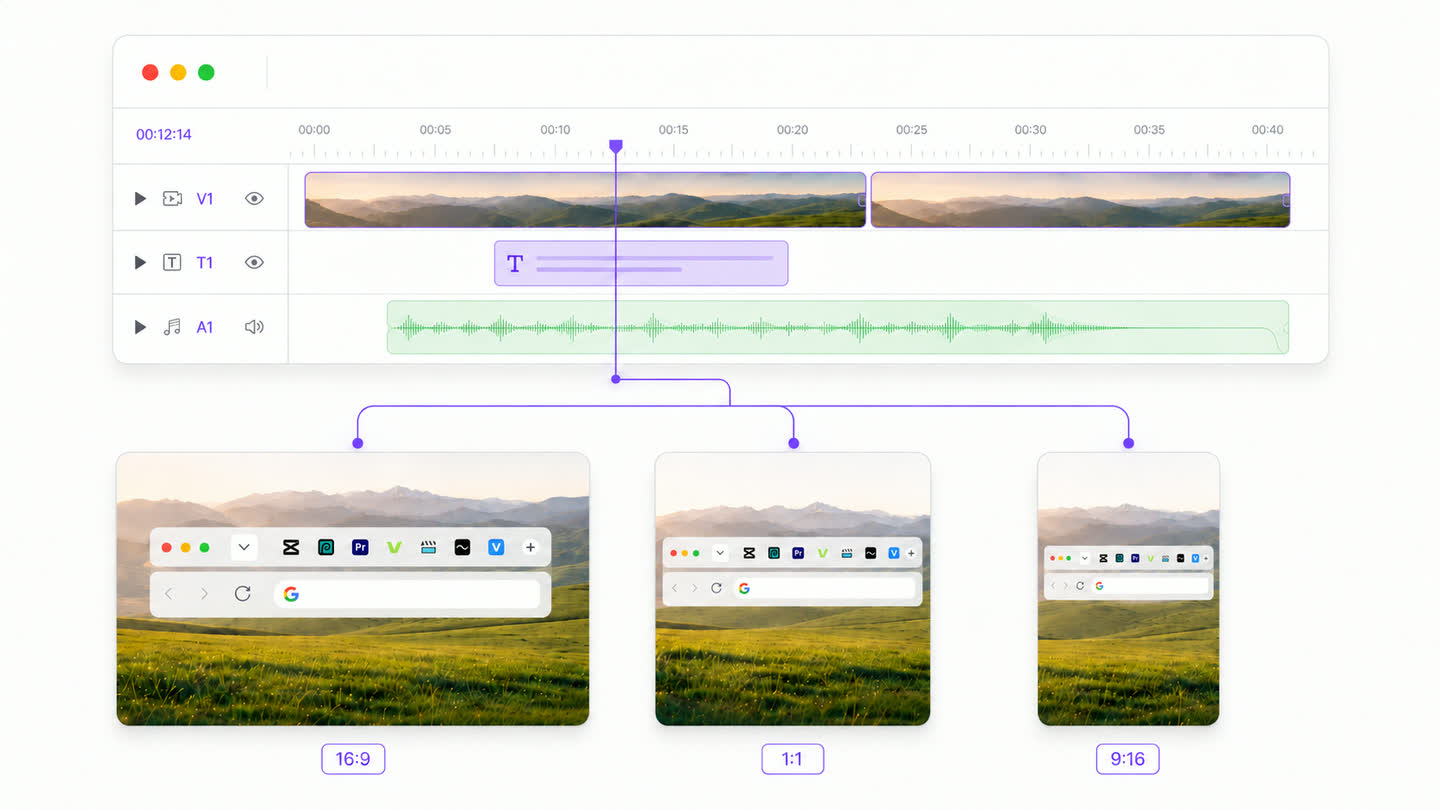
Ten languages across
every aspect ratio.
Languages multiply against the cuts you already need: landscape, square, vertical. Commissioned that is a grid nobody wants to pay for. Locally it is a batch of renders.
how it's built
How to make a multilingual video
- 01
Build it once, in one language
Brief the agent and get the English cut right. That project is the master.
- 02
Export the first language
Render it locally, like any other video.
- 03
Reopen and ask for the next one
The agent rewrites the script in French, re-voices it, and updates the on-screen text.
- 04
The scenes re-time themselves
French runs longer. The timeline is rebuilt around the new narration rather than refilled.
- 05
Export again, and repeat
One render per language, on your machine. The tenth costs what the first did.
FAQ
Can CoAnimator translate a video I already have?
No. There is no upload-and-translate step and no dubbing over footage you already shot. It keeps the project instead: regenerate the script in the next language, re-voice it, export again. If the MP4 is all you own, use a dedicated video translator.
How do I make a video in multiple languages?
Build it once and export it per language. Get the first cut right and render it. Then reopen the project, ask for the next language, and the agent rewrites the narration, re-voices it and updates the on-screen text. Render again. Every language after that is the same two steps.
What happens when one language is longer than another?
The scenes re-time to it. A translator has to fit a new voice into a cut timed for the original, so longer languages get rushed or the picture held. Here the narration renders first and the timeline is rebuilt around it, so German gets the extra seconds it needs.
What does it cost per language?
A render, plus whatever your text-to-speech provider charges. No per-minute translation fee and no export meter, so the tenth language costs about what the first did. The licence is $249 once, for however many languages you render.
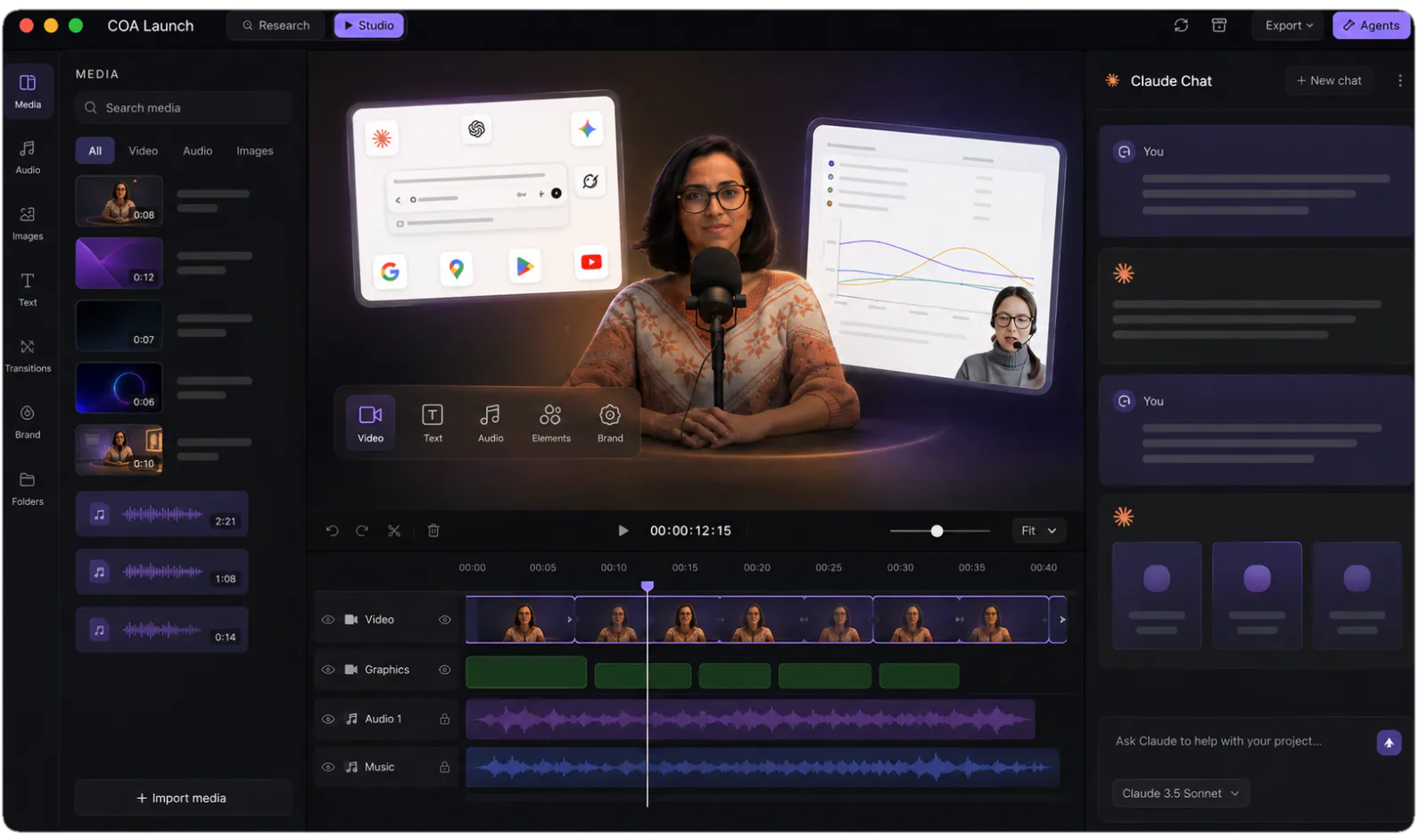
One app. Your agent runs it.
Install CoAnimator, point it at the agent you already pay for, and describe the video. Every project stays editable and renders on your own machine.
