Make your intro.
Animate your logo.
Describe the sting and your agent builds it: your mark assembling, kinetic titles, shapes and transitions on a timeline you can open. Render it free on your own machine.
macOS · Windows · Linux · no credits, no render limits
logo animation
Your logo animates
in pieces.
Drop in your logo and say what it should do. An SVG lets the agent animate the parts separately: the symbol draws on, the wordmark arrives after it. A flat PNG can only slide and fade, which is why most logo animations look the same.
intros, stings and outros
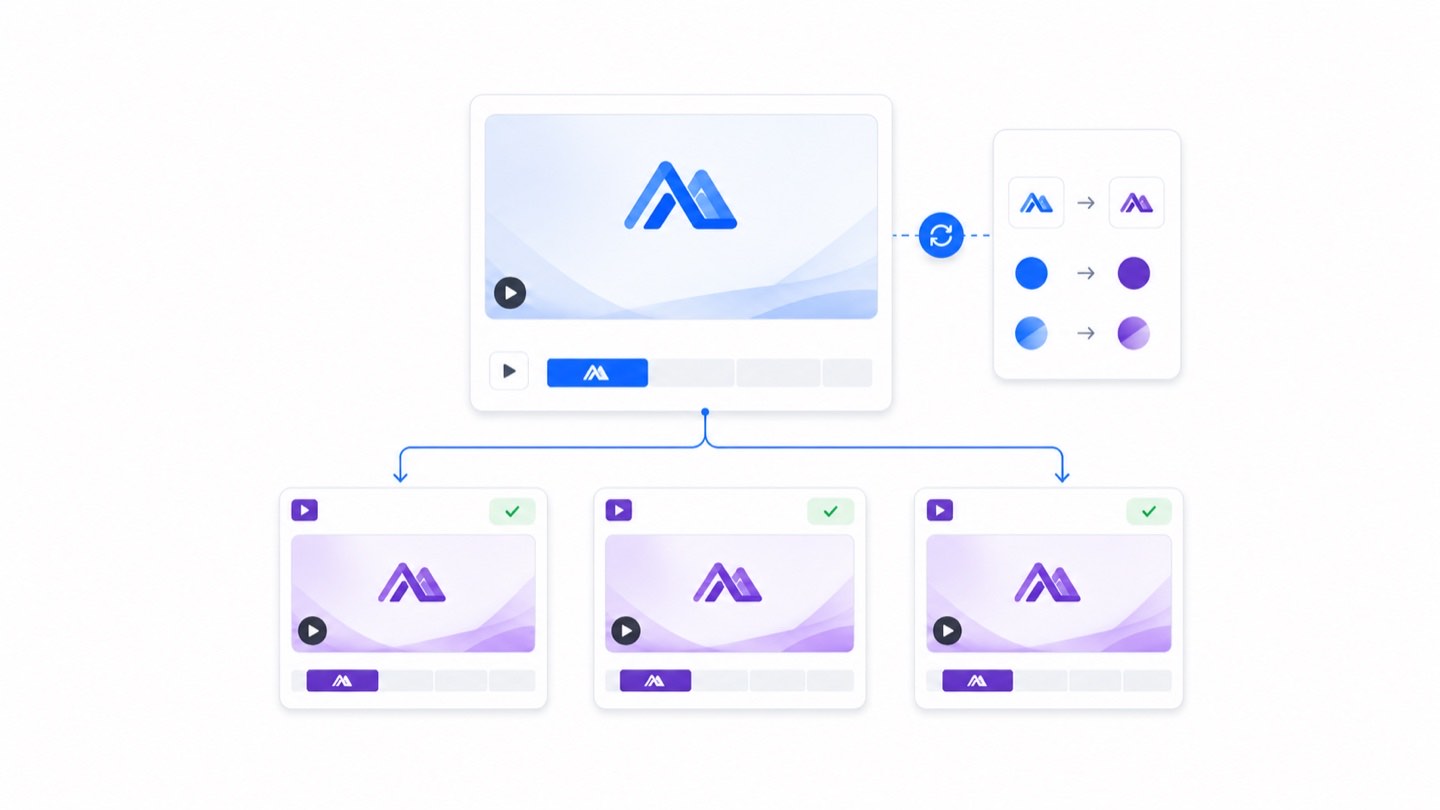
Rebrand once.
Every intro updates.
The same opening on every video is what makes a channel look like one. Keep the intro as a project and it never drifts: when the brand changes you edit once and re-render.
sound and timing
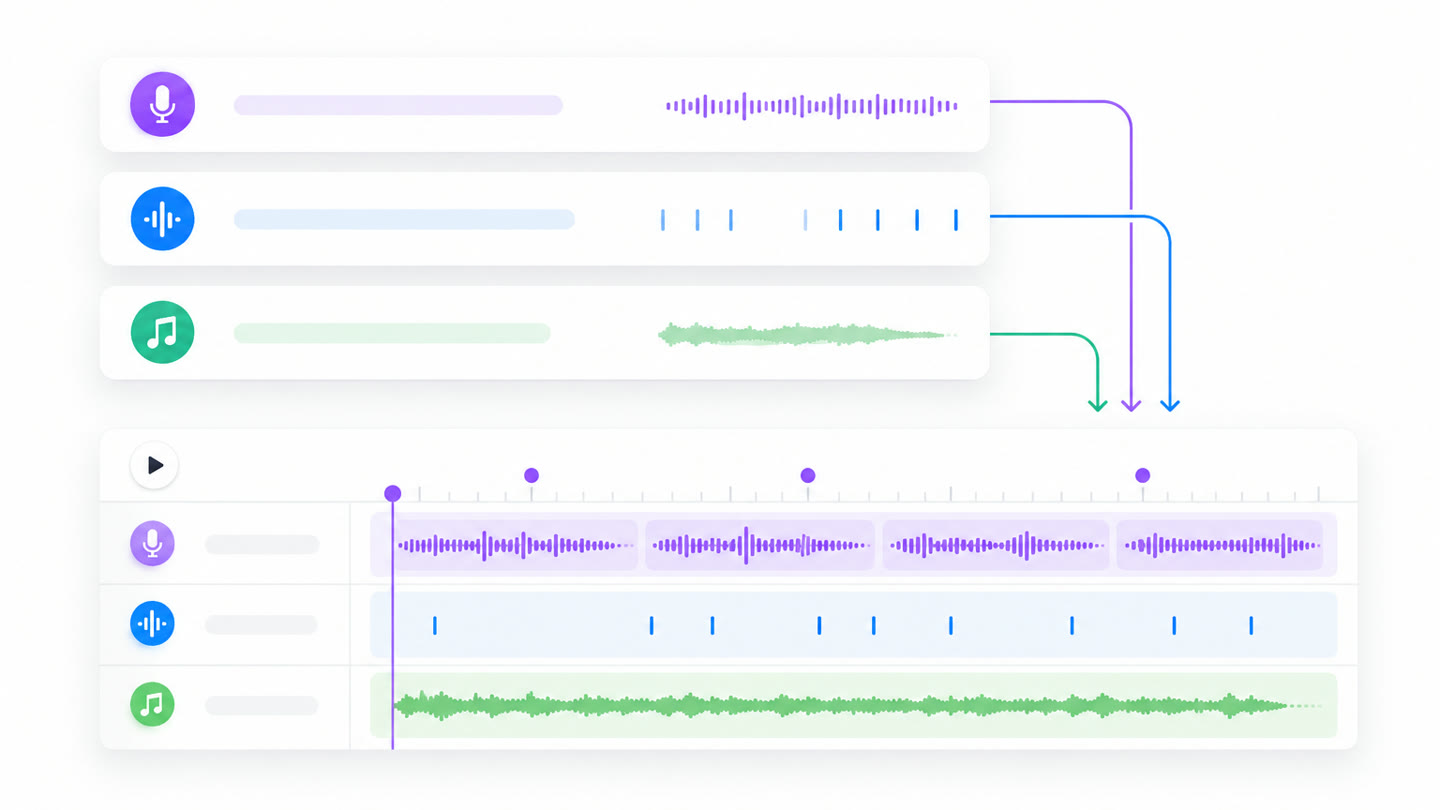
The hit lands on
the right frame.
An intro is three seconds, so a frame out is obvious. The sound effect and music are generated with the motion and placed on the timeline, so the hit arrives exactly when the logo settles. Ask for it later and it moves.
how it's built
How to make a video intro
- 01
Describe the intro
"Three seconds, the logo snaps together, one bass hit on the landing" is enough to start.
- 02
Drop in your logo
An SVG or PNG becomes a scene element. Vector holds up best at 4K.
- 03
The agent builds the motion
Kinetic titles, shapes and transitions, authored as editable scenes rather than a preset.
- 04
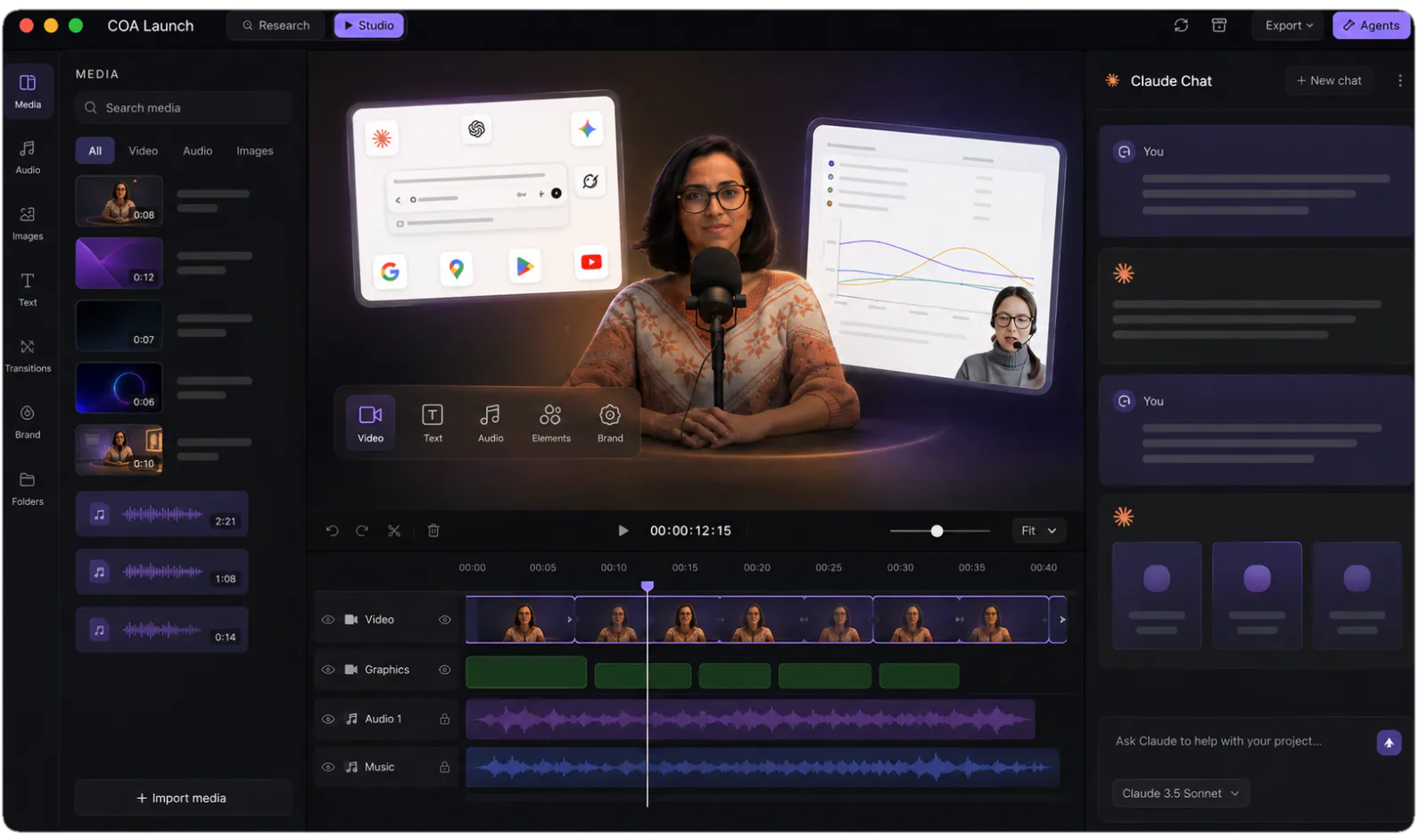
Shape it on the timeline
Too fast, wrong hold at the end. Say so, or move the beat yourself.
- 05
Render it once, reuse it forever
Export locally and keep the project. A rebrand is one edit, not every video.
FAQ
How do I make a video intro?
Describe it in a sentence, drop in your logo, and the agent builds the motion as editable scenes: kinetic titles, shapes and transitions. Shape it on the timeline, by asking or by hand, then render locally. The free tier is unlimited 720p with a watermark, so you can make the whole thing before deciding to buy.
Is the intro maker free?
The studio is free forever: every template and unlimited local renders at 720p with a watermark. $249 once unlocks 4K and watermark-free exports. No credits or per-render fees on either plan, which matters for an intro you will re-render every time the brand moves.
Can I animate my own logo?
Yes. An SVG or PNG becomes a scene element the agent animates. SVG holds up best: it stays crisp at 4K and lets the agent animate parts of the mark separately rather than sliding one flat image around.
What makes this different from a free online intro maker?
Most give you a rendered file from a fixed preset, with no way to change it afterwards. Here the output is the project as well as the video, so a new tagline, colour or length is an edit rather than a fresh start.
Can I reuse the same intro across every video?
That is the point of keeping the project. One intro gets re-rendered whenever the brand changes, so the top of every video stays consistent without anyone maintaining it.
Can I add sound to the intro?
Yes. Sound effects and a music bed are generated to the brief and land on the timeline with the motion, so the bass hit arrives when the logo does rather than being nudged into place afterwards.
One app. Your agent runs it.
Install CoAnimator, point it at the agent you already pay for, and describe the video. Every project stays editable and renders on your own machine.

