An app promo video
from one screen recording
A portrait cut for the store, a square one for the feed, a landscape one for the site. Describe it once and your agent builds all of them from the same project.
macOS · Windows · Linux · no credits, no render limits
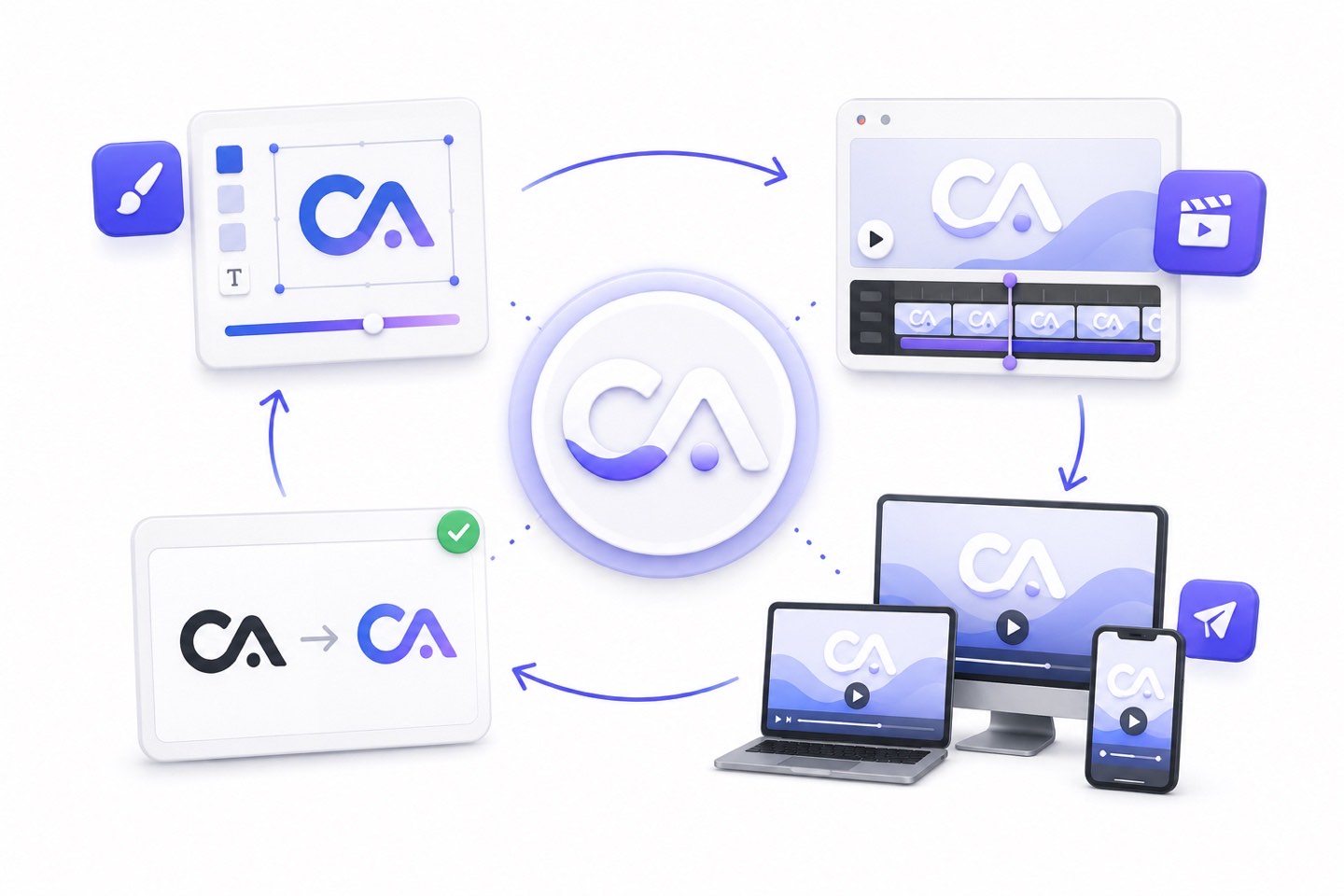
one recording
One recording becomes
the whole promo.
Record the app once. The agent puts it in a device frame, zooms to the tap that matters and lands the callouts on the beat. When you ship a redesign you swap the recording, not the video.
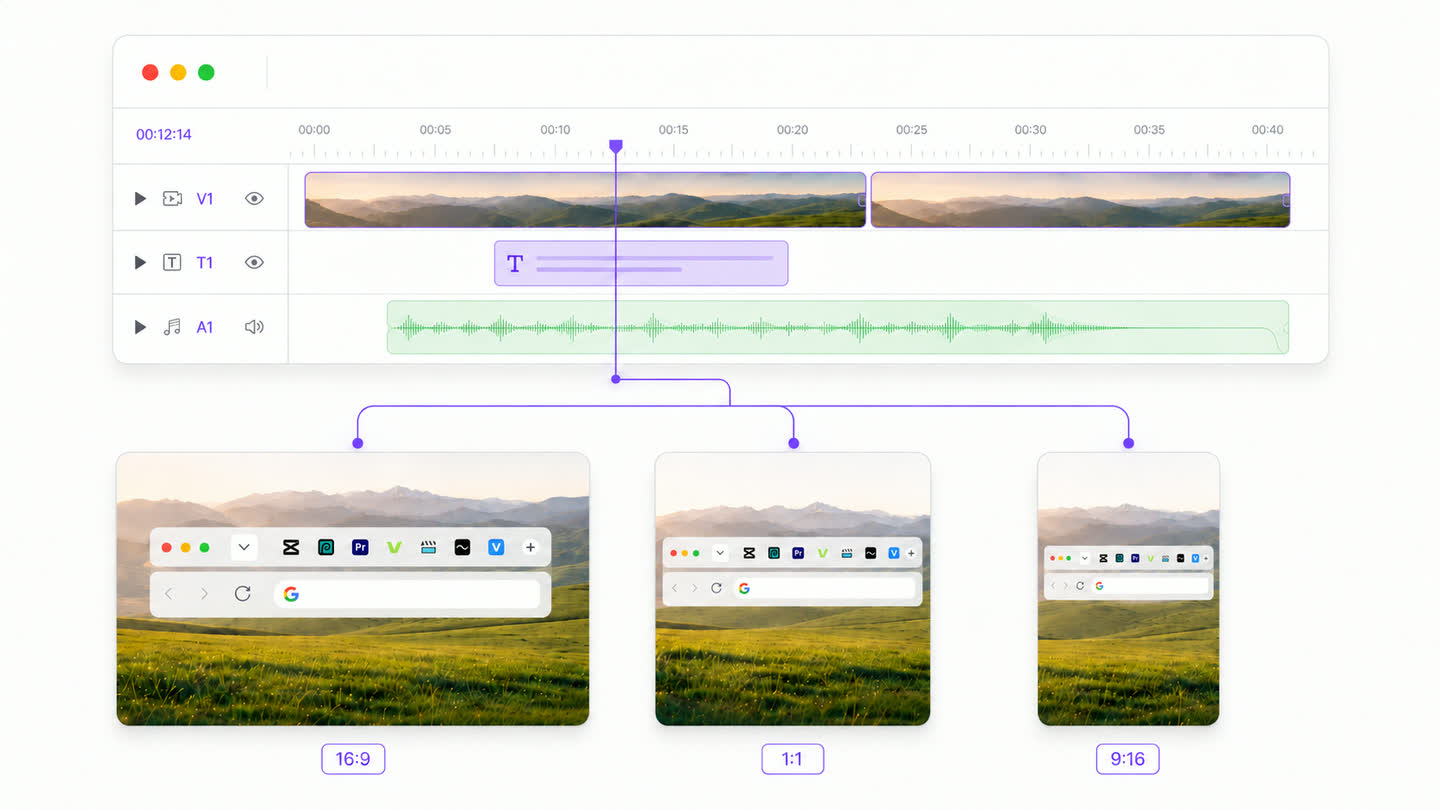
four cuts
Every cut a launch
needs, from one project.
A portrait preview for the App Store, a square cut for the feed, a vertical one for reels and a landscape hero for the site. Commissioned that is four briefs and four invoices. Here it is four renders.
how it's built
How to make an app promo video
- 01
Record the app once
A simulator capture or a recording off the device. One take is enough.
- 02
Describe the promo
What the app does, the three things it has to prove, the tone. That becomes a scene list.
- 03
The screens get framed
Device frames go on, the interface zooms to the tap that matters, callouts land on the beat.
- 04
Narration lands timed
The voiceover plugin places every line against the moment it describes.
- 05
Render every aspect locally
Portrait for the store, square for the feed, landscape for the site. Never metered.
FAQ
How do I make an app promo video?
Record the app once and describe the promo in a paragraph. The agent builds the scenes around the recording: device frames, zooms to the tap that matters, callouts and narration. Then render the aspect ratios you need. The recording stays a clip you can swap, so a redesign means replacing the capture rather than remaking the video.
Can I make the portrait and square versions from the same project?
Yes, and it is the main reason to build a promo this way. The store preview, the feed cut, the reel and the site hero are one project rendered at different shapes, with no per-export fee however many you need.
Do I need a designer or an animator?
No. The templates ship the look and the agent authors the scenes onto them. You still decide what the app has to prove and in what order, but in a paragraph rather than a timeline.
What about App Store preview requirements?
You control the output shape and length, so you render to whatever the store currently asks for. Design the cut to work silently, since previews autoplay muted and the on-screen text is doing the work.
What happens when the app updates?
Swap the recording for the screen that changed and re-render. The scenes around it survive and every aspect ratio comes back updated in one pass, which is the difference between owning a project and owning five MP4s.
One app. Your agent runs it.
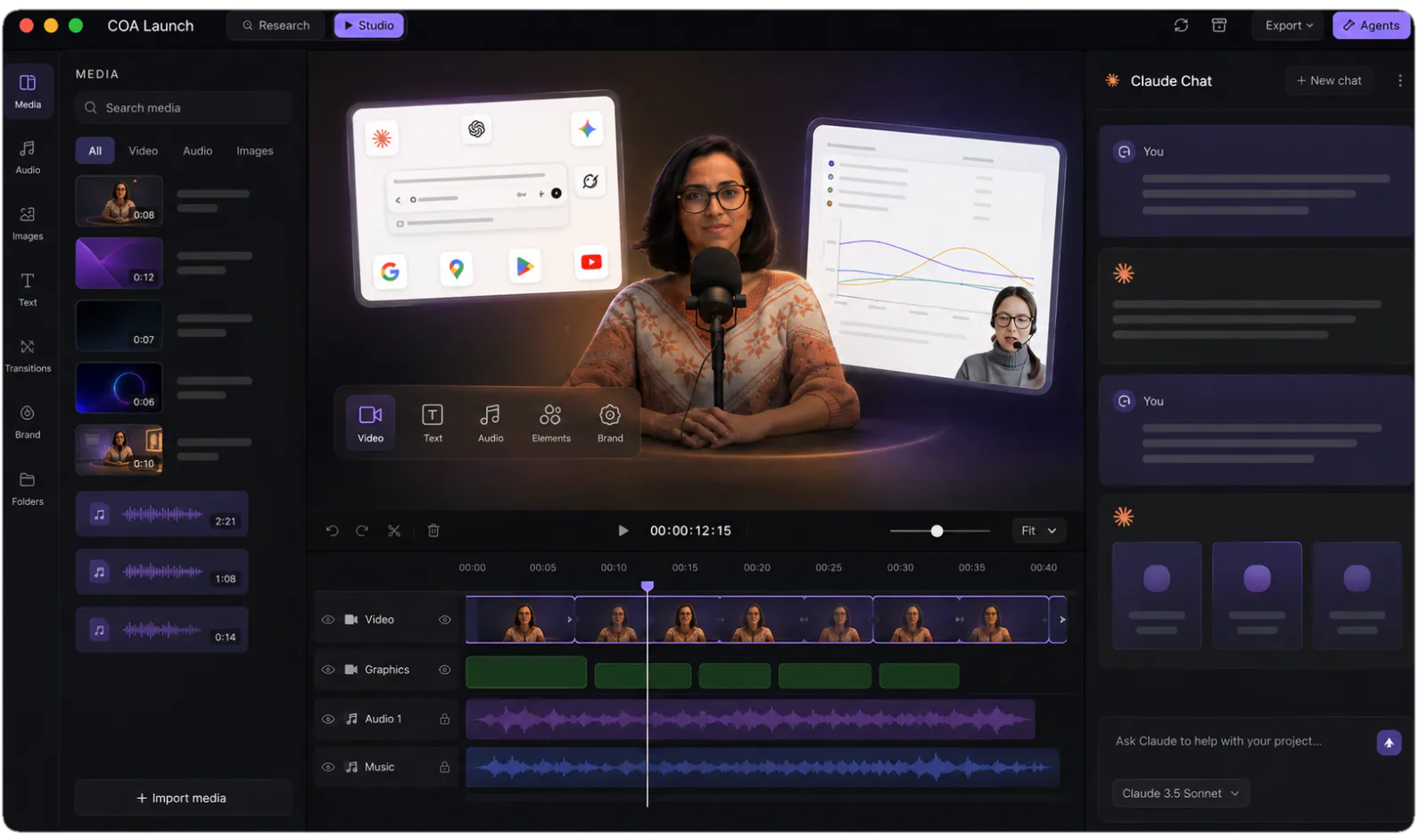
Install CoAnimator, point it at the agent you already pay for, and describe the video. Every project stays editable and renders on your own machine.

