Plugins
Set up audio, generation, website capture, publishing and research.
CoAnimator plugins add provider-backed tools and agent guidance. Open Plugins to enable a plugin and complete its setup. Enabled plugins may still need a key, account connection or dependency before their actions can run.
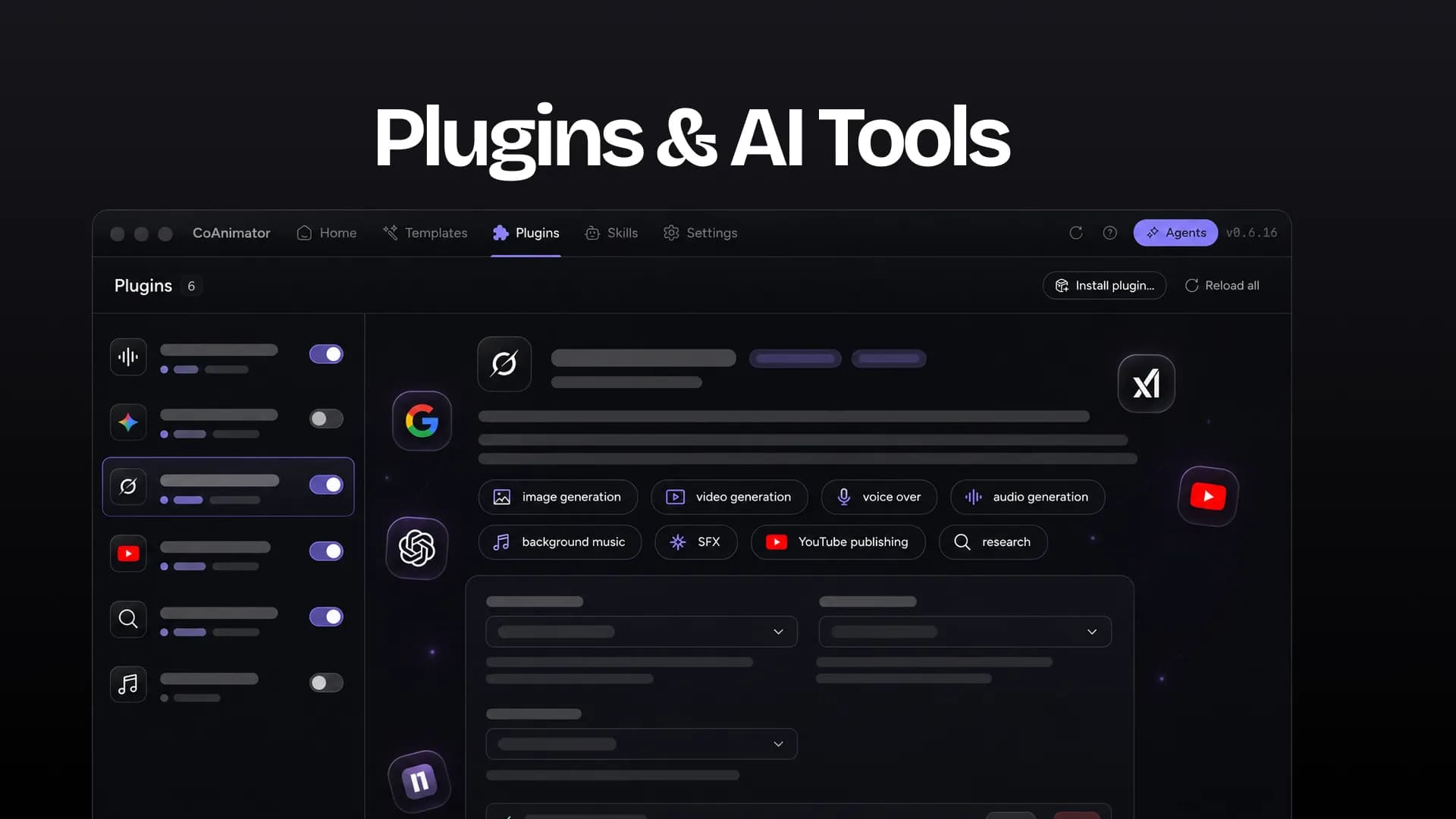
Included capabilities
| Plugin | Use it for | Setup |
|---|---|---|
| ElevenLabs Audio | Narration, sound effects and music | Configure an ElevenLabs key and install the relevant audio skills through setup actions. |
| Gemini Images | Generate images | Add a Gemini API key; use its key test when needed. |
| Grok Imagine | Generate images and video | Add an xAI API key. A Grok chat sign-in is separate from an API key. |
| ScreenshotOne | Capture websites and scrolling website clips | Add a ScreenshotOne key. Check connection tests account access without rendering a capture. |
| YouTube | Publish renders and thumbnails | Configure client credentials and connect your channel. |
| Postiz | Upload and schedule social posts | Configure the API key and test your integrations. |
| YouTube Research | YouTube and competitor research through MCP360 | Follow guided MCP setup; this route needs the supported Claude Code/MCP environment. |
ScreenshotOne captures remote websites. CoAnimator 0.7.2 has no desktop screen-recording plugin. Record with a separate tool, then import the recording.
Connect and use a plugin
- Open the plugin's configuration and supply its required key or connection.
- Enable it and resolve needs setup or invalid key status. A saved key is not always a live account or credit check.
- Start a new agent session after changing credentials or enabled capabilities so it receives the current configuration.
- Run the action or ask the agent to use it. Review the result before placing it on the timeline or publishing.
Research workflow steps need the research plugin ready. Studio remains available while you complete setup. Publishing to YouTube opens from the project's Export dropdown after connecting the YouTube plugin.
Costs and data
Provider usage is billed through your own account. Local project exports do not consume CoAnimator rendering credits. Generation, website capture, research and publishing make network requests and may upload the inputs required by the service.
Use plugin setup for credentials; do not put keys in project files or prompts. Some actions need installed Claude Code and the matching skill. Connecting Direct chat alone does not configure every plugin action.
Veo, HeyGen and hosted rendering are not included capabilities in 0.7.2. Check future availability and pricing when those features are announced.