Hermes
Run a CoAnimator agent from Discord through the Hermes messaging gateway.
Hermes is Nous Research's agent framework with a messaging gateway of its own.
The same idea as OpenClaw: set the platform up once,
then connect a channel. Discord is below. It assumes the
coa CLI is on your PATH and ffmpeg is installed.
Set up the platform
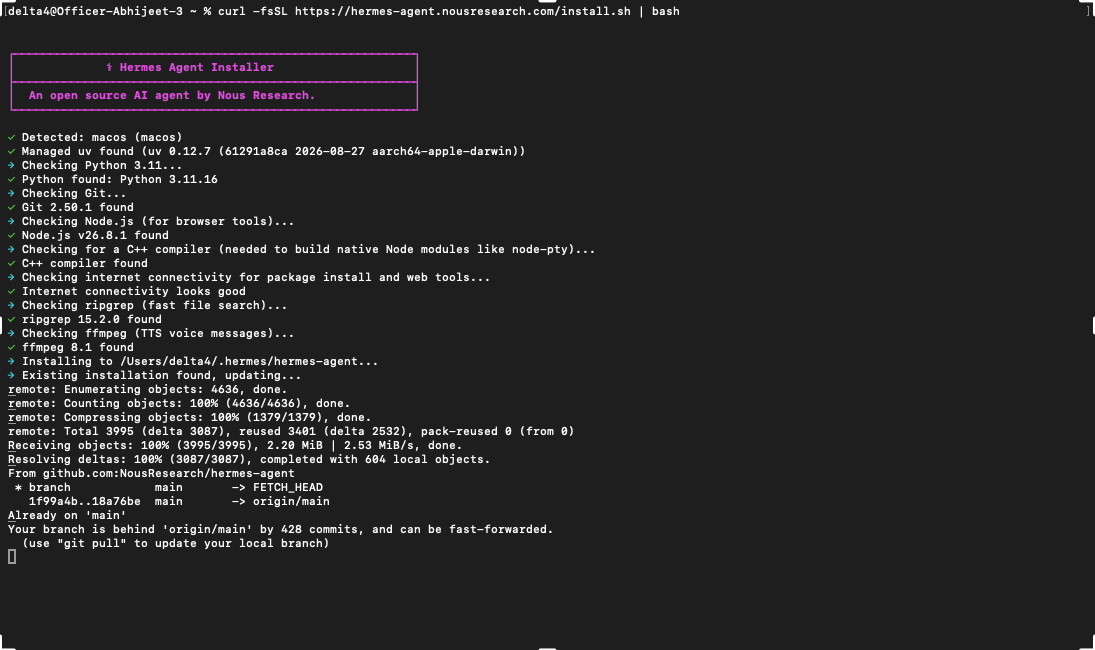
Install Hermes and set the model
curl -fsSL https://hermes-agent.nousresearch.com/install.sh | bash
echo 'ANTHROPIC_API_KEY=sk-ant-YOUR-KEY' >> ~/.hermes/.env
hermes config set provider anthropic
hermes config set model claude-sonnet-5
Use an Anthropic API key for this API-based recipe. API usage is billed separately from a Claude subscription.
Connect a channel
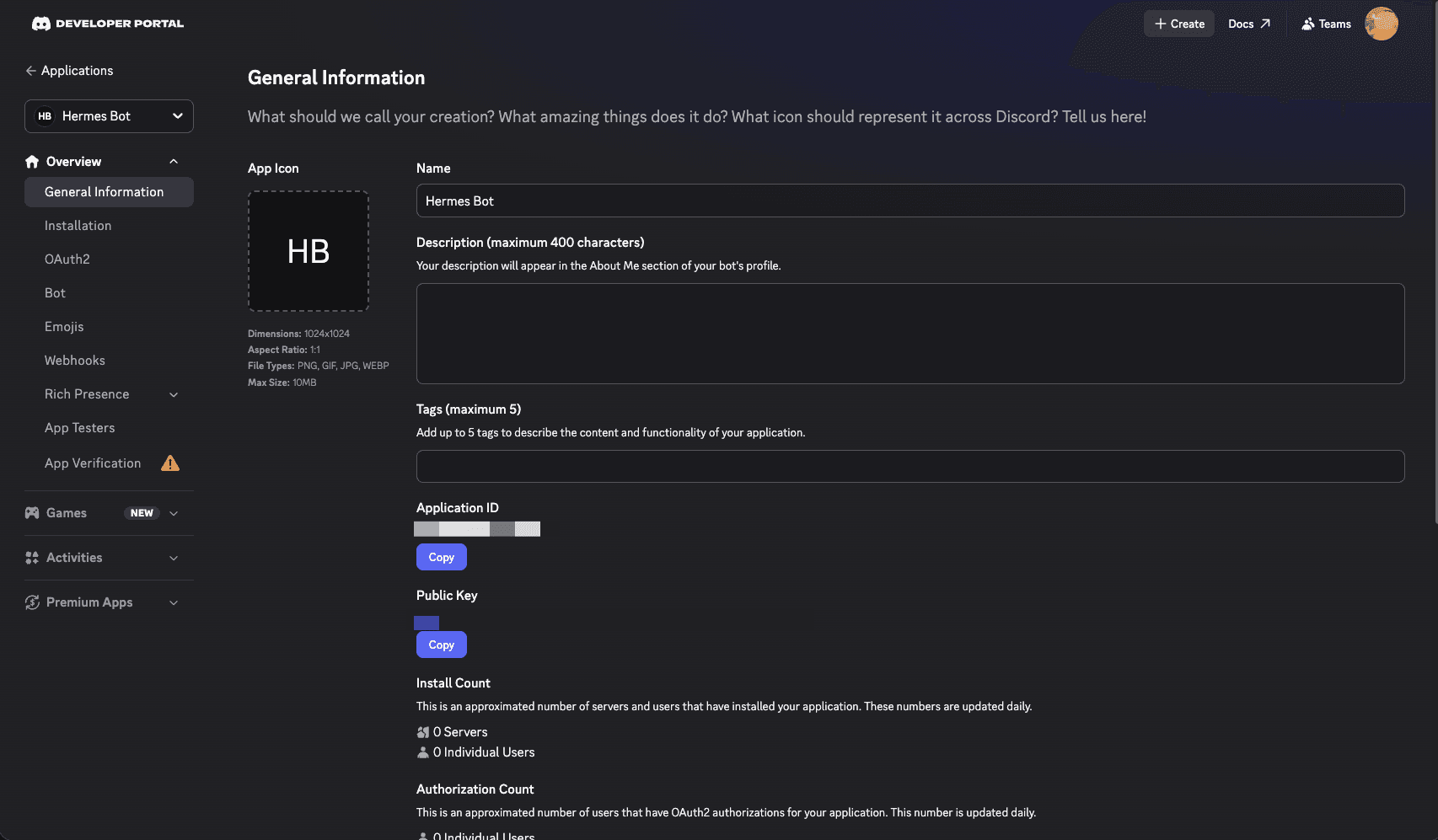
Create a Discord bot
In the Discord Developer Portal, create an application, open the Bot tab, enable Message Content Intent, and copy the bot token.
Invite it with the right permissions
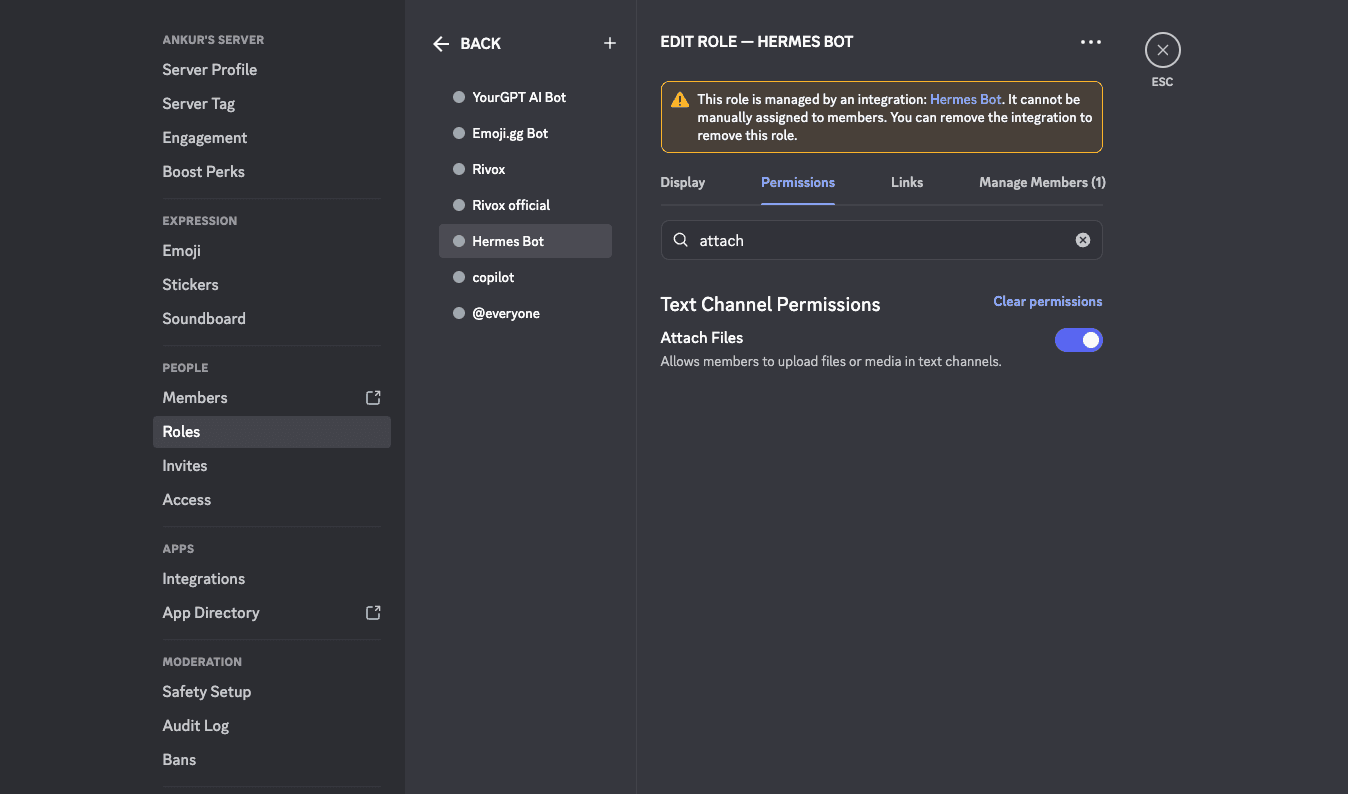
In OAuth2 → URL Generator, pick the bot scope with View Channels, Send
Messages, Read Message History, Attach Files, and Embed Links, then open
the generated URL to add the bot to your server.
Attach Files is what lets the bot deliver the rendered video. Without it,
sends fail with 403 Missing Permissions after the render succeeds.
Configure the channel
Add to ~/.hermes/.env:
DISCORD_BOT_TOKEN=<YOUR_BOT_TOKEN>
DISCORD_ALLOWED_USERS=<your numeric Discord user ID>
DISCORD_AUTO_THREAD=false
Messages from senders not on the allowlist are silently denied. To get your ID,
enable Developer Mode (Settings → Advanced), then right-click your name and
Copy User ID. Auto-threaded replies additionally need the Create Public Threads
and Send Messages in Threads permissions; leave DISCORD_AUTO_THREAD=false if
you have not granted them.
Install the gateway and the skill
hermes gateway install
mkdir -p ~/.hermes/skills/video-editing/coa-cli
curl -fsSL https://coanimator.com/docs-static/coa-cli/SKILL.md \
  -o ~/.hermes/skills/video-editing/coa-cli/SKILL.md
hermes gateway restart
gateway install sets it up as a background service that starts at login, and
the SKILL.md is the same
coa skill the desktop app installs
for Claude Code. After the restart, the skill appears in Discord's /skill
autocomplete.
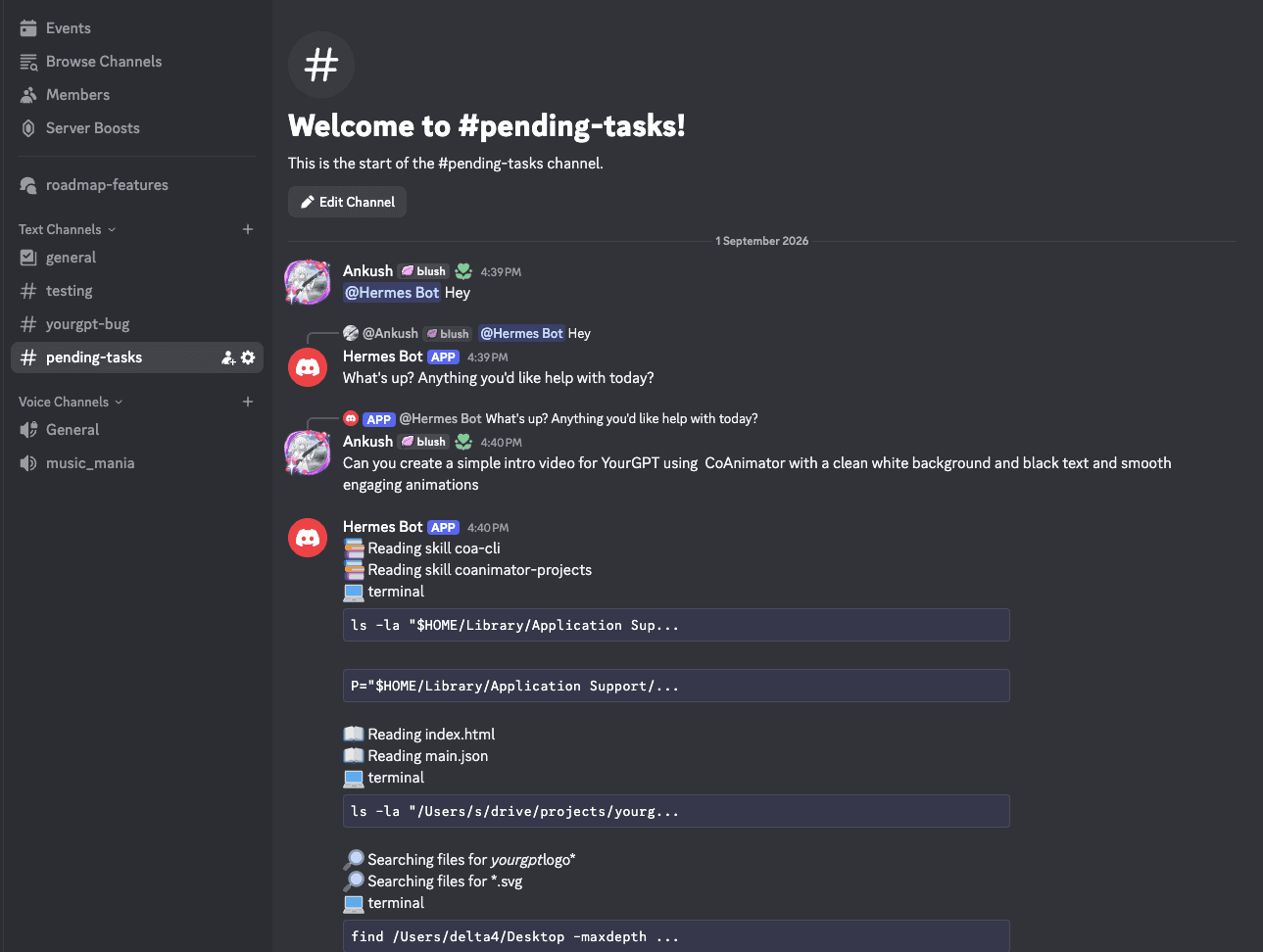
Ask for a video
Mention the bot in a channel or DM it. It works the project the same way any skilled agent does and posts the MP4 back to the conversation.
Host requirements
This is an external gateway recipe, not a built-in CoAnimator channel. Install
CoAnimator, FFmpeg/FFprobe and the coa command on the machine running the agent,
and give it access to the project and the coa skill. Headless Linux hosts also
need a display server as described in CLI.
Provider commands, supported models and chat attachment limits follow the gateway's
own version and configuration.