OpenClaw
Run a CoAnimator agent from Telegram through the self-hosted OpenClaw gateway.
OpenClaw is a self-hosted gateway that connects one agent to many chat channels.
Set the platform up once, then plug in each channel. Telegram is below, and
other channels follow the same shape. It assumes the coa CLI is on
your PATH and ffmpeg is installed.
Set up the platform
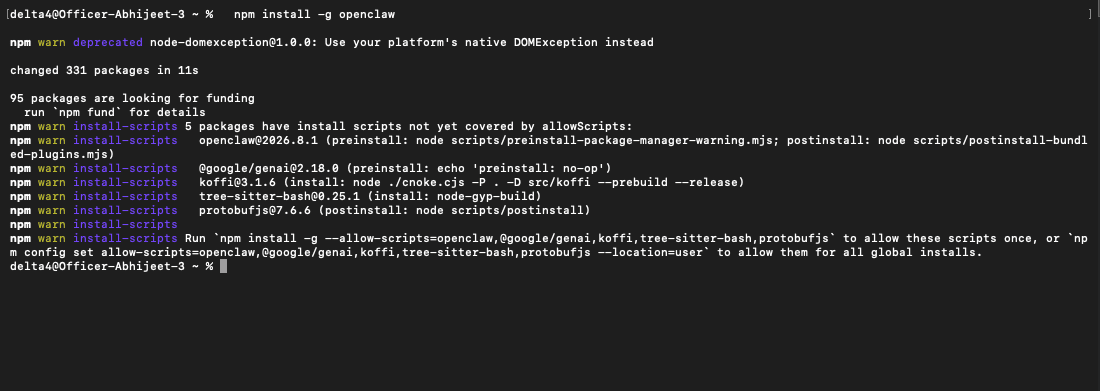
Install OpenClaw and its gateway
npm install -g openclaw
openclaw onboard          # first-time setup: credentials, model, channels
openclaw gateway install
The gateway is the always-on background service every channel connects to.
Pick a model
For an OpenAI account, install the Codex harness plugin:
openclaw plugins install clawhub:@openclaw/codex --accept-capabilitiesFor Claude:
openclaw models set anthropic/claude-sonnet-5
openclaw models auth login --provider anthropic
Connect a channel
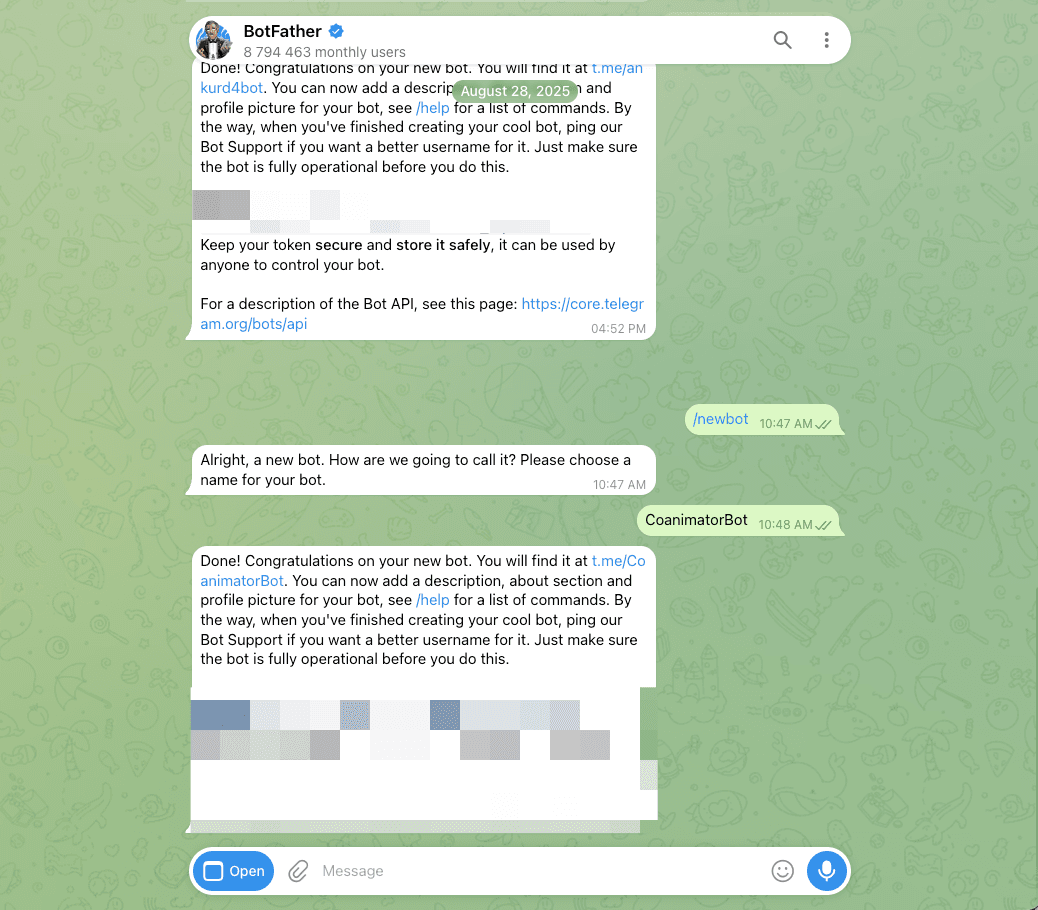
Create a Telegram bot
Message BotFather in Telegram, send /newbot, and copy the token it hands
back. Then add it to ~/.openclaw/openclaw.json:
"channels": {
  "telegram": { "enabled": true, "botToken": "<YOUR_BOT_TOKEN>" }
}
Restart the gateway
openclaw gateway restart
openclaw channels status
The channel does not initialize until the gateway restarts, and skipping this is
the most common reason "it isn't working". channels status should report
Telegram as enabled and running.
Pair yourself
Open your bot in Telegram, press Start, and send any message. The reply is a pairing code rather than an answer. Approve it:
openclaw pairing list telegram
openclaw pairing approve telegram <CODE>
Codes expire after an hour, and the first approved sender becomes the command owner. Every later sender goes through the same approval, so the bot stays yours.
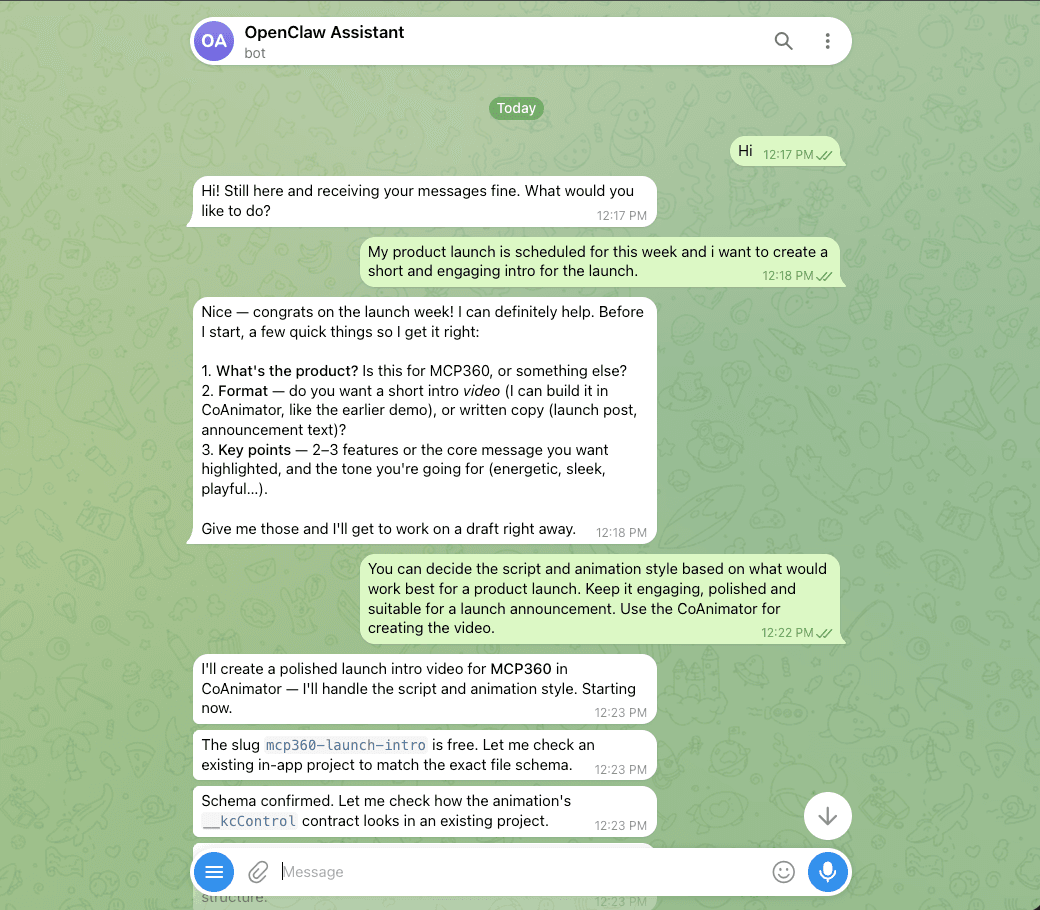
Ask for a video
Message the bot like you would any chat: point it at a project, or ask it to
create one. It plans, edits, and renders through the same
coa CLI loop as a terminal agent, and sends the finished MP4 back
in the chat.
Host requirements
This is an external gateway recipe, not a built-in CoAnimator channel. Install
CoAnimator, FFmpeg/FFprobe and the coa command on the machine running the agent,
and give it access to the project and the coa skill. Headless Linux hosts also
need a display server as described in CLI.
Provider commands, supported models and chat attachment limits follow the gateway's
own version and configuration.