Grok CLI
Drive CoAnimator with xAI's Grok agent, signed in with your Grok account.
Grok CLI is xAI's coding agent. It signs in with your Grok account and brings its own skills and MCP servers into the session.
Set it up
Install the CLI and sign in
Install the grok CLI, then:
grok loginCoAnimator looks for the binary on your PATH and in ~/.grok/bin/grok.
Pick it in the agent picker
Choose Grok Build CLI in the agent chooser and open a chat.
CoAnimator runs it as an ACP agent (grok agent stdio) and renders the
conversation as a chat tab. Approvals follow the session's permission settings.
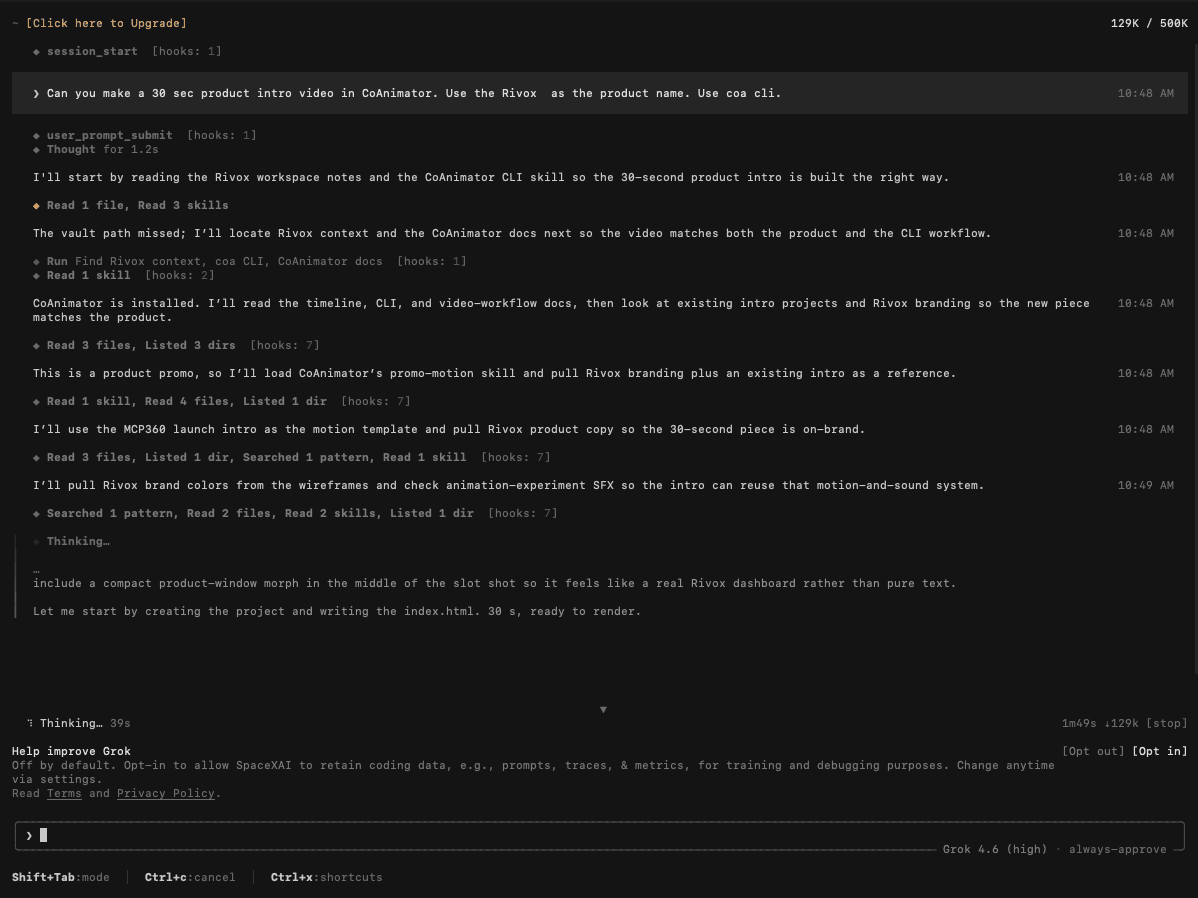
Ask for a video
Point it at a project or ask it to create one. It reads the coa skill and the
app's timeline and video-workflow docs, checks existing projects for branding to
match, then builds the piece and renders it through the
coa CLI.
To teach it the CLI up front, give it the coa skill: put
SKILL.md in a coa-cli/ folder inside that
agent's own skills directory.