Creating videos
Describe the video you want. The agent researches your product, drafts the script, and builds it scene by scene while you watch.
Describe the video you want, and the agent builds it scene by scene while you watch. You do not need to storyboard it first, and you do not need to know what any of the controls do.
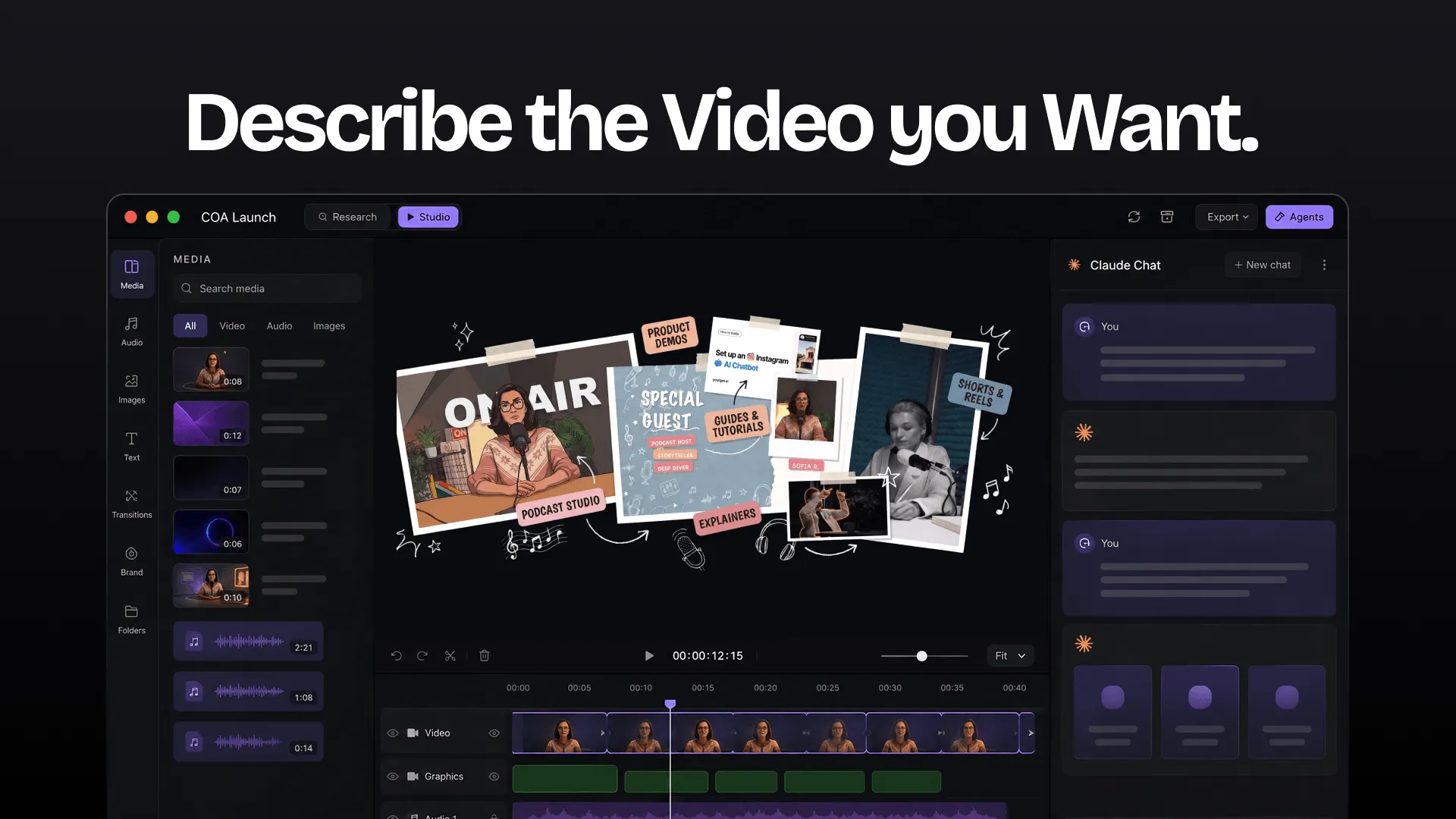
What the agent does
Researches your product
It reads what your product actually does, so the video is grounded in the real thing instead of whatever you managed to fit into one prompt.
Drafts the script
You get a script to react to. Change the wording, cut a section, or say the emphasis is wrong, and it rewrites.
Builds the scenes
Each scene appears on the stage as it is made, so you watch the video assemble instead of waiting for a finished cut to react to.
Explains as it goes
It talks through the technical parts while it works, so you can follow what it decided without knowing the tooling.
You can redirect it at any point. Because each change lands on the stage before the agent's next turn, correcting a scene costs a sentence.
What you can make
- Product demo videos
- Product launch videos
- Tutorial and how-to videos
- Changelog and release-note videos
- Drawn and whiteboard explainer videos
- Scene explainers and motion graphics
- 3D product videos, rendered via WebGL
- Slide decks turned into video
- Podcast and screen-recording edits, covered in Editing real footage
Project exports produce MP4. Standalone tools also produce animated images, audio and caption files. Lottie export is unavailable in 0.7.2.
Start from a template
Templates can carry skills for their format. They are optional: Start blank in the welcome flow creates an empty project, and bundled guidance teaches the agent the project and timeline conventions.
Getting started walks through installing a template and getting the first render out.
Changing it later
Nothing is baked. Come back in a month, change one scene, and re-render without redoing the rest.
If you want to work with the video as files, the animation, timeline, and narration are all plain and editable. See Projects.
Research and Studio
Use Research for Brief, Research, Hooks & Scripts, Thumbnails and Keywords. These panels keep planning files with the project. Research pipeline steps need the YouTube Research plugin configured. Switch to Studio for the stage, media and timeline. Review scripts and generated assets before editing.
The agent's capabilities depend on its tools, permissions and configured plugins. Voiceover, image generation or research may need provider setup first.